Reading a password aloud, letter by letter
A good Wi-Fi password is long, mixed case and full of symbols, which makes it excellent security and miserable to communicate. Everyone has stood in a kitchen spelling one out while a guest types it wrong three times, and everyone has watched somebody give up and lower the password to something guessable so it can be shared.
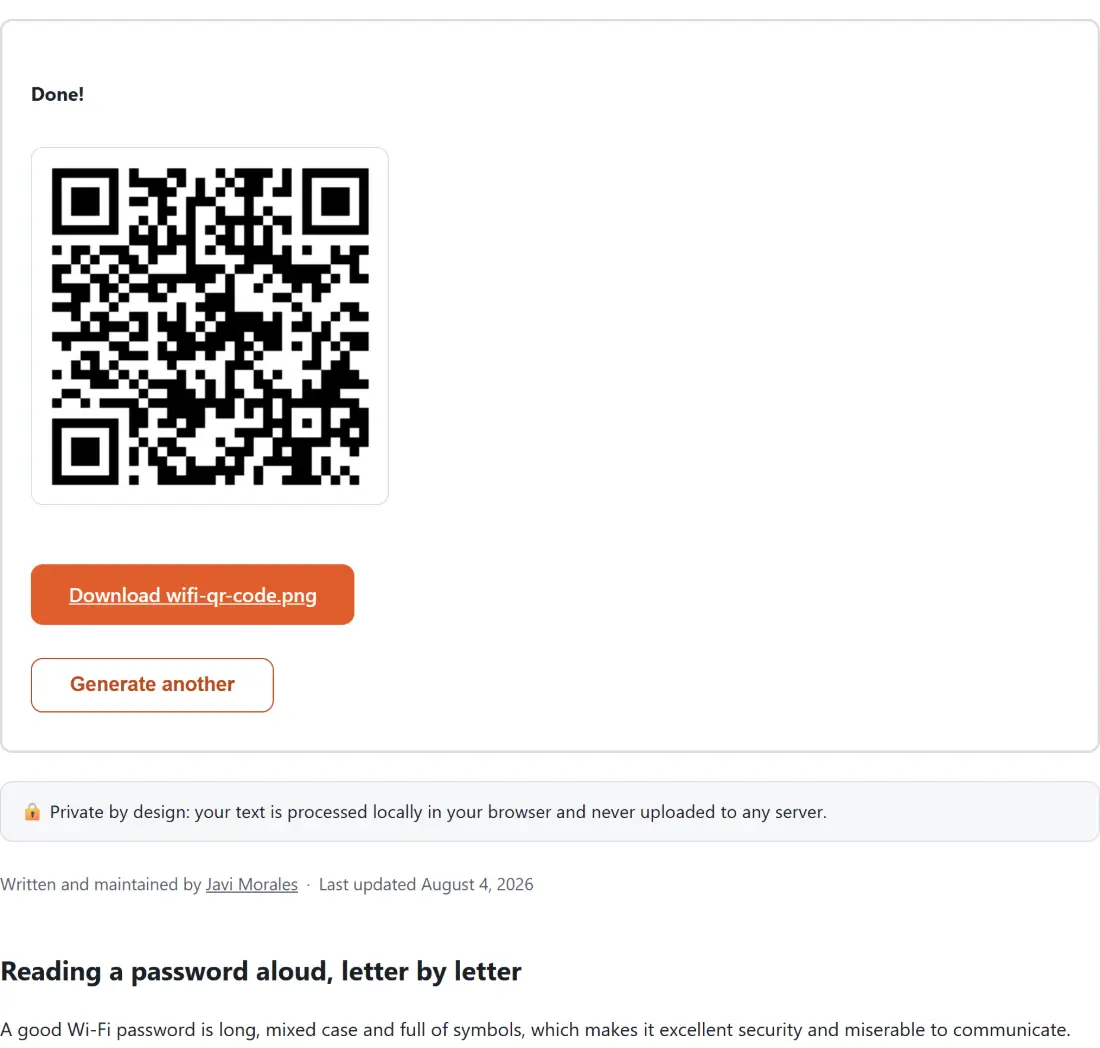
A scan to connect code removes the whole exchange. The guest points a camera at it and their phone offers to join. There is no typing, no dictating, and no reason to compromise the password to make it shareable.
The code is a credential rather than a link. It contains the network details themselves, so nothing is fetched, no internet connection is needed on either device, and there is no service that has to stay online for it to keep working.
Making a code
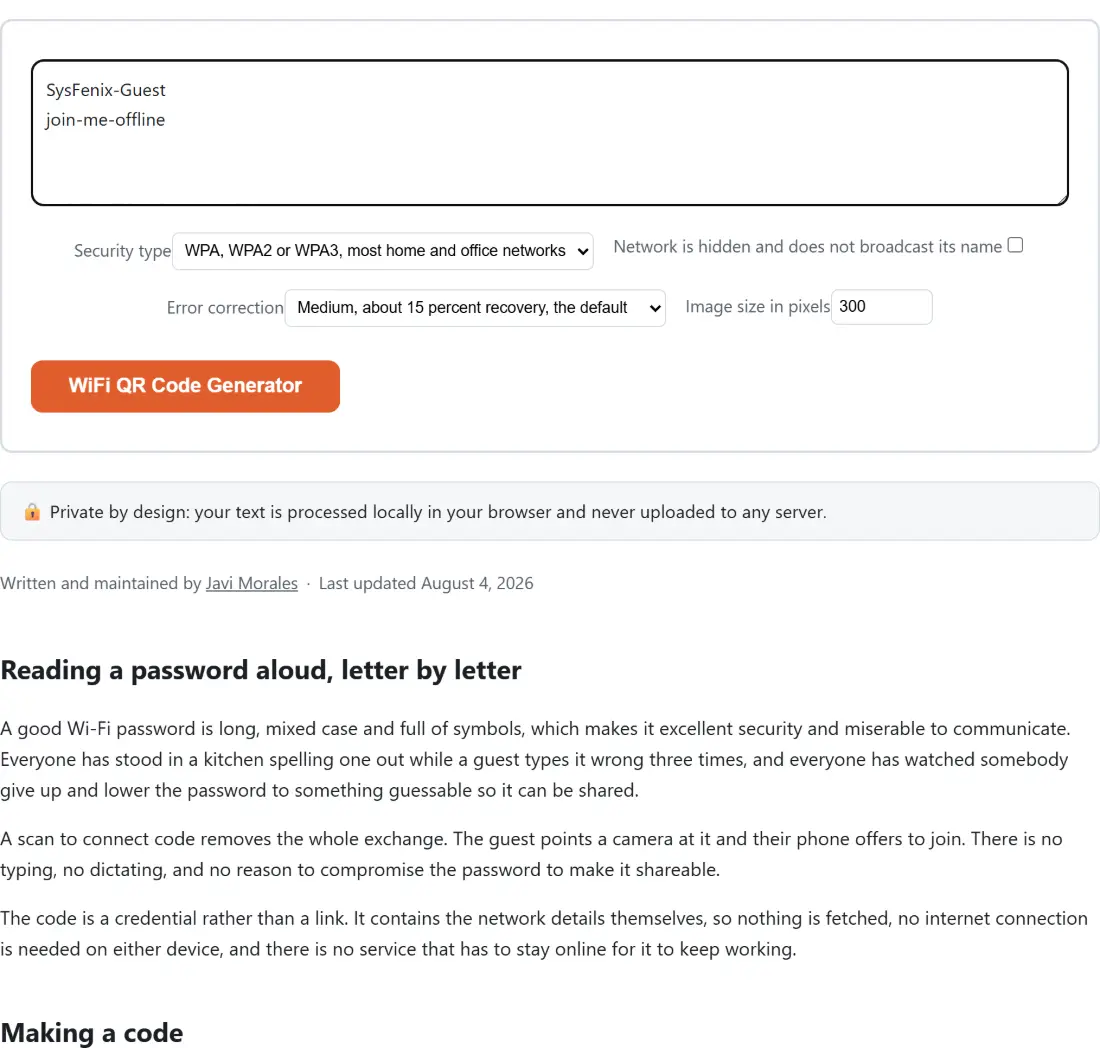
- Type your network name on the first line of the box.
- Type the password on the second line.
- Choose the Security type. WPA covers almost everything.
- Tick the hidden network box only if your network does not broadcast its name.
- Set an Error correction level and an Image size in pixels.
- Generate and download the PNG.
Why the name and password go on separate lines
This looks like an odd interface until you consider the alternative.
The input here is one free text area. Putting both values into it requires a separator, and the obvious candidates all fail. A comma is reserved as a field delimiter in the underlying credential format, so a password containing one would make the split ambiguous. A colon and a semicolon are reserved for the same reason. A space is legal in both a network name and a password.
A newline is the one character that cannot appear in either field, which makes splitting on lines unambiguous by construction. Hence the first line and second line arrangement.
Escaping is where hand made codes fail
The credential format uses four characters as structural separators: the backslash, the semicolon, the comma and the colon. If any of them appears in your network name or password, it has to be escaped with a backslash, otherwise the scanner reads it as the end of a field and gets a truncated password.
This is the single most common reason a Wi-Fi code generated by hand, or by a careless tool, produces a code that scans and then fails to connect. The symptom is confusing, because the scan clearly worked.
Every one of the four is escaped here before the string is assembled, which means a password full of punctuation works exactly as well as a simple one. That is important, since a strong password is precisely the case where this tool is most useful.
Two things the code deliberately leaves out
An open network gets no password field at all rather than an empty one. A network that is not hidden gets no hidden flag rather than one saying false.
Both are deliberate, and both match what real generators produce and what real scanners expect. An empty password field on an open network is at best redundant and at worst confusing to a scanner, and stating that a network is not hidden is information nobody needs, since not hidden is the default assumption.
Where to put the code
Printed, in the place people ask from. A card by the door in a holiday rental, a sign at a cafe counter, a laminated card in a meeting room, a sticker on the underside of the router itself.
For anything printed, raise the error correction level. A code on a wall picks up damage and dirt over months, and the higher levels tolerate a substantially larger proportion of the code being unreadable before the whole thing fails.
Related code tools
For a code around arbitrary text or a link instead of a network, QR Code Generator covers that, and QR Code Reader decodes a code you have been given, which is also how you verify one of these before printing it. For a linear code rather than a square one, Barcode Generator handles the retail formats.
If you are setting up the network as well as sharing it, Password Generator produces a strong passphrase, and this tool makes it painless to give out afterwards. The rest are on the generators hub.