An identifier nobody has to hand out
The problem a UUID solves is coordination. If two systems both need to create records and both need unique identifiers, the obvious answer is a counter, and a counter needs a single authority to hand out the next number. That authority becomes a bottleneck, a single point of failure, and an obstacle to anything working offline.
A version 4 UUID sidesteps the whole arrangement by making the identifier so large and so random that two independently generated values colliding is not a realistic concern. There are 122 random bits in one, which is a big enough space that no coordination is needed at all. Any machine can mint one whenever it likes and be confident nobody else will produce the same value.
That is why they show up everywhere, as database primary keys, as request identifiers threaded through logs, as filenames for uploads, and as correlation identifiers between services.
Generating a batch
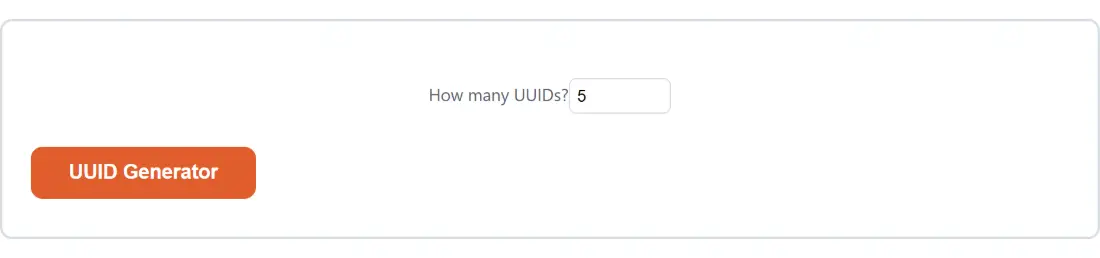
- Set How many UUIDs? anywhere from 1 to 1000.
- Generate.
- Copy the block or download it as a text file.
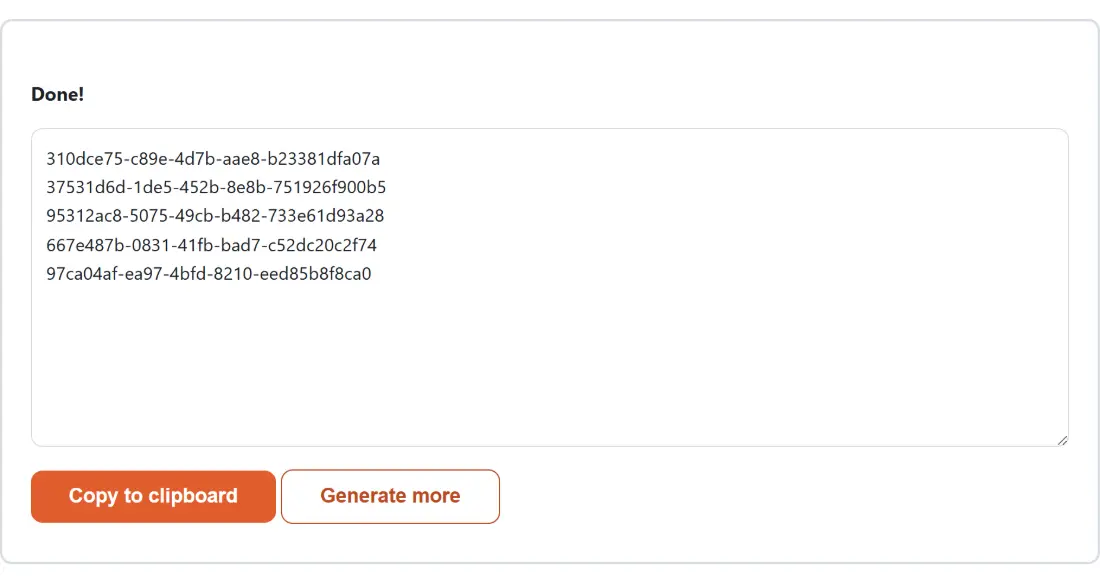
Values come back one per line with nothing around them, which is the form that pastes cleanly into a spreadsheet column, a seed script or a fixture file.
No library between the randomness and the output
There is a real category of bug in home made UUID generators, and it comes from doing arithmetic between the random source and the printed value. A generator that draws random numbers and then formats them by hand can bias a nibble, put the version marker in the wrong place, or accidentally reuse a value.
This page does none of that. It calls the platform’s own identifier function, which is present in modern browsers and backed by the same cryptographic randomness used for security purposes, and prints the string it returns. There is no formatting step of this tool’s own to get wrong.
The count is the one thing that is guarded, and it is clamped at both ends rather than only the top. A count below one becomes one and a count above a thousand becomes a thousand, because a numeric field’s own limits do not stop somebody editing the value, and a runaway count would tie up the tab for no good reason.
Reading the shape
Every version 4 value has the same recognisable form. Eight hexadecimal digits, then three groups of four, then twelve, separated by hyphens.
Two positions are not random. The first digit of the third group is always a four, which is the version marker and is why these are called version 4. The first digit of the fourth group is always eight, nine, a or b, because the top two bits of that digit are fixed as the variant marker.
Knowing those two positions lets you tell at a glance whether a value in a log is a version 4 UUID or something else pretending to be one, which is more often useful than it sounds when you are tracing an identifier through a system that mixes formats.
What a version 4 value cannot do
It does not sort. Because the bits are random, ordering a set of version 4 UUIDs tells you nothing about the order they were created in, and using one as a clustered database key scatters inserts across the index rather than appending to the end of it. If creation order matters, a timestamp column alongside the identifier is the usual answer, and Timestamp Converter helps when you are reading those back.
It also carries no information. That is a feature when you do not want an identifier leaking a record count or a creation time, and a limitation when you wanted it to. For an identifier derived from content rather than randomness, a hash such as SHA-256 Hash or MD5 Hash is the right tool, since identical input always produces the identical value.
Related developer tools
For filling a test database with more than identifiers, Fake Data Generator produces realistic records. For a random value that is not an identifier, Random Number Generator draws from the same kind of source. The rest are on the dev tools hub.