Three patterns the presets cover, and the shape of each
The Pattern dropdown ships three named techniques plus a custom option.
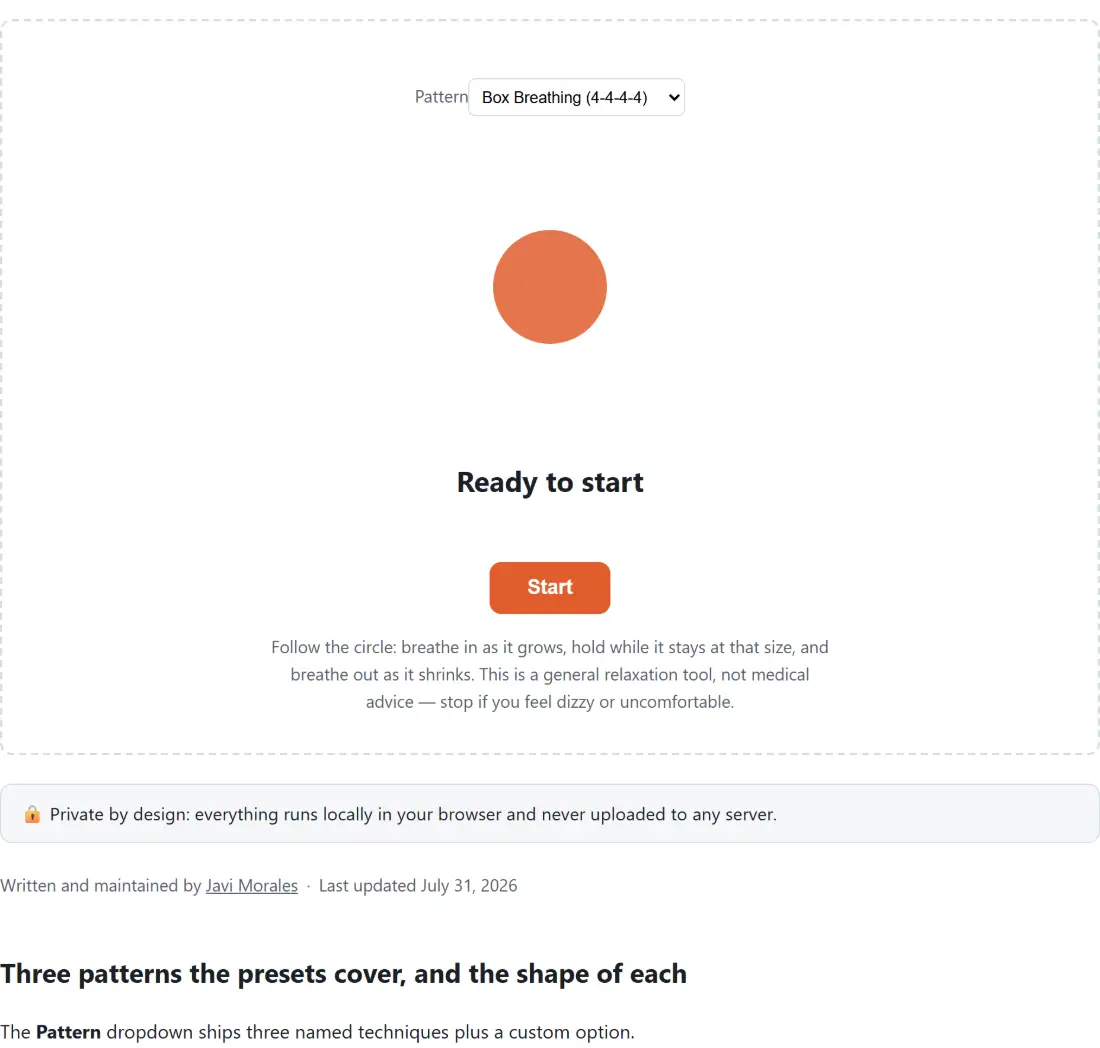
Box Breathing (4-4-4-4) is four equal four second phases: inhale, hold, exhale, hold. It is also called square breathing or Navy SEAL breathing, and it is the default here because equal counts are the easiest thing to follow once you stop watching the screen.
4-7-8 Technique, popularized by Dr. Andrew Weil as a relaxing breath, is inhale for four seconds, hold for seven, exhale for eight, then straight back to the inhale. There is no second hold at all, so it is genuinely a three phase cycle, and the pacer runs it as three phases rather than padding it out to four with a zero length pause.
Coherent Breathing (5-5) drops the holds entirely, five seconds in and five seconds out. Ten seconds per cycle works out at six breaths a minute, the slow steady rate the technique is named for, and it is usually the easiest of the three to sustain over a long sitting.
Following the circle from first breath to reset
- Pick a technique in the Pattern dropdown, or choose Custom to type your own phase lengths.
- Click Start. The circle grows while you breathe in, stays at full size through a hold after the inhale, shrinks while you breathe out, and stays small through a hold after the exhale.
- Read the line under the circle for the current phase name and the whole seconds left in it. Both holds are simply labelled Hold, because the circle already shows which one you are in.
- Use Pause and then Resume to step away without losing your place, or Reset to clear the counter and return to the idle state.
A second line reports how many full cycles you have finished, and it only appears once the pacer has been started.
Four phase lengths, and what a zero does
Choosing Custom reveals four number fields: Inhale (seconds), Hold after inhale (seconds), Exhale (seconds) and Hold after exhale (seconds). Each takes 0 to 20, each starts at 4, and each value is rounded to a whole second and clamped into that range before it is used.
Zero is not a degenerate value here, it is the mechanism. A phase set to 0 is removed from the cycle rather than run as an instant flicker, which is exactly how the two shorter presets are expressed internally: 4-7-8 leaves the second hold at zero, and coherent breathing leaves both holds at zero. So a six in, two hold, six out pattern is entered as 6, 2, 6, 0. Zero out all four fields and there is no cycle left to run at all, in which case the tool falls back to a plain four in, four out rather than dividing by nothing.
The thing that surprises people is that the pattern dropdown and those four fields go grey the instant you press Start, and stay grey while paused. That is on purpose, since changing a phase length mid-cycle would shift the phase boundaries under a run that is already counting. Press Reset first, then change the pattern.
Timing that survives a pause or a backgrounded tab
Every tick recomputes the current phase from scratch out of the total elapsed active time, instead of adding on however long the last frame happened to take. That accounting is shared with this site’s countdown timer and stopwatch, so pausing and resuming cannot accumulate error, and a browser that throttles a hidden tab only makes the display refresh less often, never wrong once it does refresh. The seconds figure rounds up, so a fresh phase shows its full length rather than appearing to start a second in.
There is no chime or bell at a phase change, by design. The circle plus the phase name is the entire guidance loop, which also means the tool is usable with the sound off next to a colleague or someone asleep. If you want a background sound anyway, the white noise generator has rain and ocean options alongside the noise colours, and for interval work of a different shape the Pomodoro timer handles the longer focus and break blocks with its own chime.
The honest limits of a browser breathing pacer
This is a relaxation and focus aid. It is not medical advice, not a medical device, and not a treatment for anxiety, insomnia or any diagnosed condition. Paced breathing is widely taught and widely reported to help people feel calmer, and that is as far as this page will go. If you have a respiratory or cardiovascular condition, if you are pregnant, or if you feel dizzy or lightheaded at any point, stop and breathe normally, and talk to a doctor before making breathing exercises a routine.
Nothing about a session is kept. There is no account, no history, no streak and no saved preference, so reloading the page puts you back on box breathing with the counter at zero. That is a fair trade for a tool with no sign-up, but it does mean a custom pattern has to be typed again next time you visit.