Four test lengths, and what each one is really measuring
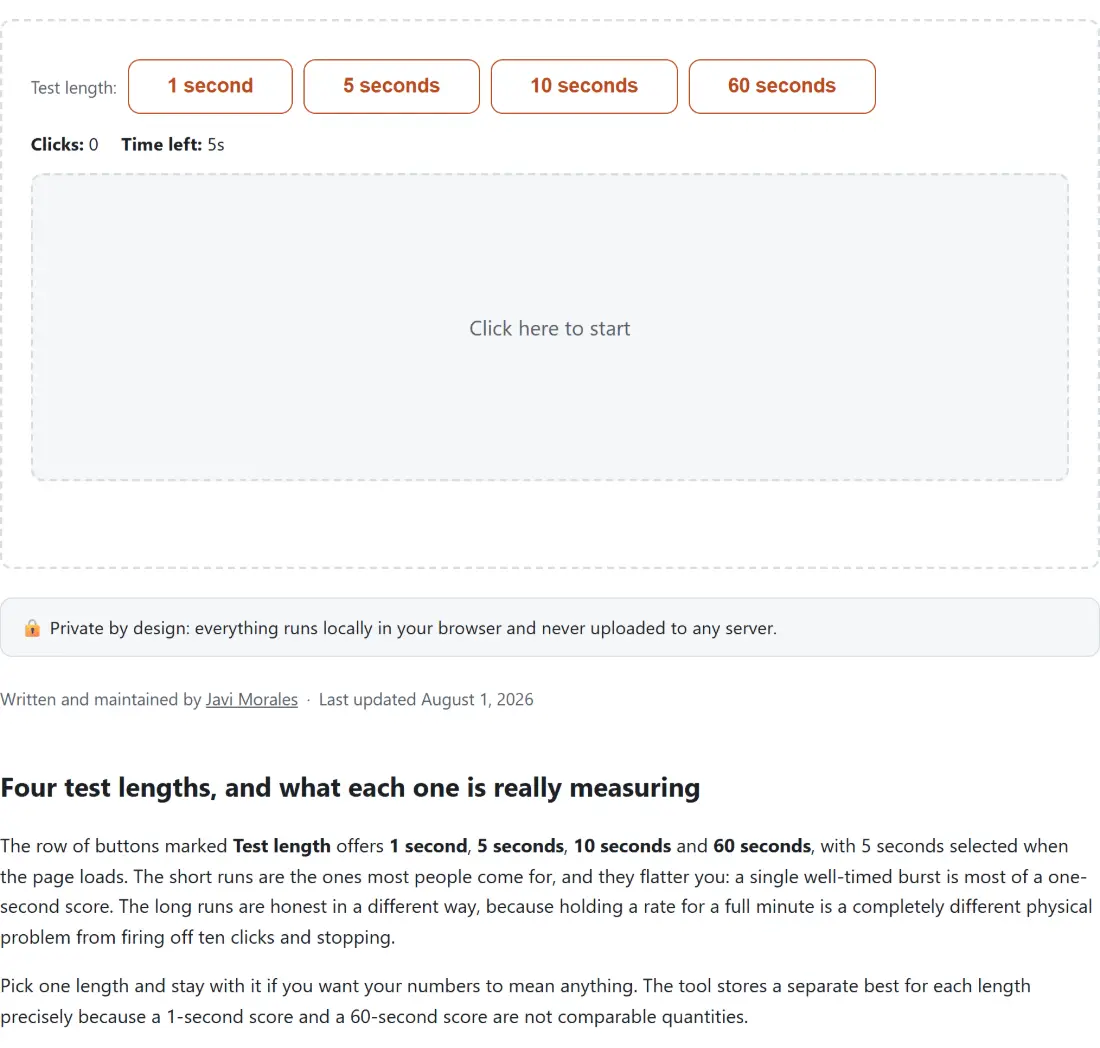
The row of buttons marked Test length offers 1 second, 5 seconds, 10 seconds and 60 seconds, with 5 seconds selected when the page loads. The short runs are the ones most people come for, and they flatter you: a single well-timed burst is most of a one-second score. The long runs are honest in a different way, because holding a rate for a full minute is a completely different physical problem from firing off ten clicks and stopping.
Pick one length and stay with it if you want your numbers to mean anything. The tool stores a separate best for each length precisely because a 1-second score and a 60-second score are not comparable quantities.
The clock starts on your first click, not on page load
Nothing is running until you hit the pad. That first press starts the timer and counts as click number one, which is the standard convention for this kind of test and also the fair one, since otherwise your reaction time to a starting signal would eat into a window you are being scored on.
From then on the pad counts every pointer that goes down on it. A live count sits in the middle of the pad while the run is going, and the seconds remaining tick down in the stats row above it. When the window elapses the run scores itself; you do not stop it.
Running a test and reading what comes back
- Choose a length from Test length. Leave it on 5 seconds for a first go, since it is long enough to settle into a rhythm and short enough to repeat.
- Click the pad once. The label reads Click here to start until you do, then switches to Keep clicking! for the rest of the run.
- Keep clicking until the clock reaches zero. Do not wait for a stop button, because there is not one.
- Read the result panel. It gives your clicks per second rounded to two decimals with a short rating beside it, so a clean 40 clicks in five seconds reads simply 8 rather than 8.00. Then come the raw click count, the length you ran, and your fastest one-second burst.
- Press Try again to run the same length again, or pick a different length first.
Average against peak, with the arithmetic in the open
Your main score is simply clicks divided by seconds, rounded to two places. Forty clicks in a five-second run is 8 CPS. There is no weighting, no curve and no adjustment.
The peak figure is a different measurement. It is the largest number of clicks that fall inside any one-second window, counted from a click to just under a second later, so it captures your best moment rather than your overall pace. In that same steady 8-per-second run, the peak also reads 8. Now take somebody who fires ten clicks in the first second and then manages five more over the remaining four seconds: fifteen clicks in five seconds is 3 CPS, while the peak proudly reports 10. Both numbers are true, and the gap between them is the interesting part.
The rating attached to your average is a casual scale, not a standard. Below 4 is Slow, 4 to just under 6 is Below average, 6 to just under 8 is Average, 8 to just under 10 is Fast, 10 to just under 14 is Very fast, and 14 or more is Insane. Those bands are built around the widely cited figure that a casual clicker sits somewhere around 6 to 7 CPS, which is why that is where Average starts.
What the pad counts, and what it cannot tell apart
The pad reacts to a pointer going down, which is deliberately broad: a mouse, a trackpad, a touchscreen and a stylus all register. It has no idea which of them you are using, and no idea how you are producing the clicks either.
That matters because the two techniques people chase for higher scores are invisible to it. Jitter clicking tenses the forearm so the hand vibrates and one finger fires very quickly; butterfly clicking alternates two fingers on the same button and can roughly double the rate. Both genuinely work, both are hard on tendons that were not designed for it, and neither is detected or penalized here. If you try them, keep the sessions short and stop the moment anything twinges. A tired hand also scores worse, so there is no conflict between looking after yourself and chasing the number.
Twenty scores in storage, ten of them on screen
Every finished run is written to your browser’s local storage, newest first, and the list is capped at twenty entries so it never grows without limit. The Recent scores panel shows the ten most recent of those, each with its average, its length, the raw click count and its peak. Clear history wipes the lot immediately, and so does clearing your browser’s site data. It is per browser and per device, so your desktop scores will not follow you to a laptop.
If the mouse itself feels like the limiting factor, Mouse Tester checks the buttons, the scroll wheel, double-click speed and polling rate, which is the honest place to look before blaming your hand. For aim rather than raw speed, Aim Trainer runs precision, speed and tracking drills with hit accuracy, and Reaction Time Test measures pure reflex over five rounds with a best, worst and average. Keyboard mashers are better served by Spacebar Counter, which offers an untimed mode alongside 5, 10, 30 and 60-second challenges. The whole set sits under testers.