Thirty seconds on a canvas that never changes size
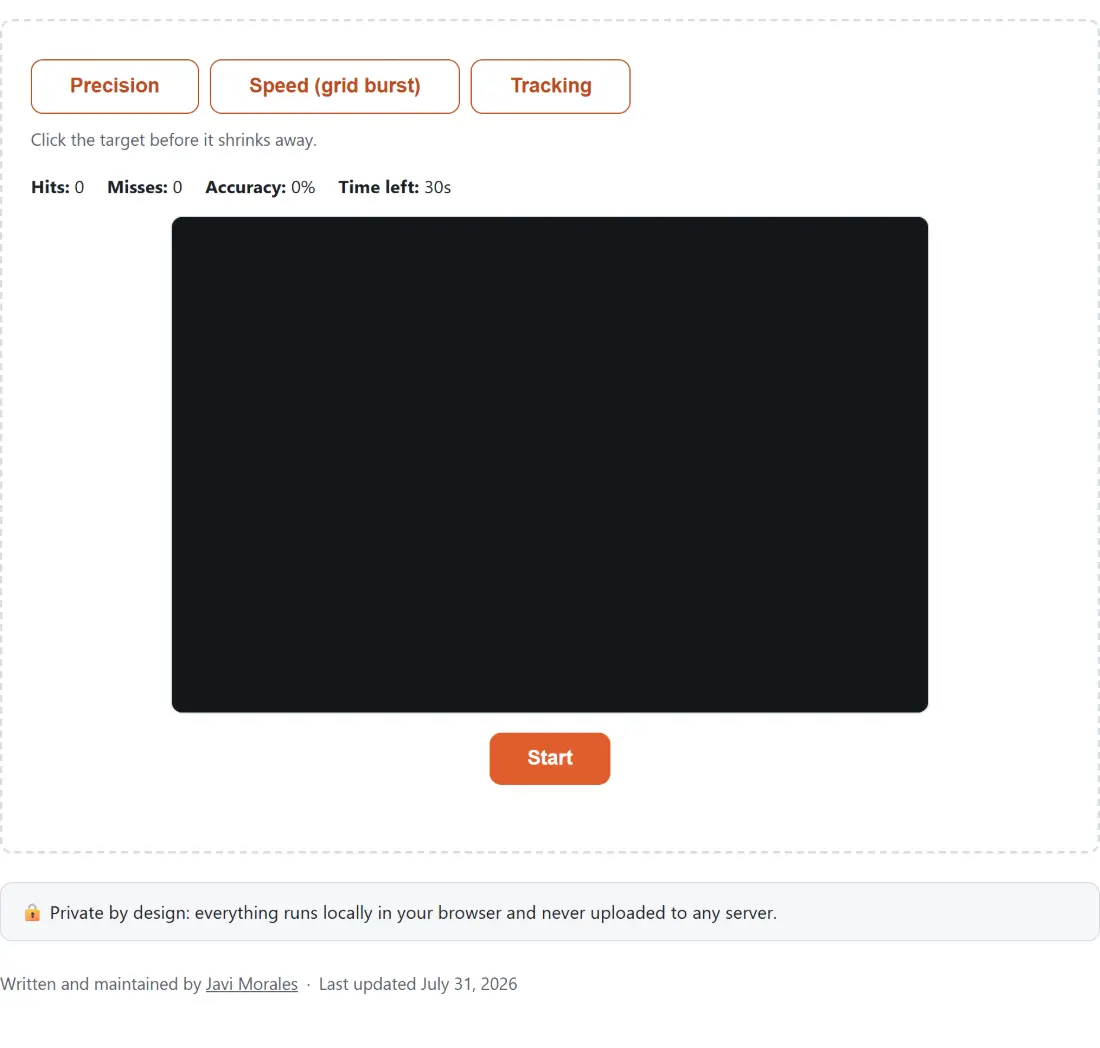
Every run here has the same shape: one mode, one thirty second session, one 640 by 420 pixel play area. The fixed canvas is deliberate. Aim numbers are only worth writing down if the runs are comparable, and a play area that grew with the browser window would quietly change the difficulty every time you resized something. CSS scales how large that buffer is drawn, but pointer coordinates are mapped back into the same 640 by 420 space before any hit test runs, so a laptop and a large monitor produce the same scores.
- Choose a mode with the Precision, Speed (grid burst) or Tracking button above the canvas.
- Click Start. The Time left: counter begins immediately.
- Play the session out, watching the running Hits:, Misses: and Accuracy: figures.
- Read the summary that appears below the canvas, then click Play again for another run in the same mode.
The mode buttons are disabled while a session is running, so a run can never end up half precision and half tracking. Stop abandons the run instead of finishing it, and abandoned runs are not saved.
Precision punishes the pause before you commit
The precision target is a single circle that starts at a forty pixel radius and shrinks linearly to eight pixels over two seconds. Click it and a fresh full-size one spawns somewhere else. Leave it alone and it expires at the two second mark, counts as a miss, and is replaced at full size.
That one rule is what makes the mode about precision rather than raw reflex. There is no penalty for a fast shot, because a target clicked in the first few hundred milliseconds is still enormous. The whole cost lands on hesitation: the longer you spend lining a shot up, the smaller the thing you are lining up on. In practice the habit this exposes is the little corrective wobble people add just before clicking, which on a shrinking target turns a comfortable shot into a marginal one.
Grid burst and tracking measure what clicking speed never touches
Speed mode drops a three by three grid of nine targets onto the canvas at once. Each target is jittered inside its own cell, so the layout shifts between bursts, and each radius is capped so no two targets can overlap. Clear all nine and a new grid appears immediately, which means a good session is several complete bursts rather than one. Because the whole grid shares a single spawn instant, the per-target time recorded in this mode is really “time from the burst appearing until this one fell”, so it rewards picking an efficient route between targets rather than reacting to a signal.
Tracking removes clicking altogether. A single green target sweeps a looping Lissajous path around the centre of the canvas on a four second cycle, and your score is the fraction of the session your cursor sat within its radius. If what you actually want is a clicks-per-second figure, that is the job of the click speed test, and a clean single-stimulus reflex measurement over five rounds comes from the reaction time test.
Reading the summary without over-reading it
In the two clicking modes the summary reports accuracy as hits divided by total attempts, plus the average, best and worst reaction time of the run, where best genuinely means the fastest rather than the last. A run that hit nothing at all says so instead of printing times. The history list underneath keeps recent finished sessions so you can see a trend across a week without keeping a spreadsheet.
Treat any single session loosely. Two consecutive runs in the same mode vary enough that only a series says anything useful; what is worth watching is whether your average precision reaction time drifts down over several days, or whether your accuracy survives when you deliberately push the pace. Switching modes mid-week is also worth doing, since a high precision score tells you nothing about how long you can hold a moving target.
Ruling out the hardware before blaming the hand
Before deciding your aim is the problem, check the equipment. A sticky button, an unreliable double click or an erratic polling rate all show up plainly in the mouse tester, and a display running slower than you assume makes a moving target genuinely harder to follow, which the refresh rate test settles in a few seconds.
A trackpad or a touchscreen works, because the canvas listens for ordinary pointer events rather than mouse-only ones, but the results are not comparable with a mouse. Tracking mode in particular only accumulates on-target time while a pointer is over the canvas, which on a touchscreen means only while your finger is down.