One text box, twelve field names, one line each
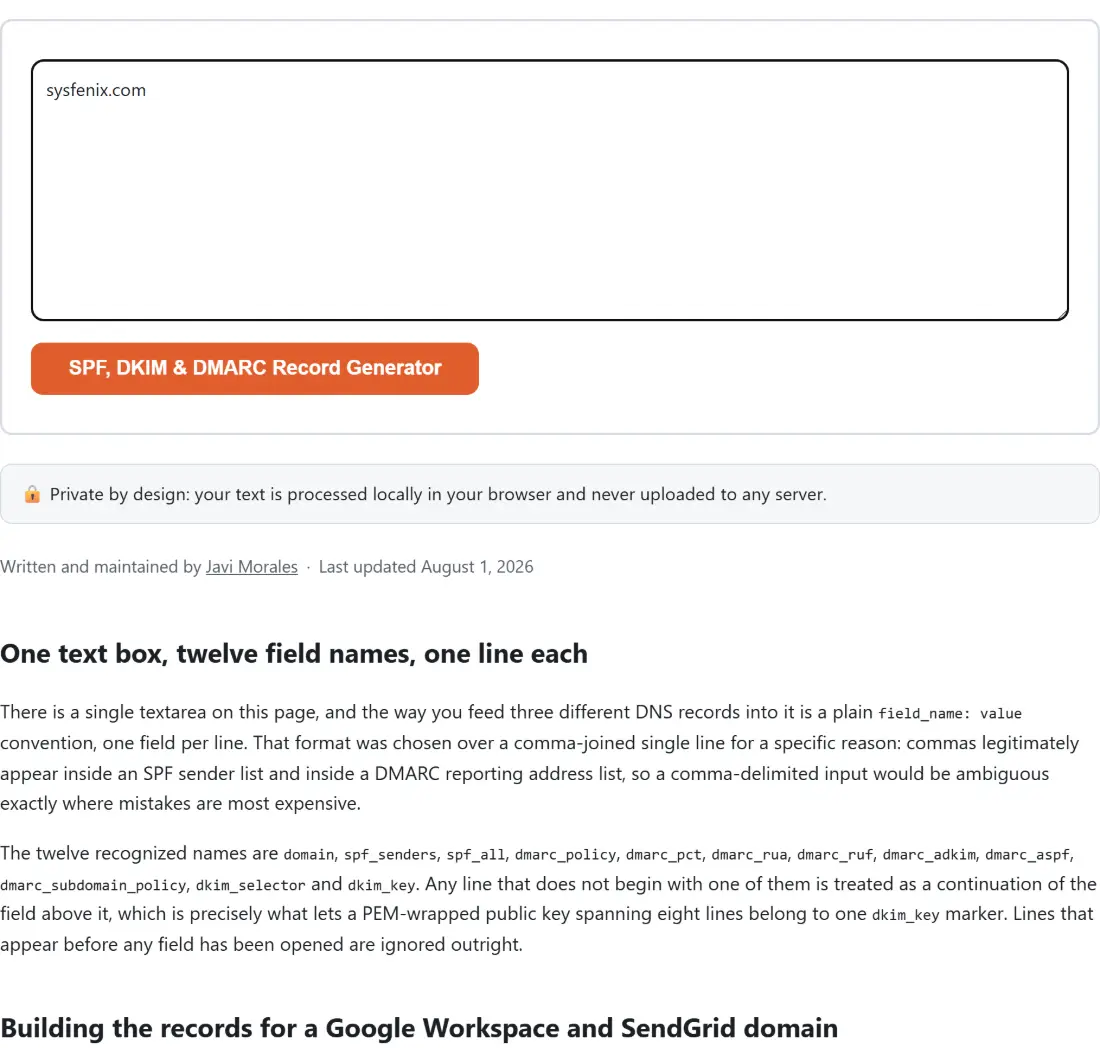
There is a single textarea on this page, and the way you feed three different DNS records into it
is a plain field_name: value convention, one field per line. That format was chosen over a
comma-joined single line for a specific reason: commas legitimately appear inside an SPF sender
list and inside a DMARC reporting address list, so a comma-delimited input would be ambiguous
exactly where mistakes are most expensive.
The twelve recognized names are domain, spf_senders, spf_all, dmarc_policy, dmarc_pct,
dmarc_rua, dmarc_ruf, dmarc_adkim, dmarc_aspf, dmarc_subdomain_policy, dkim_selector
and dkim_key. Any line that does not begin with one of them is treated as a continuation of the
field above it, which is precisely what lets a PEM-wrapped public key spanning eight lines belong
to one dkim_key marker. Lines that appear before any field has been opened are ignored outright.
Building the records for a Google Workspace and SendGrid domain
A worked configuration for a domain that sends through Google Workspace, a transactional provider and one of its own servers:
domain: example.com
spf_senders: _spf.google.com, sendgrid.net, ip4:203.0.113.0/24
spf_all: softfail
dmarc_policy: quarantine
dmarc_rua: dmarc-reports@example.com
dkim_selector: google
dkim_key:
-----BEGIN PUBLIC KEY-----
MIGfMA0GCSqGSIb3DQEBAQUAA4GNADCBiQKBgQC...
-----END PUBLIC KEY------ Paste a block like that into the text box, one field per line, in any order you like.
- Click SPF, DKIM & DMARC Record Generator, which is what the action button on this page is labeled.
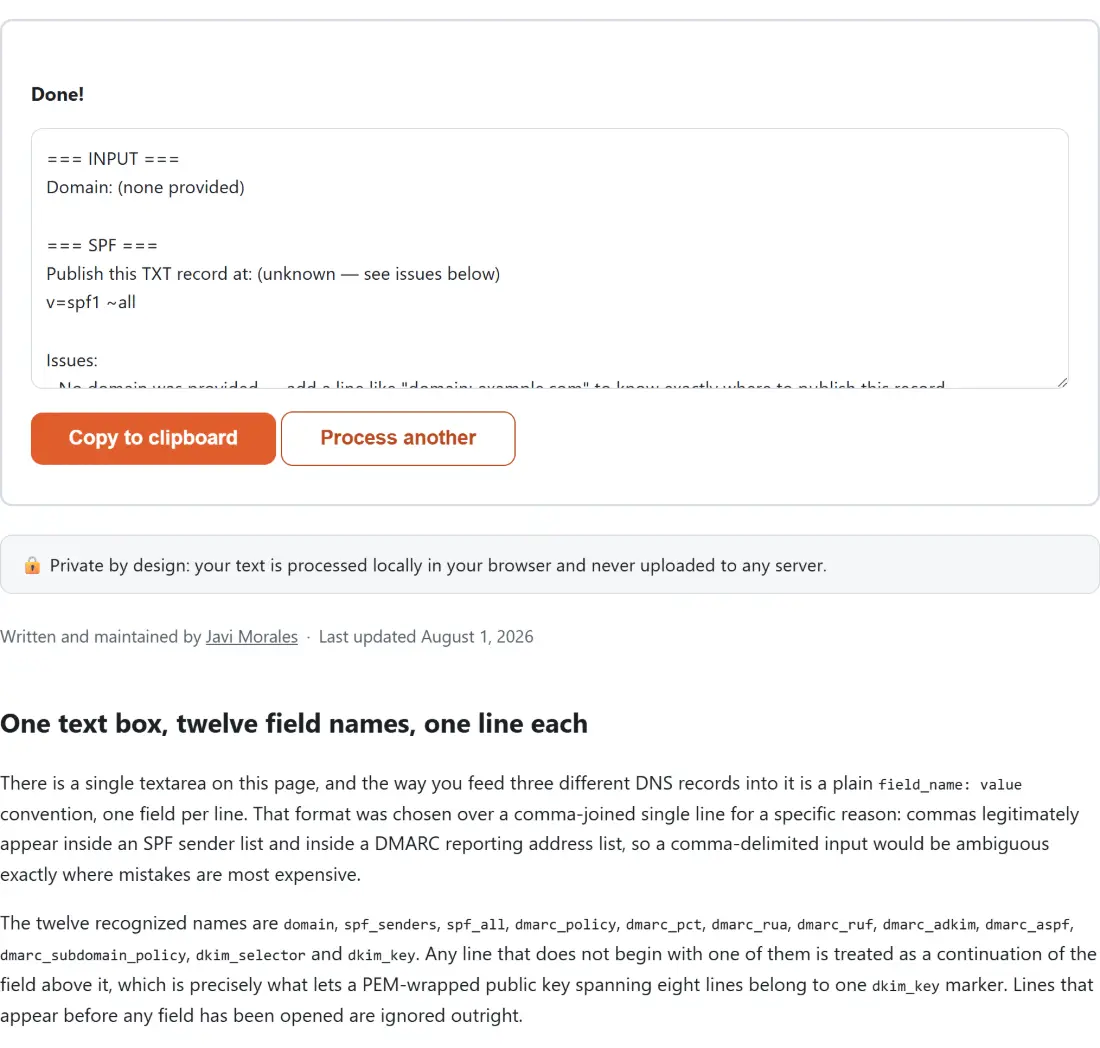
- Read the three sections that come back. Each opens with the exact hostname to publish at, then
the TXT value itself, then an Issues list that reads
No issues found.when the section is clean. - Use Copy to clipboard, then create one TXT record per section at your DNS provider.
Notice what the SPF line does with your senders. A bare domain such as _spf.google.com becomes
include:_spf.google.com automatically, because that is what people mean nine times out of ten,
while a token you wrote as a real mechanism keeps its own value with the keyword lowercased. Bare
a, mx and ptr pass through untouched.
The SPF section, and the three warnings it can raise
SPF’s failure mode is quiet. A record that parses perfectly can still be useless, so the generator raises three named issues rather than handing back something that merely looks correct.
Asking for +all produces a warning, because it instructs every receiver to pass SPF for mail
claiming to be from you regardless of where it came from, which is the exact opposite of what the
record is for. Providing no senders at all produces a warning too, with different wording depending
on the qualifier, since an empty list paired with -all will fail your own mail servers rather
than merely fail to protect you. Third, if the assembled record runs past 255 characters, the issue
line tells you the real length, because a single DNS TXT string cannot exceed that and most
providers make you split the value across several quoted strings.
Every DMARC tag the builder emits, in order
The DMARC value always starts with v=DMARC1 and p=, then adds rua= and ruf= when you gave
addresses, then pct=, adkim= and aspf= unconditionally, and finally sp= only if you asked
for a distinct subdomain policy. Reporting addresses get a mailto: prefix added automatically if
you left it off, and both lists accept commas or newlines as separators.
Two of those fields are validated rather than trusted. A percentage outside 0 to 100 is rounded to a whole number and then clamped, with an issue line naming that rounded value and what it became, and anything that is not a number falls back to 100 the same way. A policy or alignment value the spec does not define is replaced by its default, again with a named issue explaining the substitution. Leaving both reporting addresses empty raises its own issue, since a DMARC deployment with nowhere to send aggregate reports gives you a policy you can never safely tighten.
The DKIM section formats a key you already have
This part is deliberately narrow. It does not generate a DKIM key pair; it takes the public key
your mail provider or your own OpenSSL run produced and formats it into a v=DKIM1; k=rsa; p=...
value, published at <selector>._domainkey.<domain>. The selector defaults to default if you do
not set one.
You can paste the key exactly as you received it. The BEGIN and END armor lines are stripped, all internal whitespace is removed, and the remaining payload is shape-checked as base64, with an issue raised if what survives could not be a valid key. If you want an actual key pair generated in the browser for the server-access side of the same project, the SSH Key Generator does real Ed25519 and RSA generation locally, defaulting to Ed25519.
Limits worth knowing before you paste anything into DNS
The domain check is a shape test, not a resolution: it wants at least one dot and rejects underscores, and if it fails, the records are still generated but every “publish at” line says the hostname is unknown. The generator never throws, so validation problems come back as text inside the report instead of as an error banner, which is deliberate for a tool whose entire value is the warnings.
Everything you paste, including a DKIM public key and the internal reporting addresses that reveal how a company’s mail is wired, stays inside the tab. If you are documenting the rest of that infrastructure at the same time, the Nginx & .htaccess Config Generator and the Crontab Expression Generator cover the web and scheduling side, and the dev-tools hub lists the rest of the sysadmin set.