SSH Key Generator

Generate an Ed25519 or RSA 2048/4096 SSH key pair in your browser. OpenSSH public key line plus a PKCS#8 PEM private key. The key never leaves the tab.

🌐 Español

πŸ”’ Private by design: everything is generated locally in your browser and never uploaded to any server.

The one place a key generator can quietly fail

Generating an SSH key pair is two separate jobs, and only the first one is the famous one. The cryptography, producing a private scalar and deriving its public counterpart, is handled by libraries that are heavily reviewed. The second job is turning those bytes into the exact wire formats OpenSSH expects, and that is where a home made generator goes wrong.

The failure is nasty because it is silent. A key with a slightly wrong length prefix or a missing padding byte still looks like a key. It base64 decodes, it has the right prefix, it copies and pastes normally. It simply does not authenticate, and you find out while locked out of a server.

So both formats here were verified against the tools that will actually consume them. The Ed25519 private key was parsed by openssl, which printed back the same key material, and the public key line that ssh-keygen derives from it matched this tool’s own output byte for byte. The RSA path got the same treatment, including the signed magnitude rule that requires an extra zero byte in front of a modulus whose top bit is set.

Generating a pair

  1. Choose a Key type. Ed25519 is the default.
  2. Generate. Ed25519 and RSA 2048 are effectively instant, RSA 4096 takes a noticeable moment.
  3. Read the report. It has a public key section, a private key section and a notes section.
  4. Copy the single public key line into wherever you are registering the key.
  5. Save the private key block to a file on your own machine, then tighten its permissions.

Ed25519 against RSA, honestly

Ed25519 is the right default in 2026. The public key is one short line, signing and verification are fast, and there are no size or exponent choices to get subtly wrong. It has been supported by OpenSSH since 2014, so anything maintained in the last decade accepts it.

RSA earns its place for compatibility rather than merit. Older network appliances, some managed hosting control panels and the occasional enterprise system still only understand ssh-rsa, and for those RSA 2048 is the pragmatic answer. RSA 4096 exists for policies that specify a minimum modulus size. It is not meaningfully more secure than Ed25519 for any threat you are likely to face, and it is slower at every step.

What the report leaves out, and why

Two things a desktop generator gives you are deliberately absent here.

There is no comment on the public key. A comment is only a label, and inventing one for you would either be wrong or would require asking for your username and hostname, which is information this tool has no reason to collect. Append your own to the end of the line.

There is no passphrase. Encrypting a private key properly means a key derivation function, a salt, an iteration count and a cipher, all decisions with real consequences, and handing a password field to a web page is exactly the shape of thing that makes people uneasy about browser crypto. Generate the key here and add the passphrase locally with the ssh-keygen option that changes it. That path is short and uses software already installed on every machine that has an SSH client.

Where this fits with the other credential tools

A key pair is one kind of secret among several. If you are preparing a certificate request rather than a login key, CSR Generator builds a real PKCS#10 request and SSL Certificate Decoder reads the result back. For web server passwords rather than keys, htpasswd Generator and Bcrypt Generator produce the hashes those files expect.

To sign or encrypt a message rather than authenticate a session, PGP Tool covers that side. To protect a file directly, Encrypt File does so in the browser. Everything else is on the dev tools hub.
See it in action

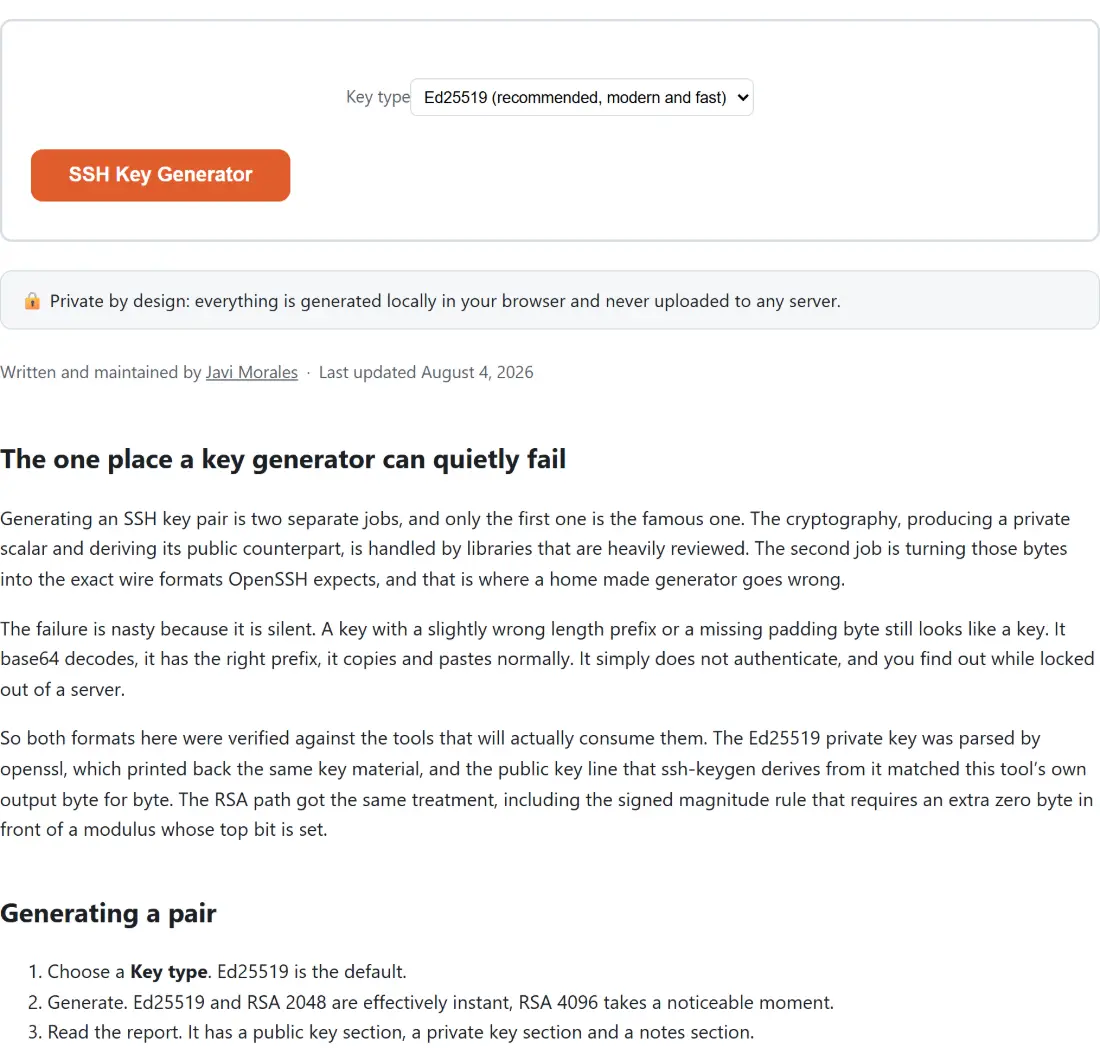
Screenshot of the SSH Key Generator tool with Key type set to Ed25519 (recommended, modern and fast)
SSH Key Generator mid-process: Key type set to Ed25519 (recommended, modern and fast).
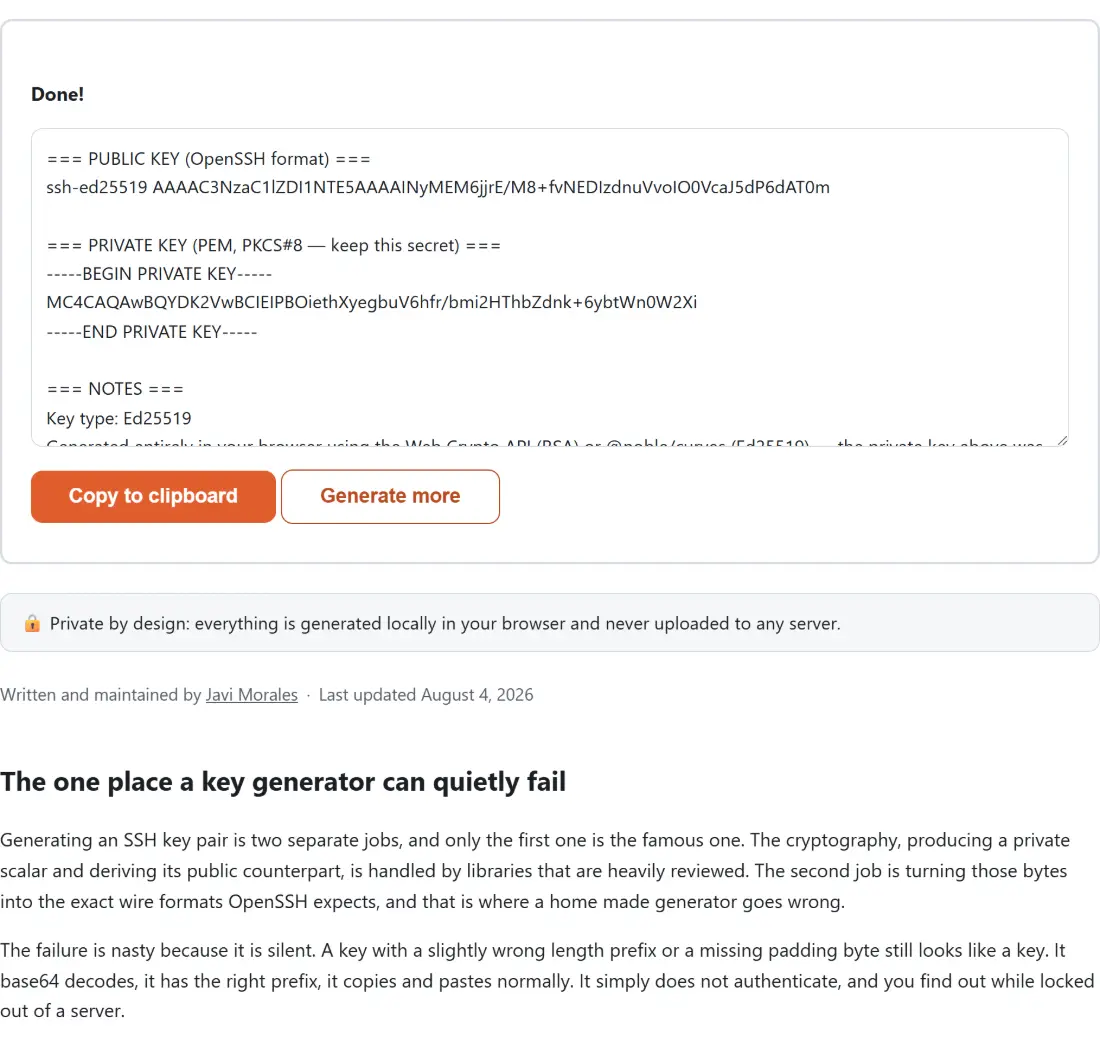
Screenshot of the SSH Key Generator result screen showing the generated output β€œ=== PUBLIC KEY (OpenSSH format) === ssh-ed25519 …”
The finished result: the generated output β€œ=== PUBLIC KEY (OpenSSH format) === ssh-ed25519 …”. The download link is a local blob URL β€” the file never leaves your device.

Frequently asked questions

Is a key generated in a browser actually safe to use?

The cryptography is real. Ed25519 keys come from an audited pure JavaScript elliptic curve library, and RSA keys come from the browser's own Web Crypto implementation, which is the same native code that backs HTTPS in that browser. Randomness comes from the platform's cryptographic random source, not from JavaScript's ordinary random number function. What you should weigh is not the maths but the environment, so generate on a machine you trust and not on a shared or public computer.

How do I know the encoding is right and not just plausible looking?

Because it was checked against the real tools rather than eyeballed. A generated Ed25519 private key was written out and parsed by openssl, which printed back exactly the same key bytes, and the public key line that ssh-keygen derives from that private key matched the line this tool produces byte for byte. The same round trip was done for RSA, including the signed magnitude convention that requires an extra leading zero byte when the modulus has its high bit set, which is the classic way a hand written SSH encoder ships a key that looks correct and does not work.

Which key type should I choose?

Ed25519 unless something forces your hand. It produces a short key, verifies quickly and has no parameter choices to get wrong. Pick RSA 2048 when you have to talk to older equipment or a hosting panel that predates Ed25519 support, and RSA 4096 when a policy demands a larger modulus, accepting that generating and using it is slower. RSA 4096 takes noticeably longer to generate in the browser than the other two.

The output box has both keys in it. What do I paste where?

Select only the block you need. The report is one text area with a public key section, a private key section and a notes section, so copying the whole box copies your private key along with everything else. A form that asks you to add an SSH key wants only the single line from the public key section. The private key section belongs in a file on your own machine and nowhere else.

Does the public key have a comment on the end?

No, and that is deliberate. The trailing comment that ssh-keygen adds is plain text with no cryptographic role whatsoever, it exists purely so a human reading an authorized keys file can tell which key belongs to whom. You can append whatever you like to the end of the public key line, typically a user and host, and the key keeps working exactly as before.

Is the private key protected by a passphrase?

No. The key is emitted unencrypted as a PKCS#8 PEM block, which means anyone who reads that file can use it. If you want passphrase protection, save the private key block to a file and add one afterwards with the ssh-keygen change passphrase option. Doing it that way keeps this tool free of a password field it would have to handle carefully, and hands the job to the tool everyone already trusts with it.

What format is the private key in, and will OpenSSH accept it?

It is a PKCS#8 PEM block, the format whose header says PRIVATE KEY rather than the newer OPENSSH PRIVATE KEY container. Modern OpenSSH reads PKCS#8 private keys directly, and openssl and most libraries do too. Remember to set the file permissions so only you can read it after you save it, since OpenSSH refuses to use a private key file that others can read.

Related tools