The first four kilobytes, and what they can prove
A file name is a label somebody typed. The bytes are what the software that opens the file will actually see, and most binary formats announce themselves in their opening bytes with a fixed sequence, the magic number. A PNG opens with 89 50 4E 47 0D 0A 1A 0A. A PDF opens with the ASCII characters %PDF. A JPEG opens with FF D8 FF. A ZIP, and everything built on ZIP, opens with 50 4B 03 04.
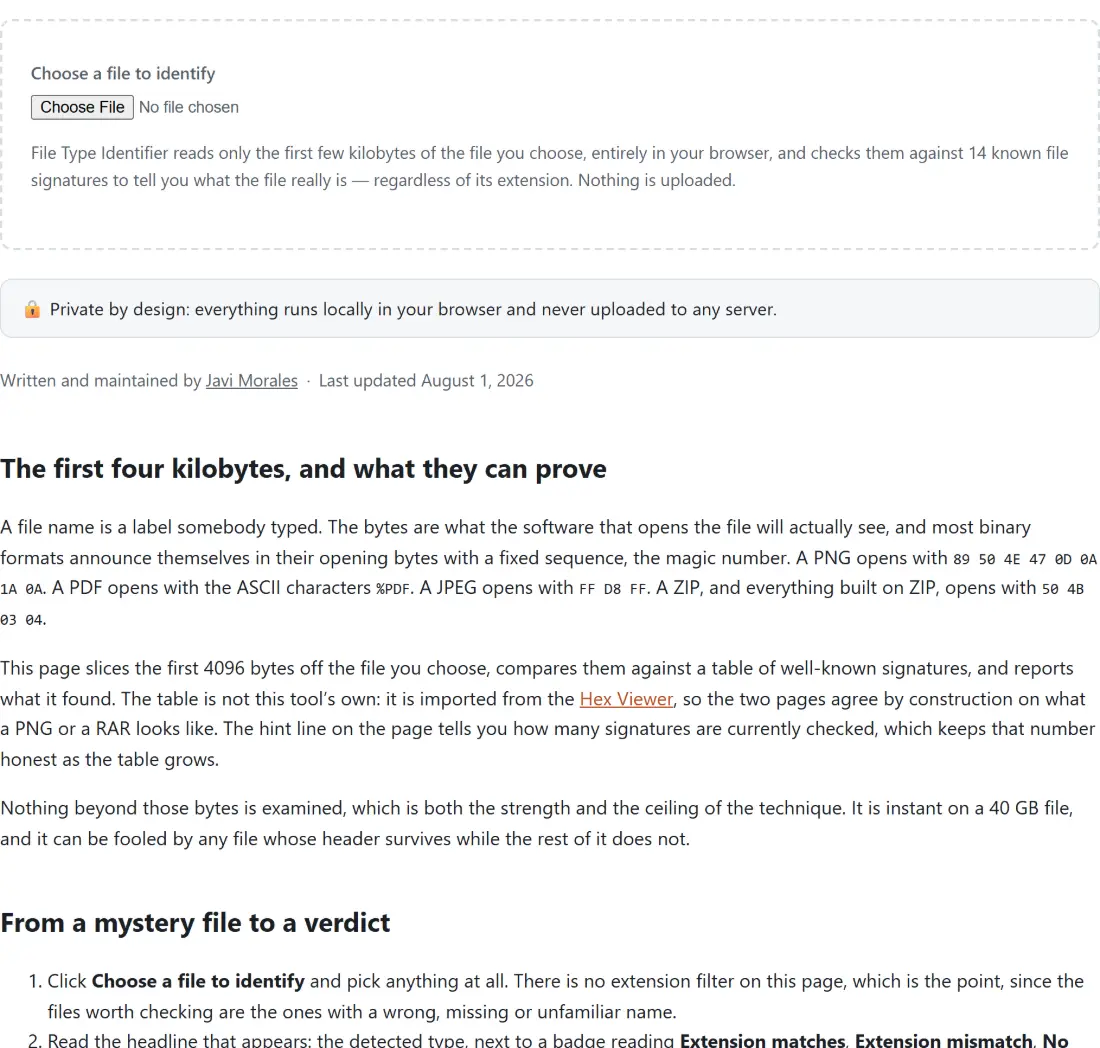
This page slices the first 4096 bytes off the file you choose, compares them against a table of well-known signatures, and reports what it found. The table is not this tool’s own: it is imported from the Hex Viewer, so the two pages agree by construction on what a PNG or a RAR looks like. The hint line on the page tells you how many signatures are currently checked, which keeps that number honest as the table grows.
Nothing beyond those bytes is examined, which is both the strength and the ceiling of the technique. It is instant on a 40 GB file, and it can be fooled by any file whose header survives while the rest of it does not.
From a mystery file to a verdict
- Click Choose a file to identify and pick anything at all. There is no extension filter on this page, which is the point, since the files worth checking are the ones with a wrong, missing or unfamiliar name.
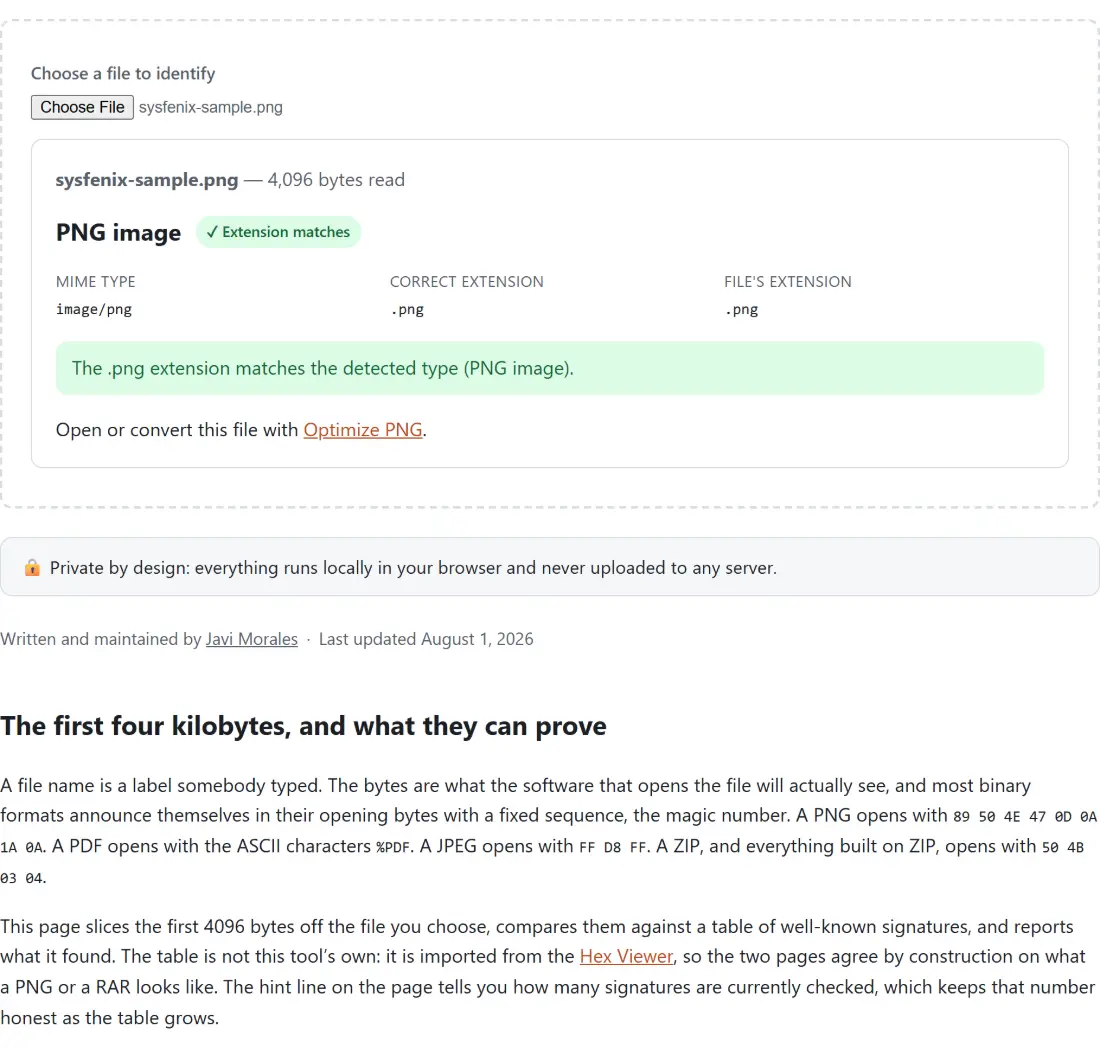
- Read the headline that appears: the detected type, next to a badge reading Extension matches, Extension mismatch, No extension or Unknown. The first two carry a tick or a warning symbol in front of the words.
- Check the three facts underneath, labeled MIME type, Correct extension and File’s extension, then read the sentence below them, which spells the situation out in words.
- Follow the suggested tool if one is offered. The report links to whichever page here handles that format, and falls back to a hex dump link when no converter fits.
Every line of the report, decoded
The verdict sentence is written out rather than left as a badge. Rename a PNG to photo.txt and the tool answers that the file is named .txt but its bytes are a PNG image, and that the correct extension is .png. Hand it a file called download with no extension and it says so, then names the extension that type usually carries. Hand it an empty file and it tells you there is nothing there to identify.
The Correct extension row is not always a single answer. A RIFF container prints a list, because the same four opening bytes begin a WAV, an AVI and a WebP, and only a tag a few bytes further in decides which. Its MIME row is left as a placeholder for the same reason: there is no single honest MIME type to print for a container that could be three different things. Types that carry a caveat get a note of their own under the report, which is where the ELF entry mentions that Unix binaries usually have no extension and the ID3 entry mentions which MP3 files it misses.
The ZIP signature that swallows DOCX, XLSX and JAR
The single most common surprise here is a Word document identified as a ZIP archive. That is not a failure of detection, it is what the file is. DOCX, XLSX, PPTX, JAR, APK, ODT, EPUB and a dozen others are ZIP containers with a prescribed internal layout, and they all start with the same four bytes. Rather than pretend otherwise, the tool treats every one of those extensions as legitimate for ZIP bytes, so naming a real DOCX report.docx produces a match, not a false alarm. Telling the family members apart means reading the archive’s entry names, which is a job for Unzip Files once you have renamed a copy to .zip.
Following the suggested tool without hitting a rejection
There is a wrinkle worth knowing when the verdict is a mismatch. The suggested tool link goes to a normal tool page, and most tool pages here filter uploads by extension before their processing code ever runs. So if this page tells you photo.txt is really a PNG and offers Optimize PNG, that page will reject the file until you rename it, because it accepts .png only. The fix is the same one the report is recommending anyway: rename the file to its correct extension first, then open the tool. Several pages here do not filter uploads by extension at all, including the File Checksum Verifier and the Duplicate File Finder, both configured to accept any file, and the Hex Viewer, which owns its own unfiltered file input. That is exactly why the report offers the checksum page and the hex dump as its fallbacks when no signature matched.
Files with no magic number at all
Roughly speaking, formats designed to be read by machines announce themselves and formats designed to be read by humans do not. Text-based formats, which is to say CSV, HTML, SVG, JSON, YAML, Markdown and source code, have no reserved opening bytes, so this page will report no known signature for every one of them. That answer is still useful information: it narrows a mystery file down to “probably text”, and you can settle it by looking at the bytes yourself in the hex dump, where anything human-readable is obvious in the ASCII column within a row or two. If you end up reading offsets out of that dump, the Number Base Converter turns a hex value such as 0x1F4 into decimal 500 when its source base is set to auto-detect, which recognizes the 0x prefix.