What a data URI actually is
A data URI is a URL that carries its own payload instead of pointing at a file somewhere. The scheme was standardised back in 1998 and has a simple shape, data:<mediatype>;base64,<payload>: a MIME type that tells the browser how to interpret what follows, then the bytes themselves rewritten using the 64 printable characters A-Z, a-z, 0-9, + and /. Nothing about it is image specific. The same mechanism carries fonts, PDFs, JSON and plain text; images are just the case most people meet first.
Because the result is ordinary text, it fits anywhere text fits. That is the entire appeal. An HTML src attribute, a CSS url(), a JSON config value, a Markdown file, a Kubernetes secret: none of those can hold a binary file, and all of them can hold a long string.
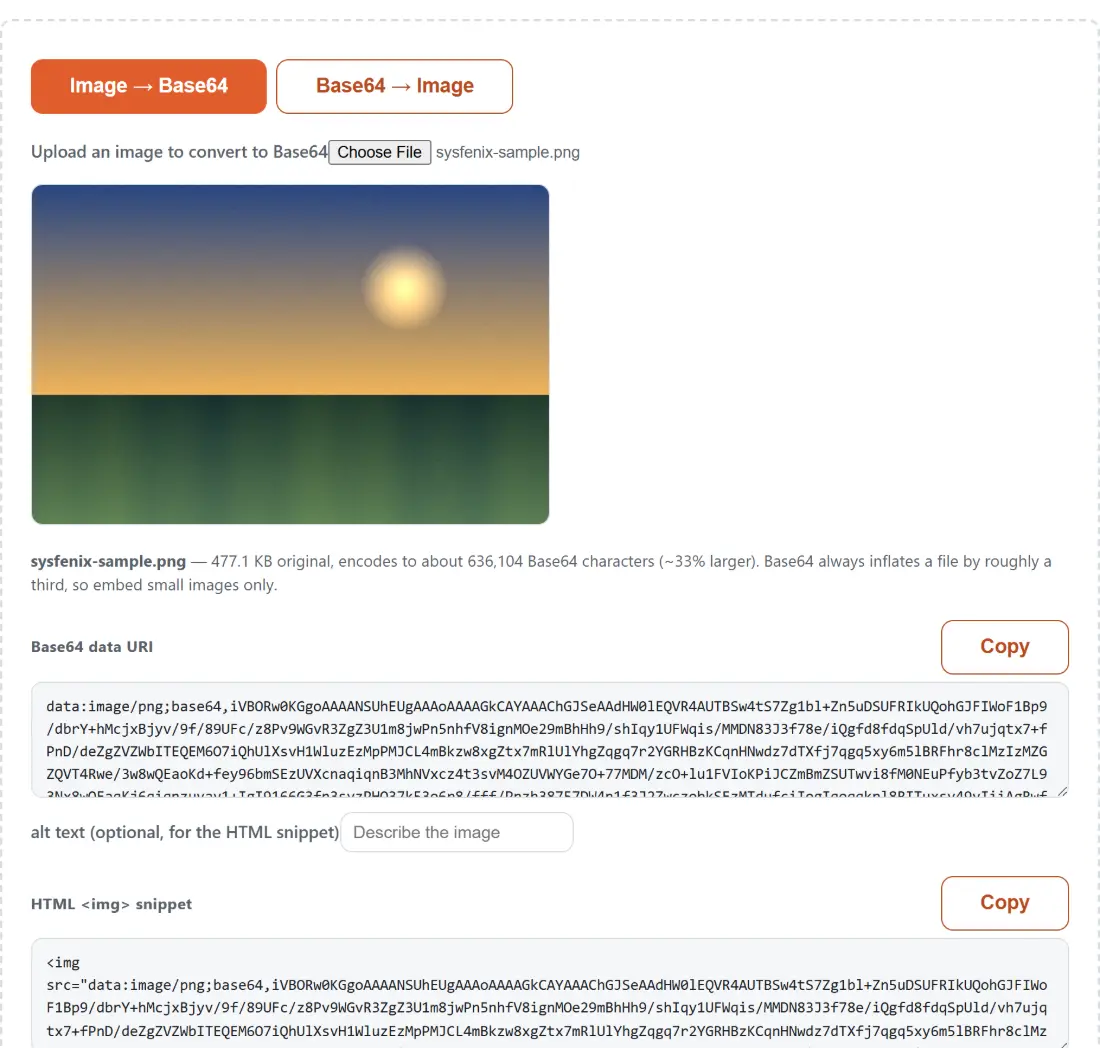
When you pick a file above, the encoding is done by your browser’s own FileReader.readAsDataURL, which is why the output appears the moment the read finishes and why no upload is involved. The tool then parses the MIME type back out of the string the browser produced, so the type you see is the one your own browser assigned to the file rather than something inferred from the file extension.
The 33% size penalty every data URI charges you
Base64 spends four characters on every three bytes, and the arithmetic is exact: ceil(bytes / 3) * 4. A 300 byte favicon becomes 400 characters. A 3 KB icon becomes 4 KB of text. A 1.5 MB photo becomes about 2 MB of characters wedged into the middle of a stylesheet, which is why nobody should do that. The note under the preview reports the real numbers for the file you picked rather than the general rule, so you can see the cost before you commit to it.
Transport compression claws back part of the penalty, since Base64 text is more compressible than the raw bytes were, but it never returns you to the original size and it does nothing about the memory and parse cost of a stylesheet with a megabyte of text in it.
Inline it or keep the file: how to decide
The real trade-off is not size, it is caching. A linked image is a separate resource with its own cache entry: change the logo and only the logo is re-downloaded. An inlined image lives inside whatever file references it, so touching the icon invalidates the entire stylesheet for every returning visitor, and the browser has to finish reading that stylesheet before it can paint anything.
That points to a clear recommendation. Inline freely below about 4 KB, which comfortably covers favicons, small SVG icons, a 1x1 tracking pixel, a chevron, a loading spinner. Treat 4 KB to 10 KB as a judgement call based on how many pages need the asset. Above 10 KB, keep the file. The exception people expect to work, embedding images in email, is the one that usually does not: Gmail’s web client refuses data: image URIs, so an inlined mail asset renders as an empty box for a large share of recipients.
The three outputs, and how to copy them
- Keep Image → Base64 selected and choose a file under Upload an image to convert to Base64.
- Copy the Base64 data URI on its own if you are pasting it into an attribute, a config value or a test fixture yourself.
- Fill in alt text before copying the HTML
<img>snippet. The alt text is escaped for you, soTom & Jerry "reunion"stays valid HTML instead of terminating the attribute early. - Take the CSS
background-imagesnippet for a stylesheet. The URL is wrapped in double quotes on purpose: the Base64 alphabet contains no quote character, so quoting is always safe and survives minifiers and preprocessors that mangle a bareurl(...).
Turning a mystery Base64 string back into a picture
The reverse direction exists because Base64 turns up in places where you cannot tell what it is: a bug report, an API response, a CSS file somebody else wrote, a database column. A full data URI declares its own type and can simply be rendered. A bare payload declares nothing, because Base64 has no header.
So the tool decodes only the first few bytes and compares them against the well-known image signatures: 89 50 4E 47 for PNG, FF D8 FF for JPEG, the ASCII GIF8 for GIF, BM for BMP, and the RIFF container with a WEBP marker eight bytes in. That is real detection rather than a guess. When nothing matches it falls back to image/png and says so in plain words, because an honest fallback beats a silently wrong one. URL-safe payloads that use - and _ instead of + and / are translated back before decoding, and a genuine data URI whose payload is not Base64 at all, like data:text/plain,hello, gets an explanation rather than a broken image icon.
Where this tool stops
Three limits are worth knowing. First, SVG. Your browser always produces a Base64 payload for it, but Base64 is the less efficient of the two legal encodings for SVG: percent-encoding an SVG is typically smaller and stays readable and editable inside the stylesheet. If you would rather ship a raster instead, Convert SVG to PNG will do it. Second, nothing here shrinks your image. Since every byte you remove removes about 1.33 characters of output, running the file through Compress Images or Resize Image first is far more effective than looking for a shorter encoding. Third, it handles one file per conversion, by design; the point of this page is a single string you inspect and copy, not a batch.