Four characters for every three bytes
Base64 exists to solve one problem: some channels can carry text and cannot carry arbitrary bytes. The fix is to stop using all 256 possible byte values and use only 64 safe ones, chosen so that no protocol along the way will treat any of them as a control character or a delimiter. Those 64 are the uppercase letters, the lowercase letters, the digits, plus and slash.
Sixty-four values is six bits of information per character, and bytes come in eights. The least common multiple of 6 and 8 is 24, which is why the encoding works in groups of three bytes: 24 bits in, split into four six-bit chunks, four characters out. That ratio is the whole cost of the scheme. Four characters carrying three bytes means the encoded form is one third larger than what went in, always, before padding is even considered.
Padding is the loose end. When the input length is not a multiple of three, the final group is short, and one or two = characters are appended so that the encoded length always divides by four. Those equals signs carry no data; they exist so a decoder knows how many bytes the last group really held.
The channels that cannot carry a raw byte
The 33% size penalty is worth paying surprisingly often, because a lot of infrastructure is text-only by design:
- An HTTP
Authorization: Basicheader, which is literally a username and password joined by a colon and then Base64-encoded. - A JSON string value, since JSON has no byte type at all and a raw 0x00 is not something you can put between quotes.
- A
data:URI embedding a small image or font directly in HTML or CSS, so the browser makes no second request for it. - An environment variable or a CI secret holding a certificate, a private key or a binary config blob.
- Email attachments, which is where the encoding came from in the first place, and where the 76-character line wrapping convention originates.
None of those are exotic; most developers touch Base64 several times a month without thinking of it as an encoding at all.
Turning a paste into an encoded block
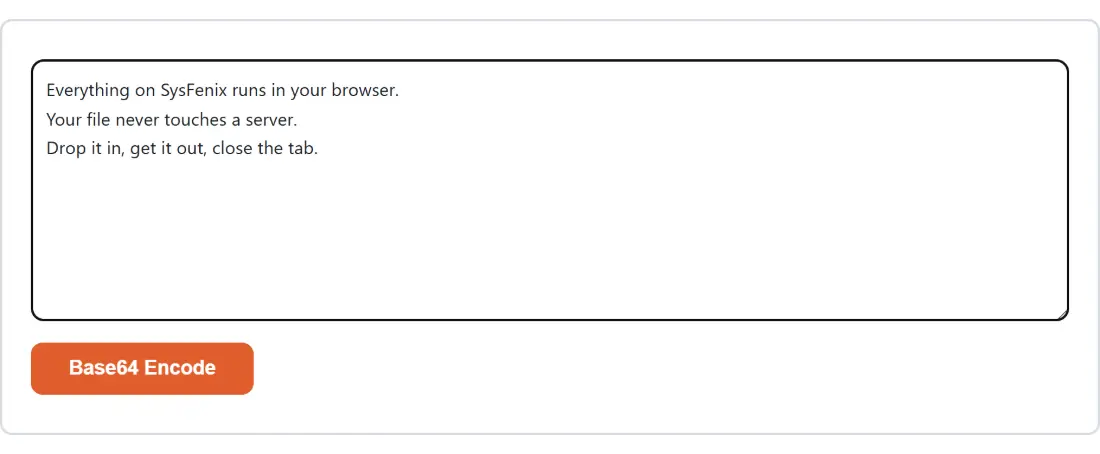
- Paste the text into the box above. It can be a password, a JSON body, a certificate in text form, or a sentence in any script.
- Click Base64 Encode. The button is disabled until the box has something in it.
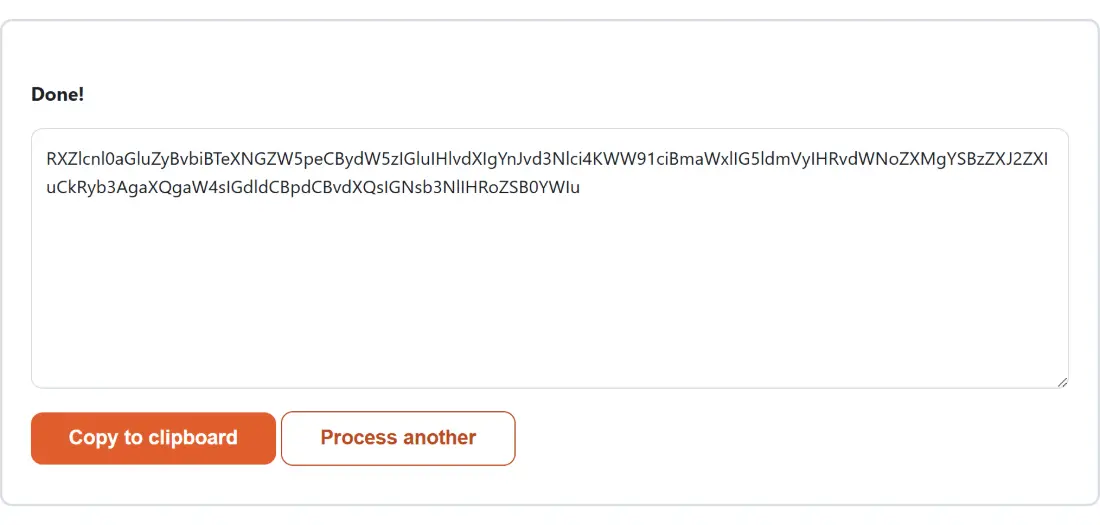
- Read the result in the panel that replaces the form, and click Copy to clipboard to take it.
- Click Process another when you want to encode something else, which clears the box and brings the form back.
Encoding is not encryption, and not compression
This is the single most consequential misunderstanding about Base64, and it is worth being blunt. Encoding is fully reversible by anyone, with no key and no secret. A Base64 string is as readable as the text it came from to anybody who recognises the alphabet, which is a skill that takes about ten seconds to acquire. Putting a password through this page does not protect it; it makes it marginally less obvious in a log file, and nothing more. That is exactly why an Authorization: Basic header is only safe over HTTPS, where the transport does the actual protecting.
It is not compression either. It moves in the opposite direction, adding a third to the size. If you are Base64-encoding something to make it smaller, the reasoning has gone wrong somewhere.
For something that genuinely needs to be unreadable without a key, Encrypt Text is the page to use: it derives a key from a password and encrypts with AES-256-GCM, which is a real confidentiality guarantee rather than a change of alphabet. A related but different job is proving a message was not tampered with, which is what the HMAC Generator does: it produces a signature from a message and a secret and prints it as hex and as Base64, a good illustration of Base64 being used as a transport format for bytes that mean nothing on their own. Percent-encoding, over on URL Encode, is a different answer to a related question: it keeps the text readable and escapes only the characters a URL cannot carry.
The Latin1 wall in btoa, and the way around it
Browsers ship a built-in Base64 function called btoa, and reaching for it directly is where most quick implementations break. It treats every character in the string as a single byte, so it works fine on plain ASCII and throws an InvalidCharacterError the moment your text contains an accented letter, an emoji or any non-Latin script.
The correct sequence is to convert the text to its real UTF-8 bytes first, using the browser’s TextEncoder, and only then Base64-encode those bytes. Since every byte is by definition in range, btoa cannot choke on them. That is what this page does, so café 🎉 encodes to the same string you would get from any correct UTF-8-aware encoder rather than to an error message. The Number Base Converter shows the same idea from the other side, printing what your text looks like as raw UTF-8 bytes in binary or hex.
Where the encoded block goes next
An encoded string is rarely the destination. If you are assembling a JWT by hand to understand its shape, the JWT Generator builds and signs a real one with HS256, HS384 or HS512 instead. If the goal was an image inline in a stylesheet, Image to Base64 takes the actual file and hands back a complete data URI with the MIME type already in it. And when you need to read an encoded value rather than produce one, Base64 Decode goes the other way and copes with the URL-safe alphabet and missing padding that this page does not emit.