What the downloaded report actually contains
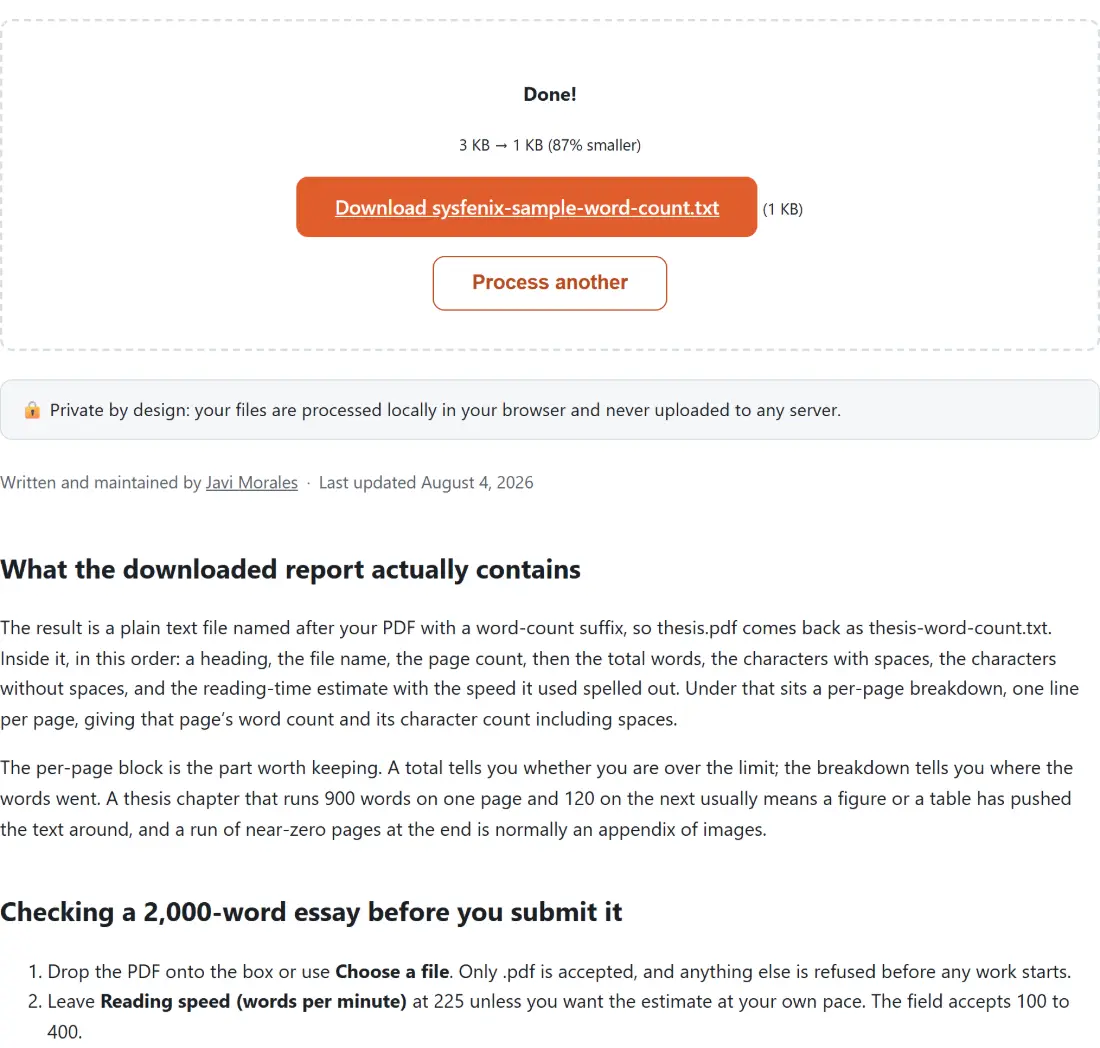
The result is a plain text file named after your PDF with a word-count suffix, so thesis.pdf comes back as thesis-word-count.txt. Inside it, in this order: a heading, the file name, the page count, then the total words, the characters with spaces, the characters without spaces, and the reading-time estimate with the speed it used spelled out. Under that sits a per-page breakdown, one line per page, giving that page’s word count and its character count including spaces.
The per-page block is the part worth keeping. A total tells you whether you are over the limit; the breakdown tells you where the words went. A thesis chapter that runs 900 words on one page and 120 on the next usually means a figure or a table has pushed the text around, and a run of near-zero pages at the end is normally an appendix of images.
Checking a 2,000-word essay before you submit it
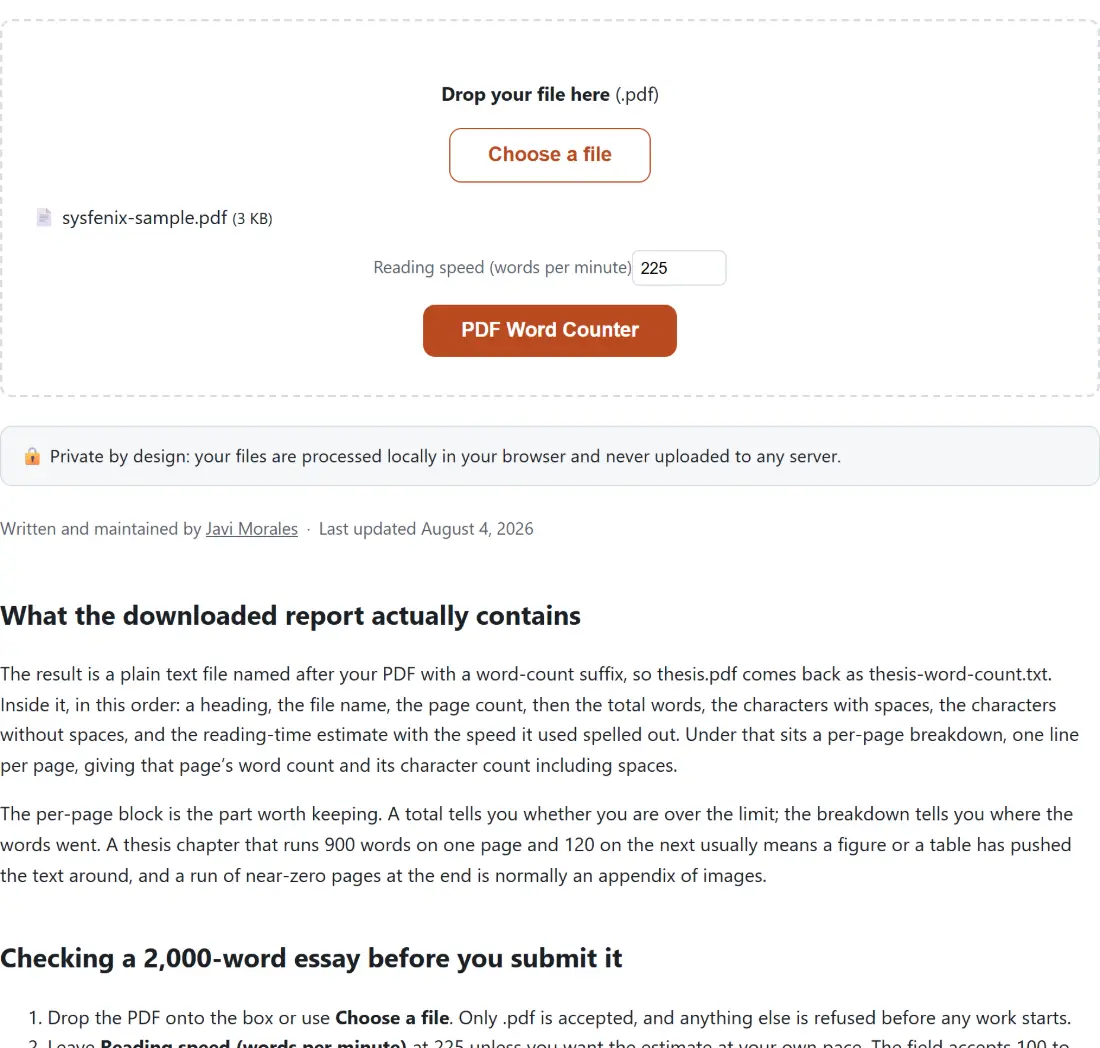
- Drop the PDF onto the box or use Choose a file. Only .pdf is accepted, and anything else is refused before any work starts.
- Leave Reading speed (words per minute) at 225 unless you want the estimate at your own pace. The field accepts 100 to 400.
- Click PDF Word Counter. The progress bar advances once per page, so on a long document you can watch it move steadily rather than jump.
- Click the Download link for the report, then open it in any text editor.
- Read the total first, then scan the per-page lines to find where the length is concentrated.
- Process another clears the box for the next file.
Reading speed, from 100 to 400, and the trap in the middle
The speed field feeds a single division: total words divided by words per minute. The default of 225 is a commonly cited figure for adult silent reading. A 3,000-word document reports 13 minutes at 225, 30 minutes at 100, and 8 minutes at 400, which is a wide enough spread that the number is only meaningful once you have set it to something honest for the audience.
The value is rounded and clamped into the 100 to 400 range, and that clamp is where the trap sits. A speed you type outside the range is pulled back to the nearest end silently, so 60 becomes 100 and 900 becomes 400, and nothing warns you that the figure in the box is not the figure in the report. Clearing the field is the safe move rather than the dangerous one: an empty box counts as no value given and the count reverts to 225. The report also prints the speed it used on the reading-time line, so the check is right there in the file if you look.
For reading aloud rather than silently, none of these speeds fit. Extract the text with PDF to Text and paste it into the Speech Time Calculator, which works in speaking rates instead and offers slow at 110 words per minute, average at 130 and fast at 160.
Where the count drifts away from your word processor
Two mechanisms, both worth knowing before you argue with a submission portal.
The first is fragmentation. The PDF engine returns each page as a list of positioned text items, and a single word is often split across several of them. Those items are joined with a space, because joining them with nothing would fuse genuinely separate words together and undercount instead. The result is that a word stored in three pieces is counted as three words. On ordinary prose exported from a word processor this is rare; on documents typeset by design software it is not.
The second is scope. Everything the page carries is counted, including running headers, footers, page numbers, footnotes, captions and every cell of every table. Your word processor may well exclude several of those from its own figure. Neither number is wrong, but they are answering slightly different questions, and a few percent of difference on a long document is normal.
The scanned notice, and the case where it overstates itself
Before the counts are assembled the document is tested for being a scan: if the average words per page across the whole file falls below one, a notice is inserted near the top of the report. That average is a blunt instrument, and it produces one result you should know about.
The notice text states flatly that no readable words were found and that the counts below are zero. On a genuine image-only scan that is exactly right. On a sparse document it is not: a five-page PDF carrying four words on its first page and nothing else averages 0.8, so the notice appears, while the report goes on to say four total words with the breakdown showing them on page one. If you see the notice sitting above a non-zero total, believe the total and treat the notice as the heuristic being cautious.
For an actual scan there is nothing to count until a text layer exists. OCR PDF reads the pixels of each page and writes an invisible text layer back into the file without altering how it looks, after which the count works normally.
Once you know the number
A count is rarely the end of the job. Readability Checker will take the same text and return Flesch Reading Ease, Flesch-Kincaid Grade Level and the Gunning Fog Index, which is the more useful question for anything that has to be understood quickly. Syllable Counter handles poetry and the 5-7-5 haiku check. Both take pasted text, so the extraction step comes first.
For counting text you are still drafting rather than a finished PDF, Word Counter does the same arithmetic on pasted text, with sentences and paragraphs added to the report. The rest of the PDF set is on the PDF tools hub.