What the number 1700000000 actually means
Unix time is a single running count of seconds since midnight UTC on 1 January 1970. That is
the entire definition. There is no timezone inside it, no daylight-saving rule, no month and no
calendar, just a tally. 1700000000 is about 53.9 years’ worth of seconds, which puts it at
22:13:20 UTC on 14 November 2023.
The part that surprises people is that the count is deliberately not a count of real elapsed seconds. Unix time pretends every day is exactly 86,400 seconds long, so the 27 leap seconds inserted into UTC since 1972 never appear in it. That is a feature rather than an oversight: you can divide a Unix timestamp by 86,400 to get a day number, and no piece of timestamp arithmetic anywhere needs to consult a leap-second table. The cost is that Unix time is a calendar reference and not a physical stopwatch, which only matters if you are timing something astronomical.
Very early Unix counted in sixtieths of a second from a different epoch before the whole-second 1970 count settled in. What survived is that whole-second form, plus the millisecond variant that Java and JavaScript made ubiquitous. Those two coexisting units are the reason a converter has to ask a question before it can answer one.
Why the unit guess uses 1e11 and not a digit count
Almost every timestamp arrives unlabelled, so something has to guess. The usual developer rule
of thumb is “ten digits means seconds, thirteen means milliseconds”, which is correct but awkward
to implement, because counting characters in a string drags in the minus sign and any leading
zeros. We compare magnitude instead: an absolute value at or above 1e11 is milliseconds,
anything below it is seconds.
One threshold covers the whole realistic range with room to spare. A seconds-scale value does
not cross 1e11 until the year 5138. A milliseconds-scale value crossed it in 1973. There is
nothing plausible in between, which is why auto-detect is the default and why you can safely
ignore the dropdown for anything that came out of a real database column.
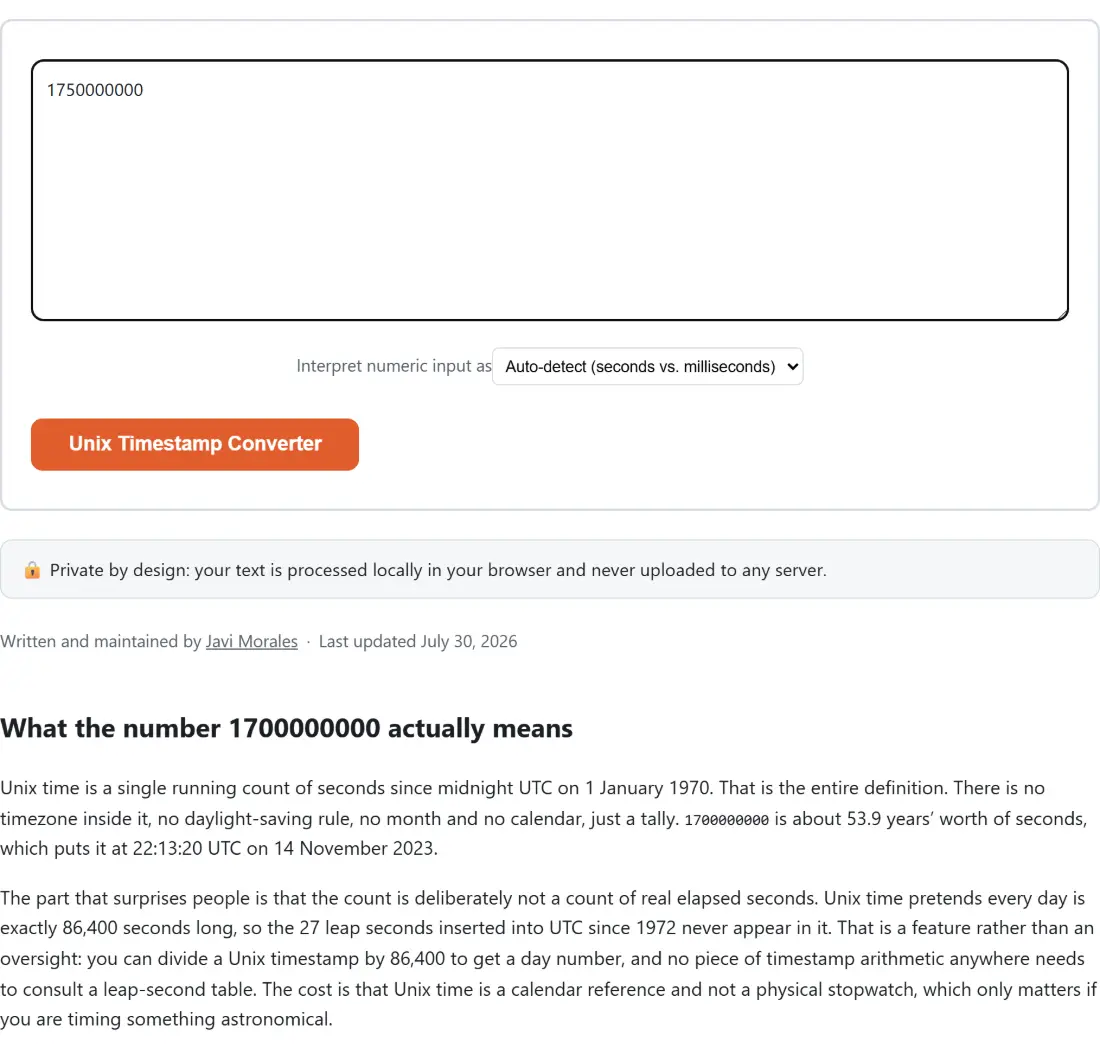
The override exists for the edges that margin does not cover: a truncated value, a hand-written test fixture, or a genuine timestamp from the early 1970s. In those cases pick the unit explicitly rather than trusting the heuristic.
Reading the four blocks in the result
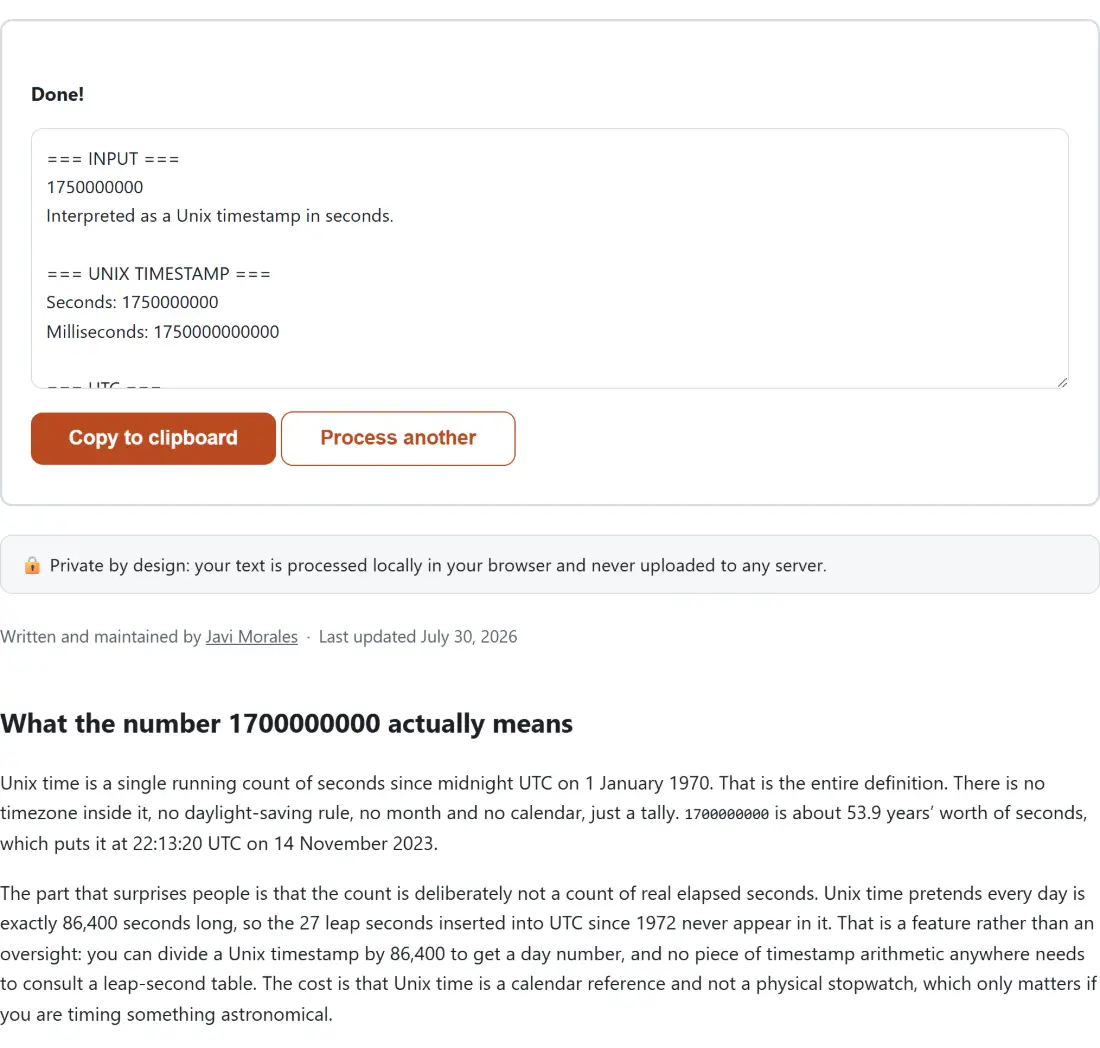
The output is one plain-text report split into four labelled blocks, the same shape the JWT Decoder uses so both tools read alike.
=== INPUT ===echoes what you pasted and states how it was interpreted, either as a timestamp in a specific unit or as a date string. Read this line first whenever a result looks wrong.=== UNIX TIMESTAMP ===gives the same instant in seconds and in milliseconds, so you can copy whichever one the code you are feeding expects.=== UTC ===gives an ISO 8601 string plus a long human-readable form, both pinned to UTC.=== LOCAL TIME (this browser) ===names the IANA timezone your browser reports, something likeEurope/Madrid, and renders the same instant in it.
Both human-readable forms come from Intl.DateTimeFormat, which every modern browser ships
built in, so there is no date library to download and no formatting rules of our own to get
wrong. The UTC block is identical on every machine. The local block deliberately is not, and
that asymmetry is useful: it is the one part of the output that changes when you send the page
to someone in another country, which is usually the real source of an argument about whether a
log line happened before or after an incident. When the offset itself is the problem you are
solving, Time Zone Converter is the more direct tool.
Going the other way, from a date back to epoch
Anything that is not a bare integer is handed to the browser’s Date parser. Prefer ISO 8601
(2023-11-14T22:13:20Z), because it is the one form every engine agrees on. Ordinary written
dates work too, which helps when you are transcribing from a screenshot or an email rather than
from code.
There is one trap worth knowing. A date-only string such as 2023-11-14 is parsed as UTC
midnight, while 2023-11-14T00:00:00 with no trailing Z is parsed in your local zone. The
two differ by your own UTC offset, which is more than enough to push a “start of day” boundary
into the previous day. Add the Z, or an explicit offset, any time the exact instant matters.
If what you actually want is the gap between two calendar dates,
Days Between Dates answers that directly, and
Discord Timestamp Generator wraps an epoch value in Discord’s
own auto-localising markup.
The failure modes worth recognising
The classic bug is a unit mix-up in your own code rather than here. Hand epoch seconds to something expecting milliseconds and you land on 20 January 1970, about 20 days past the epoch, which is an unmistakable signature once you have seen it once. Hand milliseconds to something expecting seconds and the date lands tens of thousands of years in the future. Both are obvious the instant you convert them, which is generally how people end up on a page like this.
The other one is 2038. A signed 32-bit seconds counter overflows at 03:14:07 UTC on 19 January
2038, and anything still storing time in a 32-bit time_t will wrap around to 1901 at that
moment. Nothing here is 32-bit, so dates well past 2038 convert without complaint, but if a
legacy system hands you a negative number that resolves to 1901, that overflow is the first
thing to suspect.
Two guards stop genuinely impossible input before it produces a meaningless date. A number
larger than JavaScript can hold exactly (past 2^53 - 1) is refused rather than silently
rounded to a neighbouring value, and a timestamp outside the range Date itself supports,
roughly 273,790 years either side of 1970, is refused as out of range. Both report a sentence
telling you which limit you hit.