Two modes that never mix
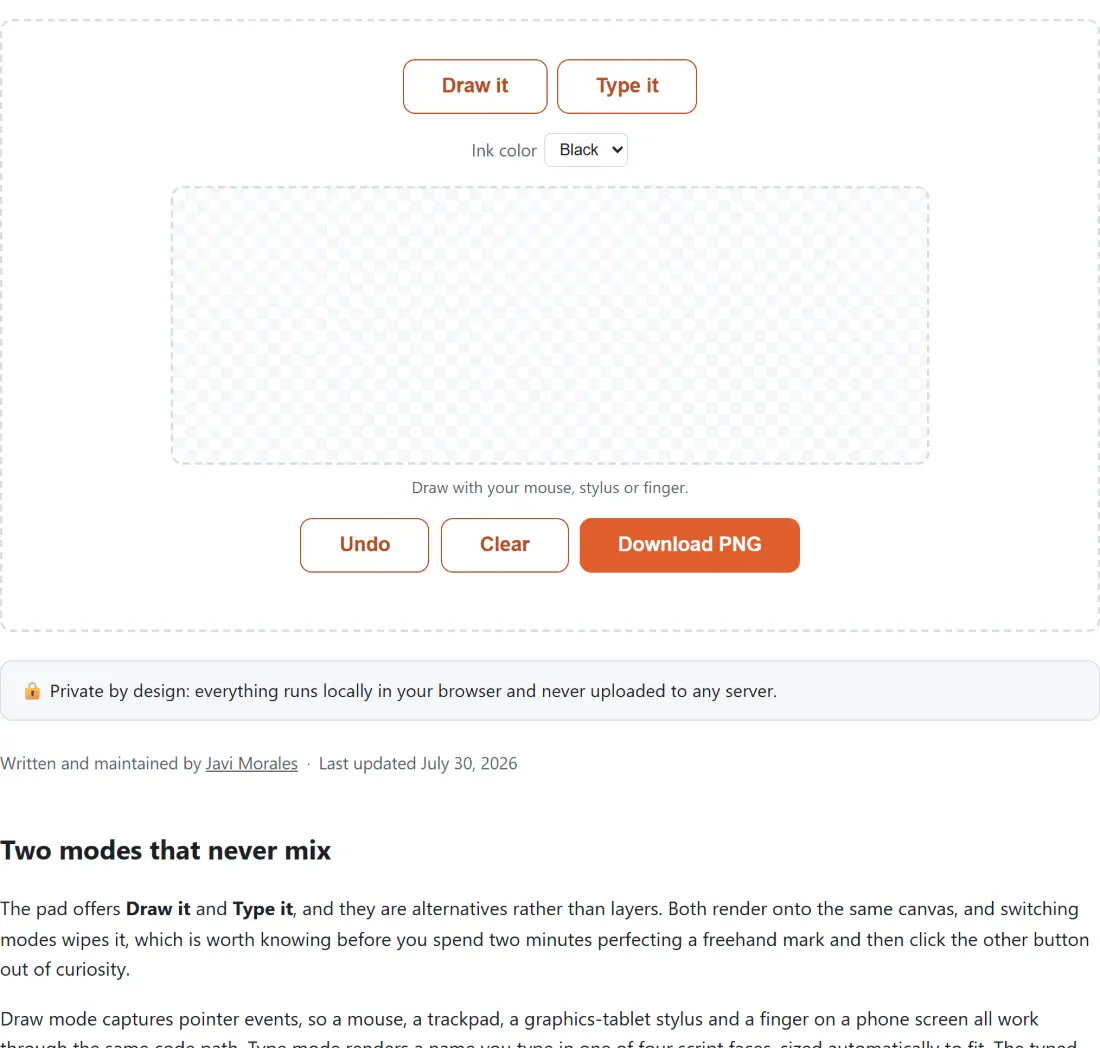
The pad offers Draw it and Type it, and they are alternatives rather than layers. Both render onto the same canvas, and switching modes wipes it, which is worth knowing before you spend two minutes perfecting a freehand mark and then click the other button out of curiosity.
Draw mode captures pointer events, so a mouse, a trackpad, a graphics-tablet stylus and a finger on a phone screen all work through the same code path. Type mode renders a name you type in one of four script faces, sized automatically to fit. The typed route exists because a signature drawn with a mouse often looks worse than the same person’s real handwriting, and a tidy script rendering of your name is more presentable than a jagged approximation of it.
Pick by purpose. If the document will be seen by someone who knows what your signature looks like, draw it, preferably with a stylus or a finger on a phone. If it is a routine internal form or an email footer, type it.
Four steps to a usable PNG
- Choose Draw it or Type it, and set the ink colour (black or blue).
- In draw mode, sign across the pad in one or two strokes. In type mode, enter your name and try each of the four fonts; the preview redraws as you type.
- Use Undo to drop the last stroke only, or Clear to start again.
- Click Download PNG. The file arrives as
signature-plus a timestamp, so signing three documents in one sitting gives you three distinct filenames instead ofsignature (2).png.
What the pen smoothing is doing to your line
Raw pointer input is noisy. A browser fires move events far more densely than a hand-drawn curve needs, and joining those samples with straight lines produces the faceted, trembling look most in-browser signature pads have.
Two passes fix it here. First, points closer than about two pixels to the previously kept point are discarded, since they contribute jitter rather than shape. Then the surviving points are drawn as a chain of quadratic curves using the classic midpoint technique: each raw point becomes a control point, and each curve ends at the midpoint between that point and the next one. This is the same approach the well-known signature_pad library uses, and it needs no spline library at all, so nothing extra is downloaded to run it.
There is a third case that sounds trivial and is not. A tap with almost no drag, which is how you dot an “i” or add a full stop after an initial, produces one or two nearly identical points and therefore no visible line. Those are detected and drawn as a small filled dot instead of vanishing.
The canvas also runs at twice its displayed resolution internally, so the exported ink is crisp on a high-density laptop or phone screen rather than soft.
Why the export is cropped to your ink
Downloading the whole pad would give you a wide image that is mostly nothing. Instead, the pixel data is scanned for the tight bounding box of everything with an alpha value above a small threshold, deliberately above zero so the faint anti-aliased fringe around a stroke does not inflate the box by several pixels on each side. That box is expanded by 20 pixels of padding, clamped to the canvas so a signature drawn hard against the edge still exports cleanly, and only that region is copied to the output.
The practical result: your PNG is roughly the size of your signature, with a transparent surround and no white rectangle. That is what makes it drop cleanly into Sign PDF on top of an existing signature line, or into the signature-line upload on the Certificate Maker, instead of covering the printed line with an opaque block.
Self-hosted fonts, because a signature page should not phone home
Typed mode uses Dancing Script, Caveat, Pacifico and Shadows Into Light, all OFL-licensed and all served from this site as latin-subset .woff2 files. The obvious alternative, a stylesheet link to a font CDN, would mean your browser announcing to a third party that it just loaded a page about generating your signature, complete with your IP address. For most pages that trade-off is arguable. On this one it is not, so the fonts live here.
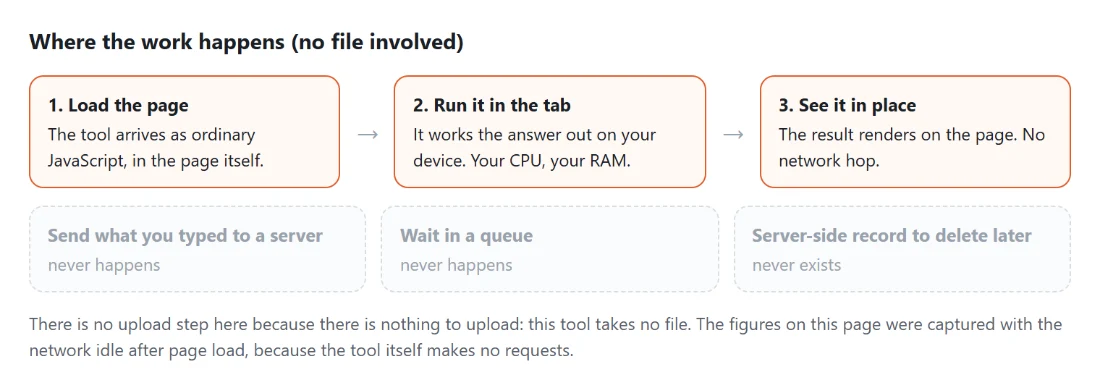
Drawing is even simpler: pointer coordinates go into an array, the array is rendered to a canvas, the canvas is encoded to PNG by your browser, and the download is a local blob URL. No request is made at any point in that chain, and the tool keeps working with the network switched off once the page is open.
The line between an image and a real e-signature
A signature image is a mark, not proof. It carries no certificate, no cryptographic binding to a document and no record of who applied it, which means anyone who obtains the PNG can paste it onto anything. Treat it the way you would treat a rubber stamp of your name: fine for everyday paperwork, not a substitute for a certified signing service when a contract, a legal filing or a regulated process calls for one.
For a full contact block rather than a handwritten mark, the Email Signature Generator builds the name, title and links version. For longer handwritten-looking text, such as a note rather than a name, Text to Handwriting is the closer fit.