Tempo and pitch are separate knobs here
Play a record at the wrong turntable speed and two things change at once: the music finishes sooner and everybody sounds like a chipmunk. That coupling is a property of playing samples back faster, not a law of audio, and it is the thing this tool exists to avoid.
The processing uses FFmpeg’s tempo filter, which does not simply read the samples out faster. It slices the waveform into short overlapping windows and re-splices them closer together or further apart, so the same frequencies arrive over a different span of time. A voice at 2x still sits at its original pitch and just talks quickly; slowed to 0.5x it sounds unhurried rather than deep and slurred. If what you actually want is the opposite operation, moving the pitch while holding the running time, that lives in the Audio Pitch Changer, whose manual mode shifts by whole semitones and leaves the tempo alone.
What the seven presets are built out of
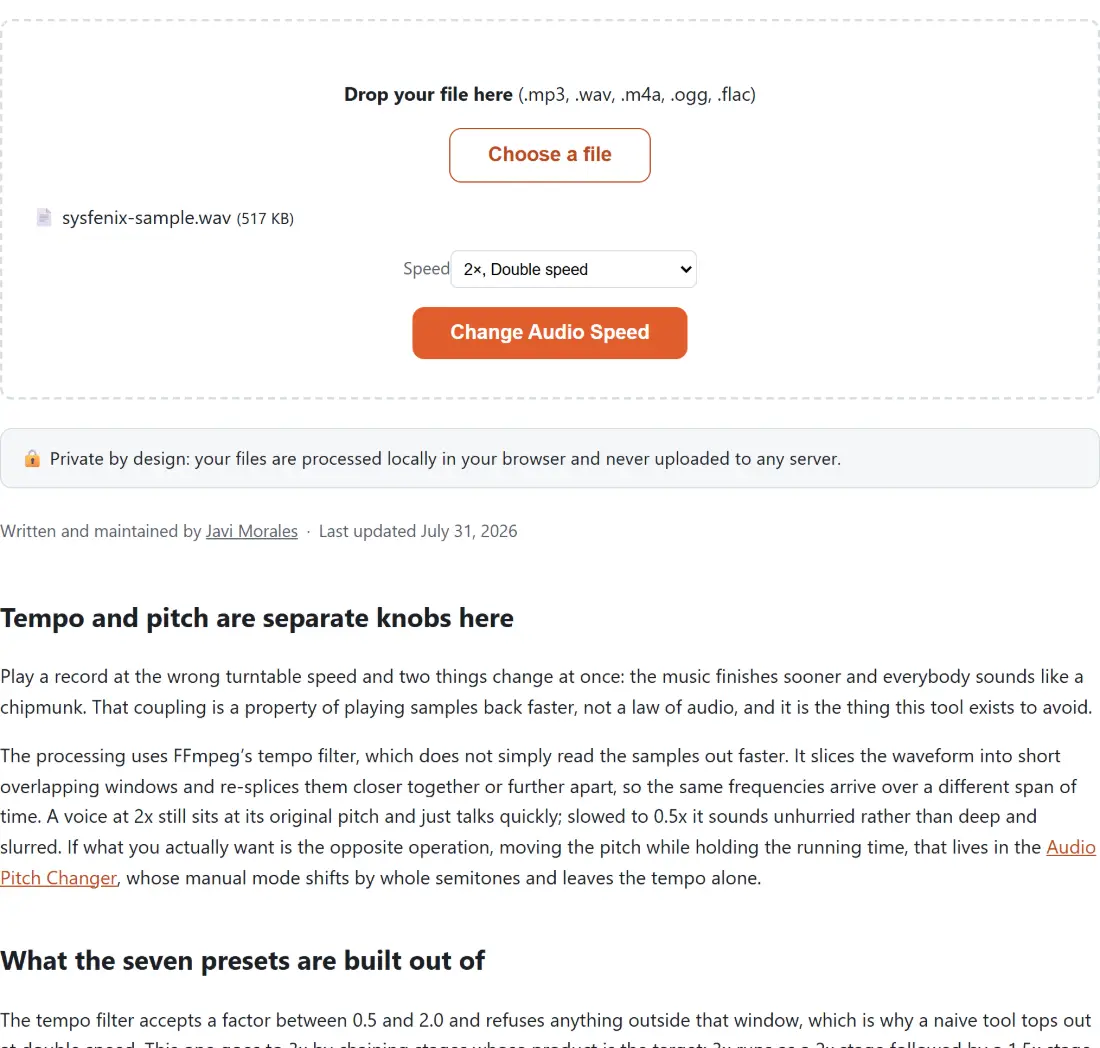
The tempo filter accepts a factor between 0.5 and 2.0 and refuses anything outside that window, which is why a naive tool tops out at double speed. This one goes to 3x by chaining stages whose product is the target: 3x runs as a 2x stage followed by a 1.5x stage, and 2.5x as a 2x stage followed by a 1.25x stage. Everything from 0.5 through 2 is a single stage. You never see any of this; you pick a number from the Speed dropdown and the chain is assembled for you.
Chaining is not free. Each stage is another pass of window splicing over the whole signal, so the two-stage speeds are the ones where any artefact from the technique gets a second chance to show up. On speech that is rarely audible. On music it sometimes is, which is a decent argument for reaching for 2x rather than 2.5x when either would do.
Picking a speed and getting the file back
- Drop an audio file on the box, or click Choose a file. The accepted extensions are .mp3, .wav, .m4a, .ogg and .flac, and anything else is refused with a message naming the file and listing what is allowed.
- Pick a Speed. Below 1 stretches the recording, above 1 compresses it: 2x turns a 90-minute lecture into 45 minutes, 0.5x turns 10 minutes of dictation into 20.
- Click Change Audio Speed and watch the progress bar. Leave the tab open; Cancel stops the run and clears the dropzone, keeping nothing.
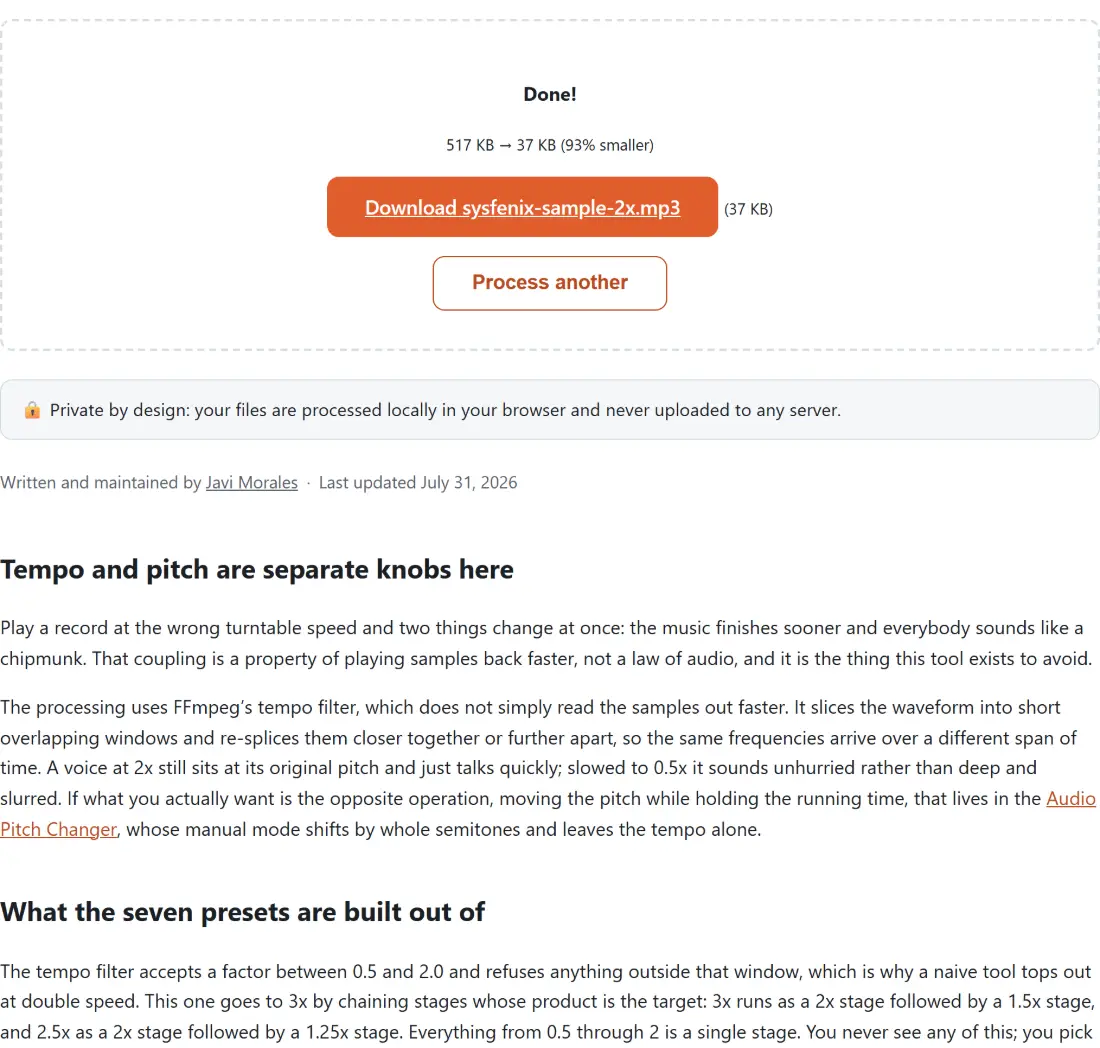
- Download the result. It is named after your original with the speed appended, such as
interview-2x.mp3.
The first run of the session also fetches the FFmpeg core, so it needs a moment and a network connection before any processing starts. Later runs in the same tab reuse it.
Everything comes back as a 192 kbps MP3
Whatever you put in, you get an MP3 out, encoded at 192 kbps. There is no format choice, and that is a consequence of the operation rather than a limitation someone forgot to lift: re-timing every sample means the audio has to be decoded and encoded again, so there is no stream-copy path to preserve, and once a re-encode is unavoidable the sensible destination is the format that plays everywhere. For speech at any of these speeds, 192 kbps is comfortably more than the content needs; the voice versus music bitrate guide makes the case that spoken word is fine far below that figure.
The practical consequence is that a FLAC or WAV source stops being lossless the moment you change its speed here. If the original is a master you care about, keep it and treat the sped-up MP3 as a listening copy. It also means the round trip is one-way: speeding a file to 2x and then slowing it back to 0.5x gives you the original duration through two lossy encodes, not the original file.
Edits that should happen before the speed change
Order matters more than people expect. A plain trim is lossless when the tool can copy the compressed frames instead of re-encoding them, so cutting first and speeding up second costs you one encode; speeding up first and cutting second costs the same one encode but on a longer file, and cutting an already-processed file means finding your marks again in a recording whose timings all moved. For MP3 sources the MP3 cutter does that trim as a stream copy with nothing re-compressed.
The general rule is to leave the lossy step until last, so anything that adjusts level, channels or length is better done on the source than on the MP3 that comes out of here; the rest of the audio tools cover those steps. In practice the thing that catches people out is not the ordering, though: it is discovering afterwards that the file they sped up was the only copy they had.