A watermark is not redaction, and it is not a password
Start here, because getting this wrong is the expensive mistake. A watermark is a label. It tells a human being how to treat the document in front of them, and it keeps telling them after the file has been forwarded three times, printed, or photographed off a screen. What it does not do is prevent anything.
The stamp is painted over the top of the page. Everything underneath is exactly as it was: the text is still selectable, still searchable, still copyable, and the images are still extractable. A recipient who wants the raw content has it. Equally, anyone with a full PDF editor can delete the stamp, because once it is written into the page it is just another drawing operation, no more privileged than a table border.
So use a watermark to set expectations, not to enforce them. If the requirement is that a name or a figure cannot be read, use Redact PDF, which removes the content rather than covering it. If the requirement is that the file cannot be opened or printed without permission, use Protect PDF. The three tools solve genuinely different problems and are often used together, in that order.
Choosing between CONFIDENTIAL, DRAFT, DO NOT COPY and SAMPLE
The four presets are not interchangeable, and the one you pick sets what a reader is expected to do next.
DRAFT is about status. It says this version is not final, and its real job is preventing an unapproved draft from being quoted, signed or filed as though it were the finished thing. It is the right choice on a contract in review or a policy still going round for comment.
CONFIDENTIAL is about audience. It says the contents are restricted, which matters most for the reader who was never meant to have the file at all and now knows it. Internal reports, HR documents and financial statements sit here.
DO NOT COPY is about redistribution, usually for licensed or paid material where the recipient is entitled to read but not to pass on. SAMPLE is the friendlier version of the same idea, for a preview, a portfolio piece or a course extract where you want the reader to see the quality and come back for the clean copy.
There is no free-text option. That is a real limitation and it is deliberate for now: the standard PDF fonts these presets are drawn with cover the WinAnsi character set, and a free-text box would immediately invite accented names, currency symbols and non-Latin scripts that would need a full embedded font to render. An unrecognised value falls back to CONFIDENTIAL rather than producing a broken file.
Angle, opacity and size, with a recommendation
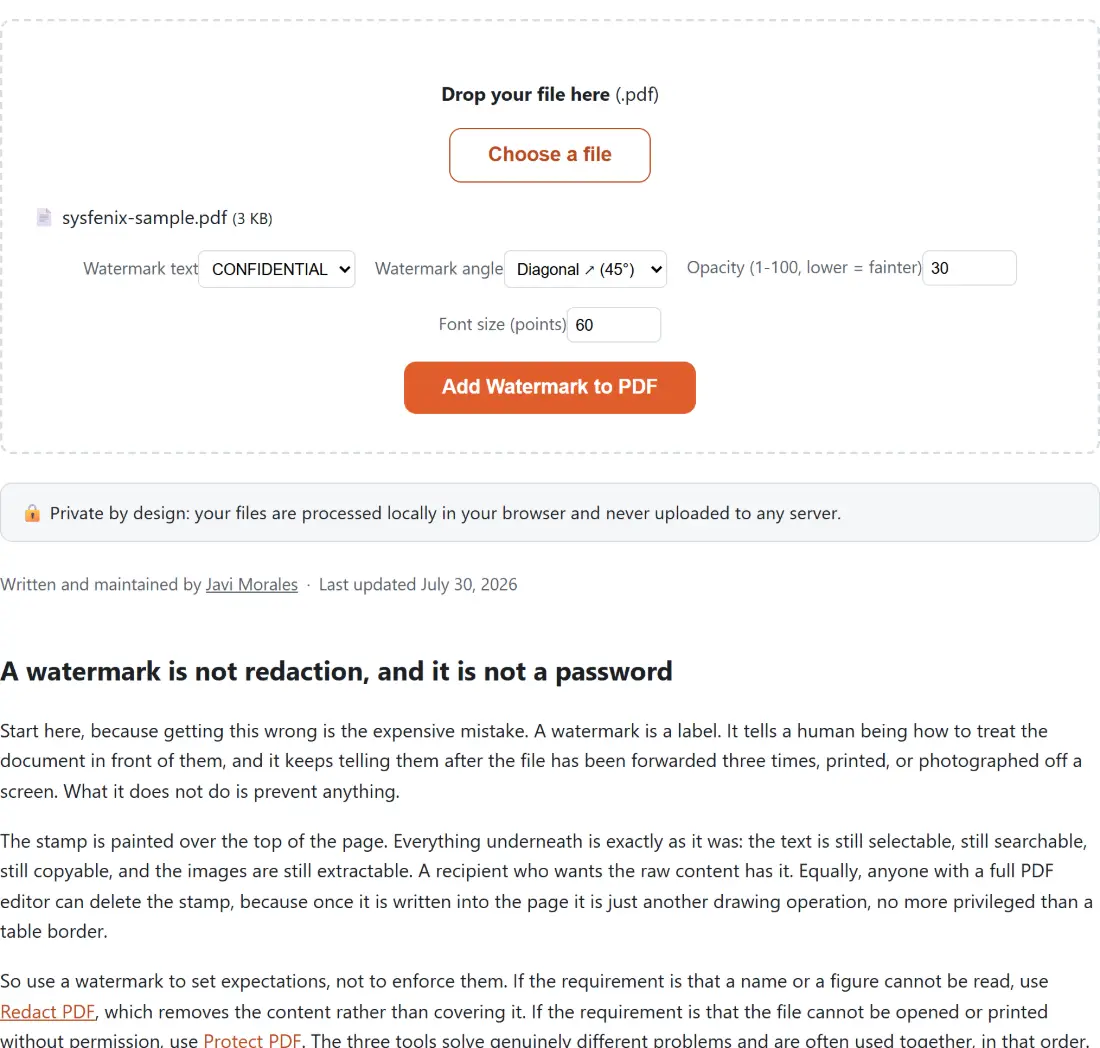
The defaults (45 degrees, 30 percent opacity, 60 points) are what you want most of the time, and the reasoning behind each is worth a sentence.
The diagonal is not decoration. A stamp running corner to corner crosses the body text, so cropping it out means cutting into the document’s own content, and the diagonal is the longest straight line available on the page, which is what lets a long string like DO NOT COPY fit at a readable size. Choose horizontal only if the document has wide empty margins, or if it will be read on a phone where a diagonal is harder to skim past.
Opacity is the one people over-tune. At 30 percent the stamp is unmistakable while tables and small print stay legible underneath. Below about 15 percent it starts to disappear in a photocopy, which defeats the purpose on anything that will be printed. Above 50 percent you are making the document harder to read on purpose, which is occasionally what you want for a SAMPLE preview and rarely what you want on a contract.
Font size is where the honest caveat lives. The number you type is used as written, and nothing shrinks the text to fit the page. At 150 points a long preset is wider than an A4 page and will overhang both edges symmetrically, because the text is centred rather than clipped. On A4 at 45 degrees, 60 to 90 points covers the page nicely.
Stamping a file
- Drop your PDF into the box above, or click to choose it. One file at a time.
- Pick the watermark text, then adjust angle, opacity and size if the defaults do not suit the document.
- Click Add Watermark to PDF. Progress runs page by page, with the last stretch reserved for writing the new file.
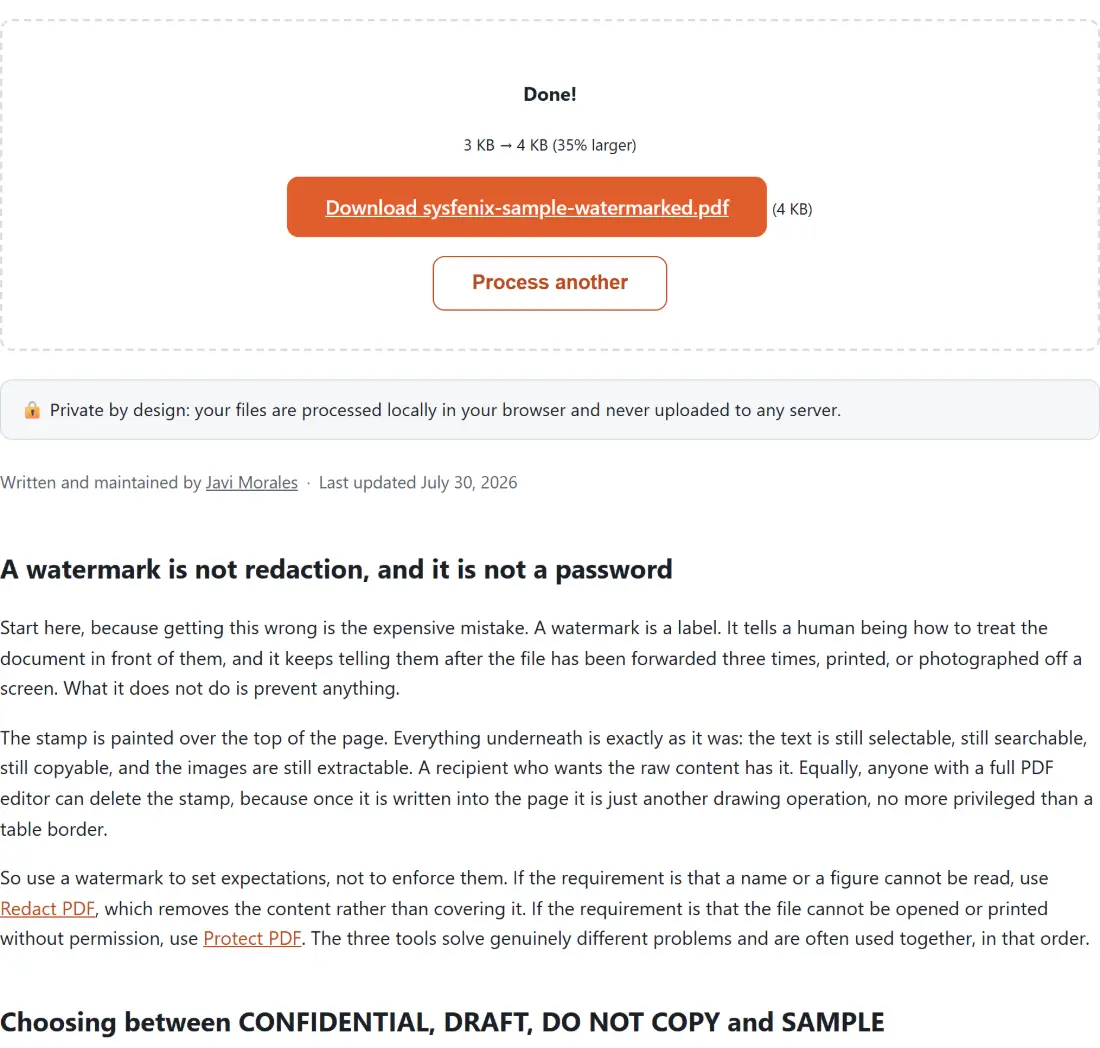
- Download the result, which arrives as your original name with
-watermarkedappended, socontract.pdfbecomescontract-watermarked.pdf.
Keep the unstamped original. There is no reverse operation here, and there should not be.
How the text actually lands in the middle of a rotated page
This is the part that took the most care to get right, and it is a nice illustration of how PDF text works. pdf-lib rotates text around its drawing origin, not around the text’s own centre, so naively asking for the middle of the page and rotating by 45 degrees leaves the stamp swinging off toward a corner.
The fix is to solve the transform backwards. The rotated text matrix maps a point in text space to the page, so the code computes where the origin must sit for the text’s own half-width and half-height point to land precisely on the page centre after rotation, using the measured width of that exact string at that exact font size. The measurement comes from the embedded Helvetica Bold metrics rather than a guess, and the geometry is unit tested against a plain unrotated box and a 45 degree case with hand-computed expectations. Every page is measured individually, which is why a mixed portrait and landscape document comes out correctly centred throughout.
Why this particular file should not be uploaded anywhere
There is a small irony in the usual online watermarking workflow. The documents that need a CONFIDENTIAL stamp are, by definition, the ones you should be least willing to hand to a stranger’s server, and yet the standard advice is to upload the unstamped original to a website to have the word added.
This tool does the work where the file already is. Your PDF is read into your browser’s memory, pdf-lib embeds the font and draws the stamp on each page there, and the saved bytes go straight to your downloads folder. No copy is created anywhere else, no queue holds your file while a worker picks it up, and there is nothing on our side to leak, because nothing arrives. It also means the file never gets a size limit imposed on it by somebody else’s upload budget.