The exact cipher stack, named
Vague claims are worthless in a page about encryption, so here is precisely what runs, all of it through the browser’s own Web Crypto implementation rather than a bundled library.
The cipher is AES-256-GCM, meaning a 256-bit key and Galois/Counter Mode, an authenticated mode that produces a tag detecting any modification of what it protected. The key comes from your passphrase through PBKDF2 with HMAC-SHA-256 at 600,000 iterations, which is the figure OWASP publishes for that combination. Each encryption generates a fresh 16-byte salt and a fresh 12-byte nonce from the browser’s cryptographic random source, so encrypting the same file twice with the same passphrase produces two completely different outputs. Reusing a nonce under one key is the classic way to destroy AES-GCM, and there is no code path here that can do it.
One consequence of that design is worth stating. Key derivation runs exactly once per file, not per block, so the 600,000 iterations are paid once regardless of whether the file is a text note or a disk image.
Inside the .enc container, byte by byte
The output is a plain binary file with a small, fully documented header in front of the ciphertext:
"SFXENC"          6 bytes, ASCII signature
version           1 byte  (currently 1)
iterations        4 bytes, big-endian uint32
salt             16 bytes
nonce            12 bytes
name length       2 bytes, big-endian uint16
original name     that many UTF-8 bytes
ciphertext        the file, plus a 16-byte authentication tag
That header is not merely stored alongside the ciphertext, it is fed to the cipher as additional authenticated data. Editing a single byte of it, including the file name or the iteration count, makes decryption fail exactly as loudly as a wrong passphrase would. Reading the iteration count back out of the file rather than assuming today’s constant is what keeps old files openable if the number is ever raised.
The header is also where the honest limitation lives. The original file name is stored in plain
bytes so decryption can restore it automatically, which means it is protected against tampering but
not hidden. Anyone who inspects the raw file can read that 2025-tax-return.pdf was the input.
Rename before encrypting if the name alone gives too much away.
Locking a document before it goes to cloud backup
- Put the passphrase on the first line of a plain
.txtfile. Only the first non-blank line is read, and it is trimmed, so leading and trailing spaces are not part of the password. - Leave Mode on Encrypt. Switching it to Decrypt reverses the operation later.
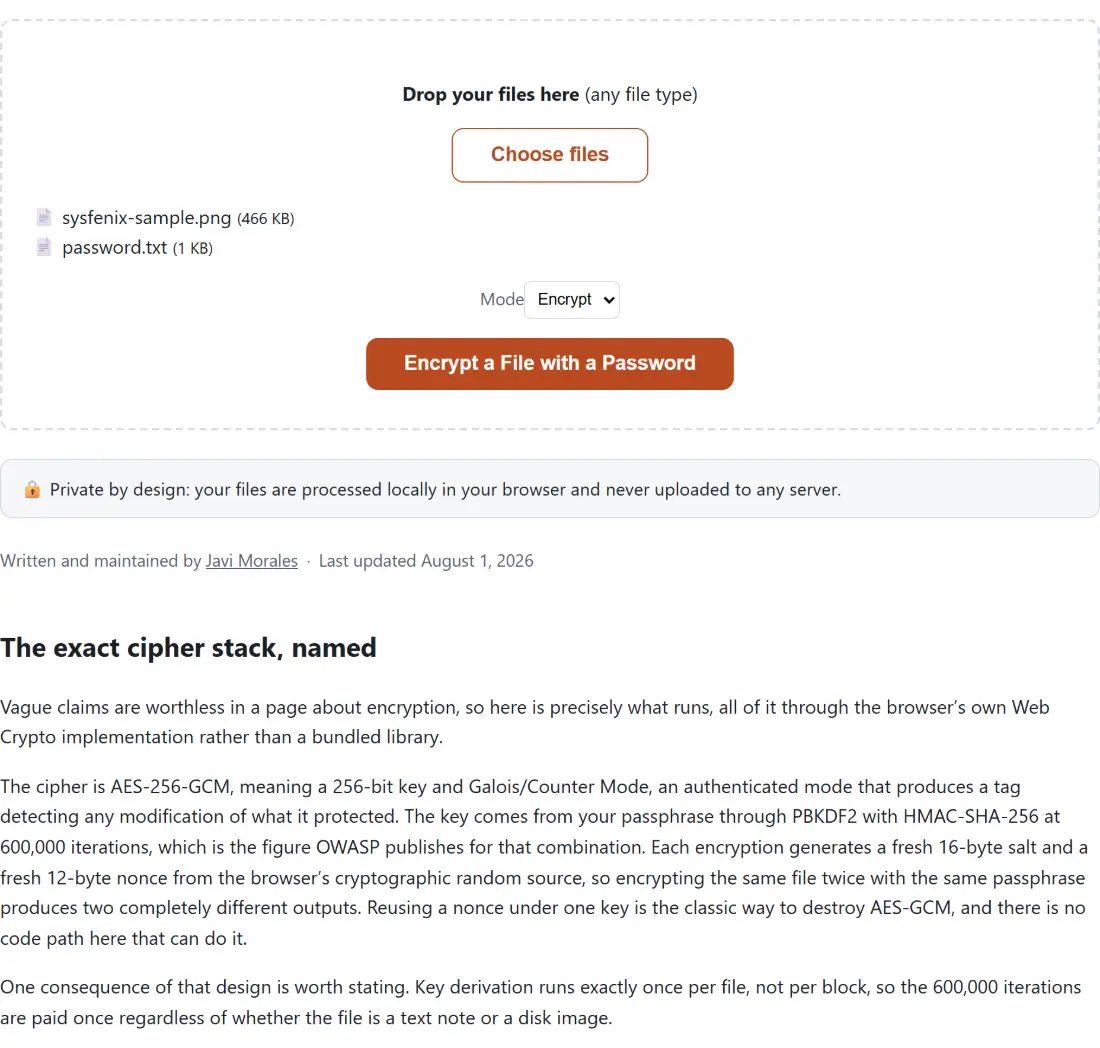
- Drop both files together into the box, which accepts any file type. Exactly two are needed, the target and the password text file, and the tool sorts out which is which by extension, so order does not matter.
- Click Encrypt a File with a Password.
- Use the download link that appears. The result is your original file name with
.encappended, and decrypting it later gives back the original name rather than a stripped one.
The passphrase arrives as a .txt file, and what that costs
Tool options on this site are dropdowns, numbers and checkboxes; there is no free-text field a password could be typed into. Supplying it as a second file is the same workaround Password Protect a PDF uses, and it has one sharp edge worth knowing before you hit it.
If the file you want to encrypt is itself a .txt, both uploads look like the password file and the
tool refuses to guess. The fix is to change the target’s extension first, or to wrap it in an
archive with Create ZIP Files Online and encrypt the .zip instead, which is also the
tidier answer when you want several files under one passphrase. Bear in mind that the passphrase
file sits on your disk in plain text until you delete it, which is worth a moment’s thought if the
machine is shared.
A failed decryption tells you less than you would like
When decryption fails you get no output file at all, which is the correct behavior for an authenticated cipher. Nothing half-decrypted is ever offered, and there is no silent fallback to garbage bytes. What you will not get is a precise diagnosis. The shared file interface catches every error and shows one generic sentence about the file being invalid, sending the real message to the browser console, and even that real message cannot separate a wrong passphrase from a corrupted or edited file, because the authentication tag treats them identically.
There is a rough edge in the aftermath, too. After a failed run the page keeps the two files you selected and offers no reset button, so the cleanest way to try again with a different passphrase file is to reload the page. One distinction the code does still draw internally is between your file and a stranger’s, since anything that never came from this tool fails at those six signature bytes long before the cipher is reached, even though the banner you see is worded the same.
What this protects, and what it does not
Confidentiality of the file’s contents is real and rests on a well understood construction. What it
rests on more heavily is your passphrase, since an attacker with the .enc file can guess offline
for as long as they like, and 600,000 iterations makes each attempt slow without making a common
word safe. Generating one with the Passphrase Generator, which strings
together words from the EFF list, or the Password Generator at its default
sixteen characters, is a bigger security win than anything else on this page.
Three things are outside the guarantee. The file name is visible, as described above. The file’s approximate size is visible, since the ciphertext tracks the plaintext length. And a compromised device is a compromised device, because encryption performed on it has to see the plaintext.
For related work, File Checksum Verifier confirms a decrypted file matches what you expect, and Encrypt a Text Message with a Password applies the identical primitives to a short message, handing back a Base64 block you can paste into an email instead of a file you have to attach. The trade-off against Password Protect a PDF is worth naming as well, since that one produces a file any PDF reader opens with the password, using the PDF specification’s own AES-128 security handler, whereas the container here is stronger but only this page can open it.