What is actually inside that Base64 block
The output looks like random text, but it has a definite structure. Behind the Base64 sits a small binary container: a six-byte signature reading SFXENC, a version byte, the PBKDF2 iteration count as a 32-bit number, the 16-byte salt, the 12-byte nonce, a two-byte name length, and then the encrypted message with its authentication tag appended.
That works out to 41 bytes of header plus a 16-byte tag, so 57 bytes of fixed overhead before Base64 expands everything by a third. A 40-character message therefore lands at 97 bytes and 132 printable characters. Short messages are dominated by their own header, which is unavoidable: the salt and nonce have to travel with the ciphertext or nobody, including you, could ever decrypt it.
The name length field is always zero here. This tool shares its crypto with Encrypt a File with a Password, whose container reserves space for the original filename so that decrypting restores it; a pasted message has no filename, so the field is simply left empty. Reusing that code rather than writing a second implementation means both tools inherit the same audited primitives and the same test suite.
The marker convention, and one full round trip
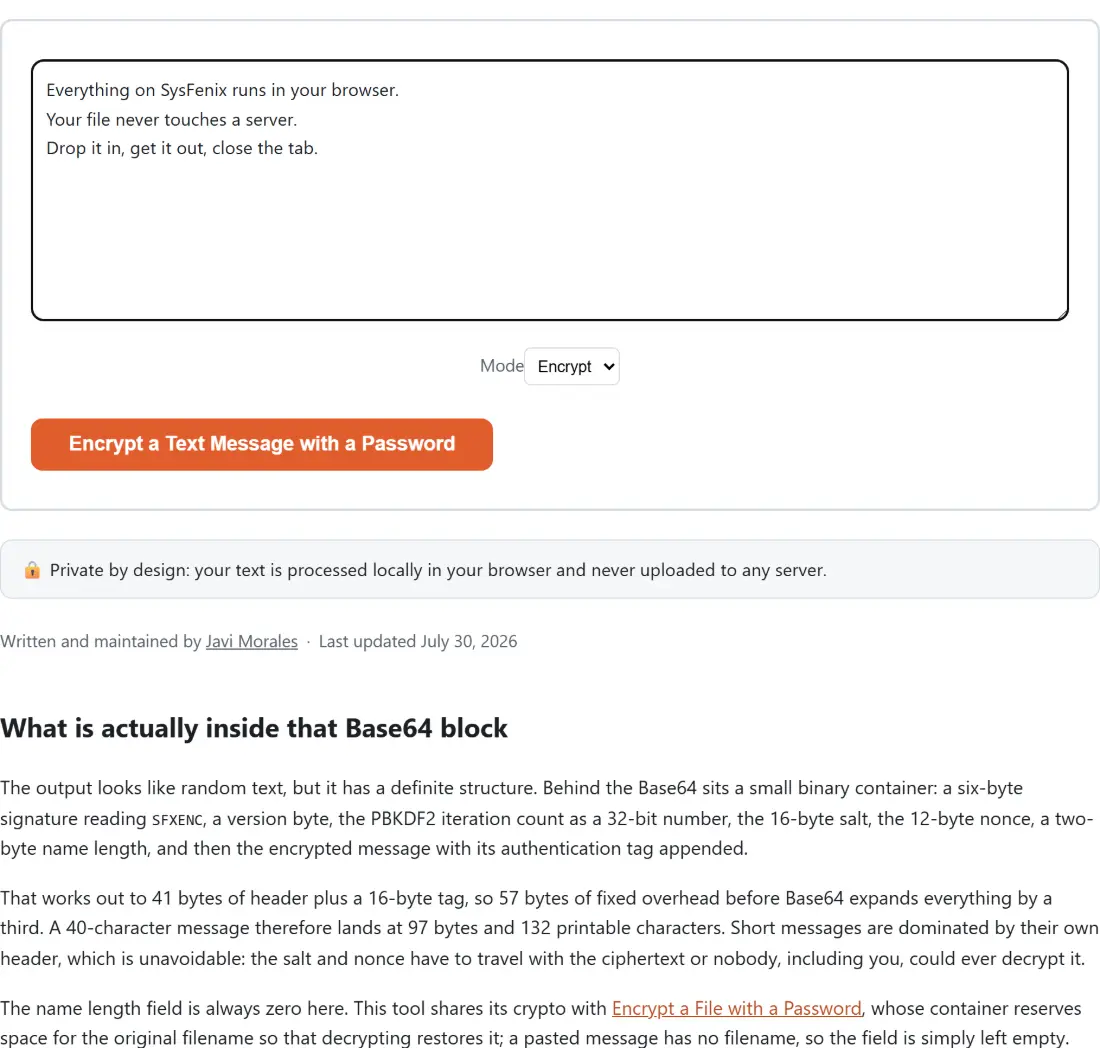
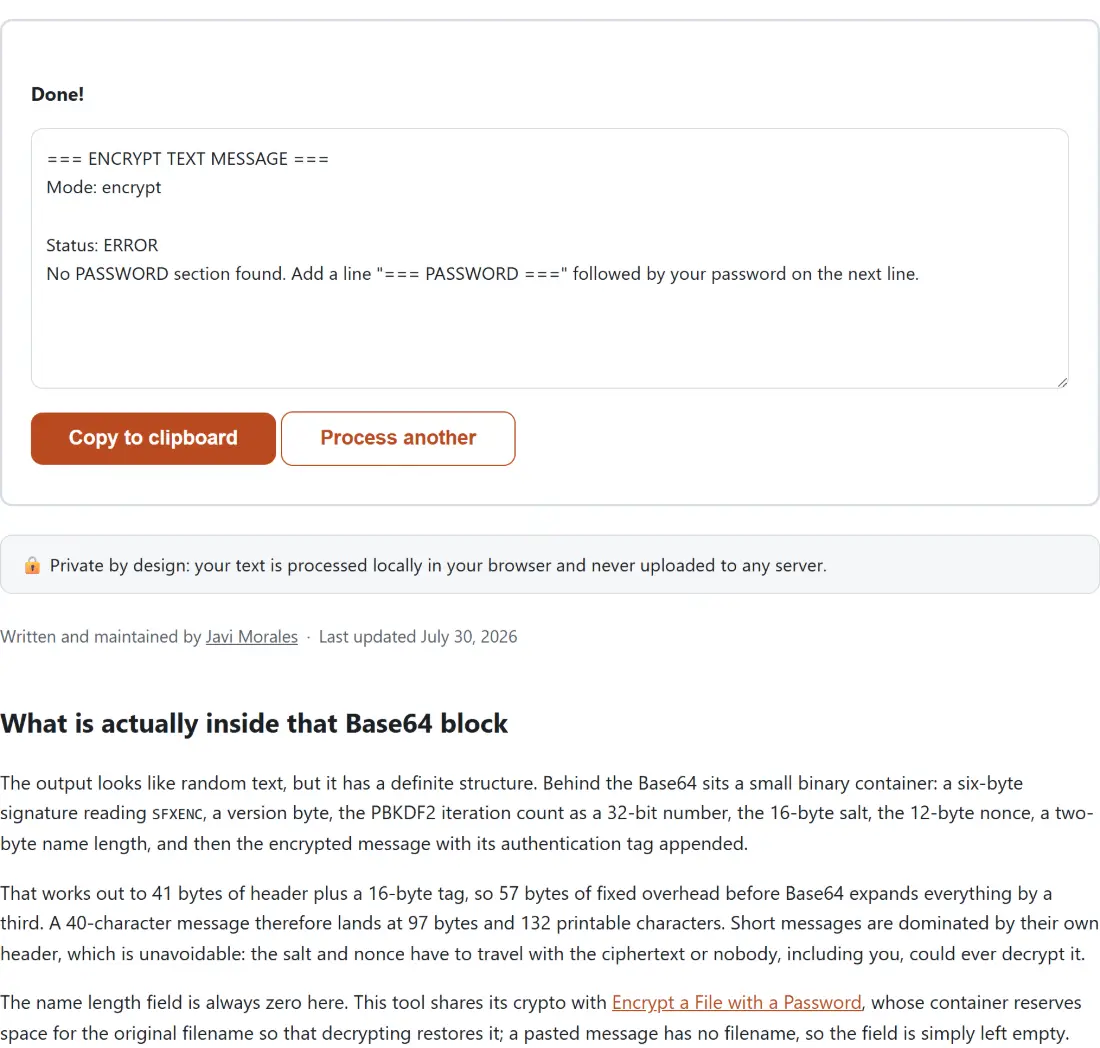
There is one text box, and the tool needs two values from you, so sections are marked with header lines. To encrypt:
=== MESSAGE ===
Wi-Fi password for the office guest network is Trombone-Ladder-9
=== PASSWORD ===
correct horse battery staple
Click the button and the result contains a === CIPHERTEXT === section holding one long Base64 line. Copy the whole thing. To read it back later, switch Mode to Decrypt and paste:
=== CIPHERTEXT ===
<the Base64 block>
=== PASSWORD ===
correct horse battery staple
Because the encrypt output already labels its own section correctly, the whole result can be pasted straight in with the password lines added underneath. The === NOTES === footer that every encrypt run appends is recognised as a section in its own right and dropped on the way back in, so there is nothing to trim first.
So a full round trip is five steps:
- Leave Mode on Encrypt.
- Type or paste the two marked sections above into the text box, message first, password second.
- Click the button, then press Copy to clipboard. That copies the entire result: the
=== CIPHERTEXT ===block and the=== NOTES ===footer beneath it. - Send that block to your recipient, and send the password some other way. Both halves in one inbox is the same as sending neither encrypted.
- To read it back, set Mode to Decrypt, paste the ciphertext block with a
=== PASSWORD ===section under it, and click again.
PBKDF2 at 600,000 iterations, and why a weak password still loses
AES-256 is not the weak link in this design. Your password is. Passwords have far less entropy than a 256-bit key, so the gap has to be papered over by making each guess expensive, which is what PBKDF2 does: it hashes the password with HMAC-SHA256 six hundred thousand times before the result becomes an AES key.
That figure came from OWASP’s Password Storage Cheat Sheet rather than from habit, and it is the same count encrypt-file uses, because this tool imports that module’s primitives instead of re-deriving them. Derivation happens exactly once per click, not once per byte, so the cost is a fixed pause at the front of the operation, identical whether the message is one sentence or ten pages. How long that pause actually feels is a property of your device rather than of the tool, which is the honest answer for anything running locally: a desktop absorbs it, a five year old phone will not hide it.
The reason that deliberate cost matters is that an attacker pays it too, on every single guess. A dictionary word, a name, a date or Summer2026! still falls, because even at that price a shortlist of a few million candidates is a short afternoon. A four or five word passphrase does not, because there is no shortlist to grind through. Generate one with the Passphrase Generator, and if you insist on choosing your own, run it past the Password Strength Checker first.
A wrong password and a tampered block fail identically
Try to decrypt with the wrong password and you get a single clear failure, with no output. Change one character in the middle of the Base64 and you get the same failure. Edit a byte of the header, not even the ciphertext, and you get it again.
This is authenticated encryption doing its job rather than tidy error handling. GCM produces a tag over the ciphertext, and the entire header is fed in as additional authenticated data, so every field is covered by that tag. Verification either passes or it does not. There is no partial decryption, no half-recovered sentence, and no risk of being shown plausible-looking garbage and mistaking it for the real message.
The flip side is that the tool cannot tell you which mistake you made. “Wrong password” and “corrupted block” are the same event to the cipher, and a tool that guessed between them would be inventing information. One extra check runs after a successful decryption: the recovered bytes must be valid UTF-8 text, and if they are not you get a distinct message saying so, which is the signature of a block that was truncated at exactly the wrong place.
Two channels, or you have encrypted nothing
Encryption relocates the secret from the message to the password. If both travel the same way, an inbox breach or a shoulder-surfed chat window hands over the pair together and the ciphertext was theatre.
Send the block by email and read the password aloud over a phone call. Post the block in a ticket and pass the password in a separate direct message. Agree a passphrase in person once and reuse it for a while. Any of those genuinely raises the cost of interception; putting both in the same thread does not.
What this does not hide
The content of your message is confidential. Several things around it are not: how long the message was, when you sent it, who you sent it to, and the fact that it was encrypted with this tool at all, which the SFXENC signature announces to anyone who decodes the Base64. That signature is there so the decrypt path can recognise its own format and refuse unrelated input politely.
Everything runs through the Web Crypto API that ships with your browser. No key material, no plaintext and no password touches the network, and after this page has loaded you can disconnect entirely and both directions still work. For a whole document instead of a pasted note, the file-based sibling linked above uses the identical primitives; for reading a plain Base64 string that is not ciphertext at all, Base64 Decode is the right tool.