The conversion is really a question about YAML’s type rules
JSON is a subset of YAML, which makes one direction sound trivial and hides where the actual work is. Both formats describe the same six kinds of value, so nothing structural gets lost going from YAML to JSON. What differs is how each format decides what an unquoted scalar means, and YAML has far more opinions about that than JSON does.
null is the easy illustration. JSON spells it exactly one way. YAML accepts null, Null, NULL, ~, and an empty value after the colon, all five of which arrive in JSON as the same null. Numbers are looser too: YAML will read 0x1F as 31 and 1e3 as a float, while JSON has no hexadecimal literal at all. Timestamps are the one that surprises people, because a bare 2024-01-15 is a genuine YAML type, becomes a real date object during parsing, and then serialises into JSON as the full ISO string 2024-01-15T00:00:00.000Z, since JSON has nowhere to put a date.
That is why “convert my YAML” is not a text substitution. Seeing which of your values the parser considered a number, which a string, and which a boolean is often the entire reason to run a manifest through here in the first place.
The yes and no trap, and which side of it this tool sits on
There is a well-known bug pattern where a config file listing country codes turns NO into false, because YAML 1.1 treated yes, no, on and off as boolean spellings. It bit enough projects to earn a nickname, the Norway problem.
This converter runs js-yaml v4 on its default schema, which resolves booleans the YAML 1.2 way, so the only booleans are true and false. That default schema is the 1.2 core types plus a handful of extras js-yaml keeps, which is why the timestamps and merge keys further down this page work at all. Your no comes out as the string "no". We verified that against the library rather than trusting the reputation of YAML generally, because it changes the advice: if you are debugging a config that a Ruby, Perl or older Python toolchain misread, the result here will disagree with the tool that broke, and that disagreement is the finding.
Multi-document files and the loadAll decision
Kubernetes conventions push several resources into one file, separated by a --- line. Most naive converters read the first document and either stop or throw, because js-yaml’s plain load refuses a stream containing more than one document outright.
This tool calls loadAll instead, and then makes one judgement call about the shape of the output. A single-document file gives you the object or array itself, not a one-element array wrapping it, because that is what someone pasting an ordinary config expects. Two or more documents give you a JSON array with one element per document, in source order. So a file bundling a Deployment, a Service and a ConfigMap becomes an array of three objects you can index into. Genuinely empty input, including an empty document between two separators, converts to null, which is what the YAML specification says an empty document contains.
What cannot survive the trip
Comments are the big loss and no tool can prevent it. A # comment is not part of YAML’s data model, so the parser drops it while reading; there is no comment left by the time output is written, and JSON has no syntax to receive one anyway. Any config where the comments carry the institutional knowledge should be edited in place, not round-tripped.
Two smaller things also flatten out. Anchors and aliases resolve to their values, so a &defaults block referenced three times, or merged in with a merge key, appears three times in full in the JSON rather than staying a reference. And mapping keys that look like integers get reordered: JavaScript objects list integer-like keys in ascending numeric order regardless of the order they were written in, so a mapping with keys 10 and 2 will come out 2 first. Quote those keys in the source if their order matters.
Going the other way
Switch Direction to JSON → YAML and the same box takes JSON instead. The indent option (1 to 8 spaces, default 2) does useful work in both modes: it sets the JSON output’s indentation in one direction and js-yaml’s block indentation in the other. Values outside that range are clamped rather than rejected. Either way it is four steps:
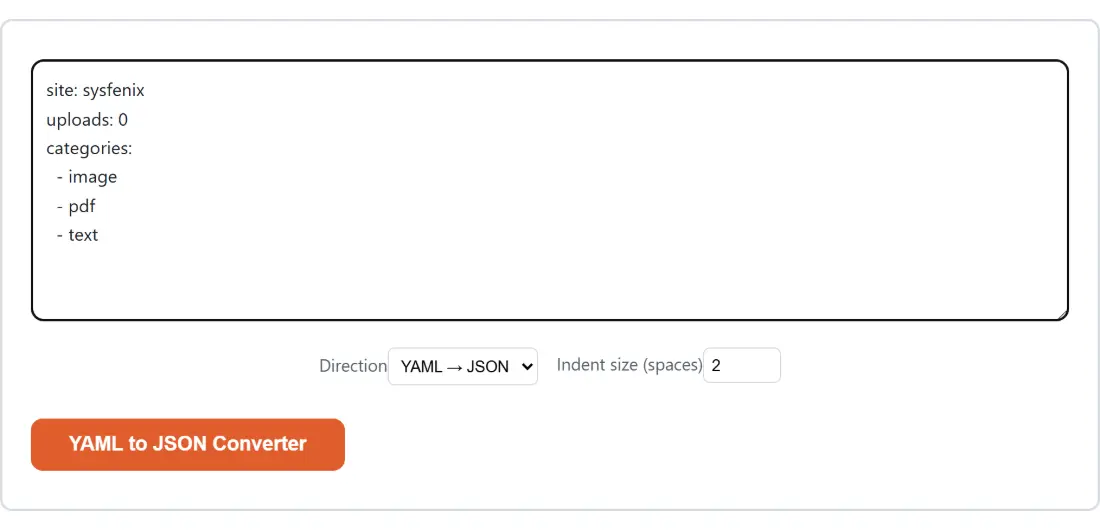
- Paste your YAML (or JSON) into the text box above.
- Leave Direction on YAML → JSON, or switch it to JSON → YAML.
- Set Indent size (spaces) if the default of 2 is not your house style.
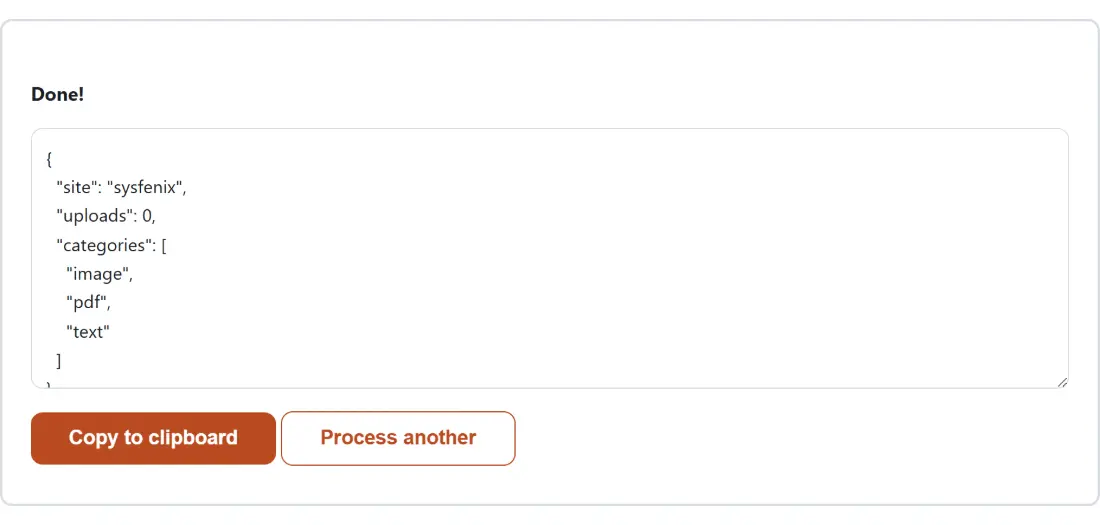
- Click the button, then press Copy to clipboard. A parse failure appears in the same output box, naming the line and column, rather than as a generic error banner.
This is the direction to use when a tool insists on YAML and what you have is an API response or an exported config. Do not expect the result to look hand-written, though. A serialiser makes consistent choices about quoting and flow style that a human author would not, so the YAML is correct but plain.
Reading a parse error
Both directions report failures as a single line naming the position and the parser’s own reason, rather than a generic “invalid input” banner. The YAML side converts js-yaml’s zero-based mark into the one-based line and column your editor displays; the JSON side reuses the error description already written and tested for the JSON Formatter rather than duplicating that logic.
One detail from building this is worth recording. The conversion function deliberately never throws. The shared text-tool shell catches any thrown error and replaces its message with a fixed “something went wrong” banner, which would have swallowed the one thing this tool exists to show you. So the error text is returned as the result instead, and lands in the output box where it is readable.
If your input turns out to be XML rather than YAML, XML to JSON covers that shape, and Diff Text is the usual next step once two configs are in the same format and you want to see what actually differs.