Reversal is the operation that cannot stream
Almost every audio effect is a conveyor belt. Volume, speed, filtering and equalisation all read a little, write a little, and never need to hold much at once. That is why you can process an hour long file in a browser tab without thinking about it.
Reversal is the exception, and the reason is unavoidable rather than an implementation shortcut. The first sample you write is the last sample you read, so nothing can be emitted until everything has been read and decoded. The whole selected stretch lives in memory at once.
That constraint drives two design decisions here. There is a hard ceiling of ten minutes on the amount of audio reversed in one run. And there is a start and end pair, so that ceiling applies to a passage rather than to your file, which means a long recording is not excluded, only a long selection.
Reversing a passage from a long recording
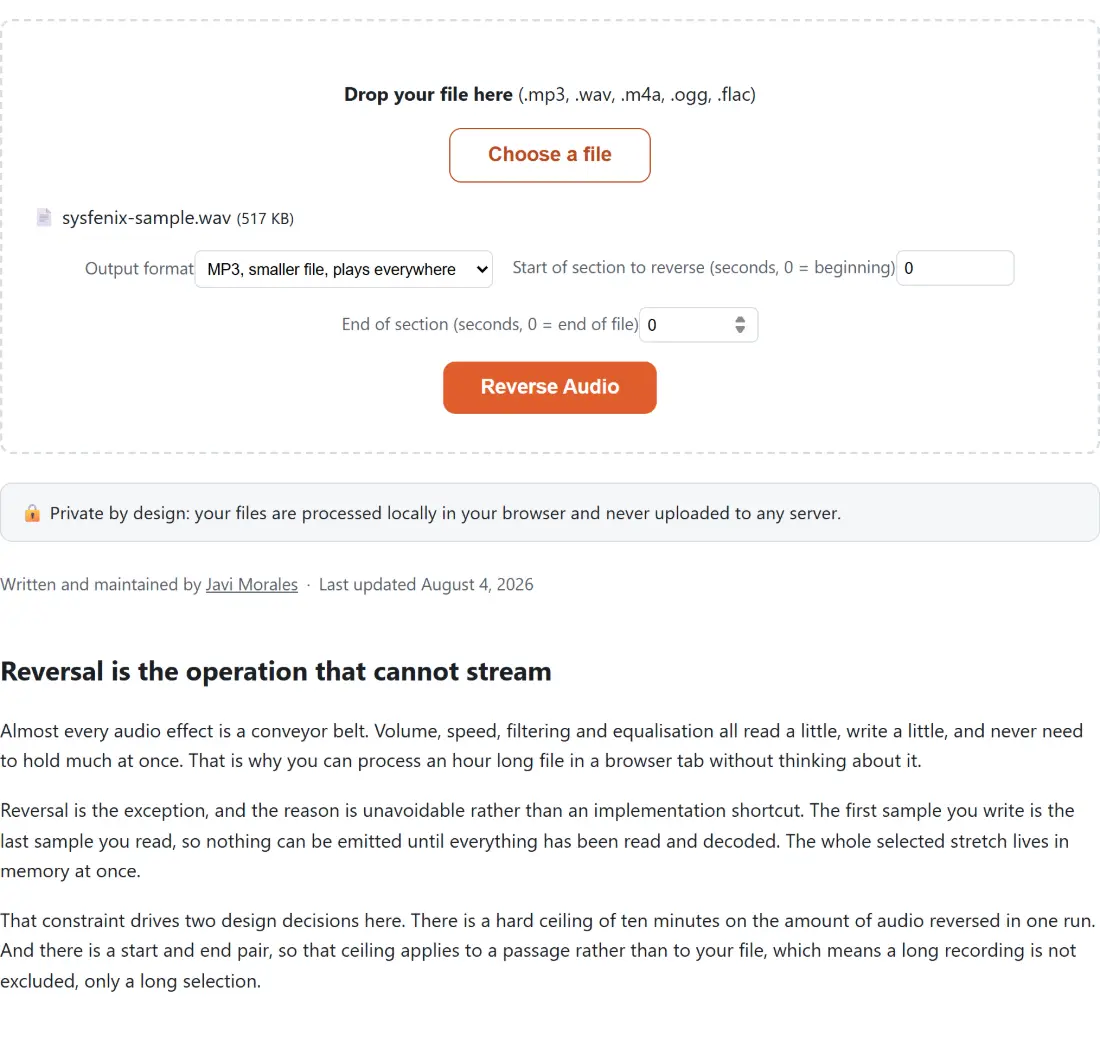
- Drop your file on the box or use Choose a file. MP3, WAV, M4A, OGG and FLAC are accepted.
- Choose an Output format. MP3 is the default.
- Set Start of section to reverse (seconds, 0 = beginning) to where the passage begins.
- Set End of section (seconds, 0 = end of file) to where it ends. Leave it at zero to run to the end.
- Click Reverse Audio. The file is probed first, so an over-limit request is refused before any encoding time is spent.
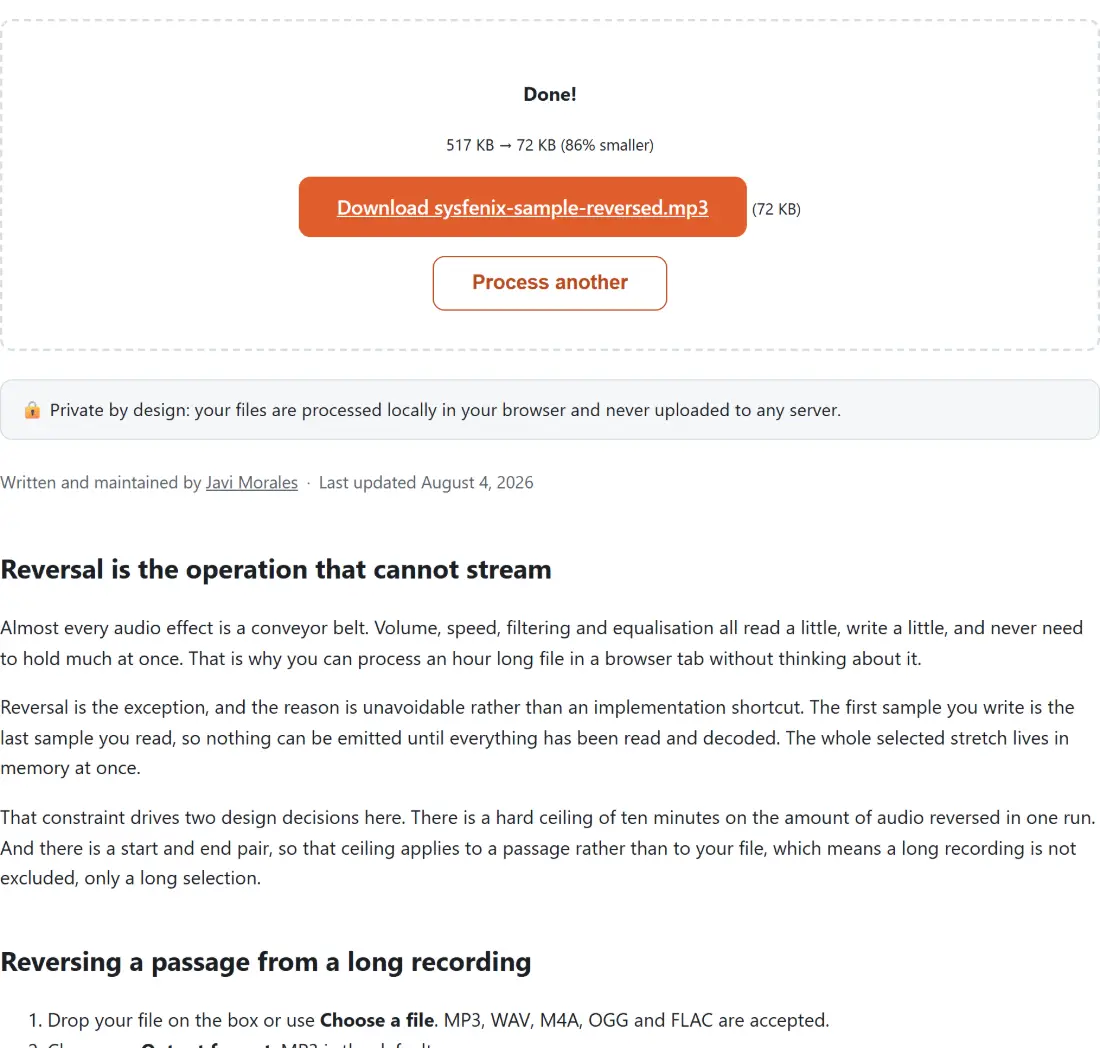
- Download the result, named after your file with a reversed suffix and the extension of the format you chose.
- Process another clears the box.
Both time fields are in plain seconds from the start of the file, not minutes and seconds, so a passage beginning at two minutes ten is entered as 130.
The trap in trimming a reversed section
There is a specific and very easy mistake in this operation, and knowing about it explains why the tool behaves the way it does.
If you reverse first and trim afterwards, you do not get your passage backwards. The filter reads from your start point all the way to the end of the file, reverses that entire stretch, and then the trim keeps the first few seconds of the result, which is the end of the file played backwards. Your passage is nowhere in the output.
The cut therefore happens on the way in, as the file is read, not on the way out. The reader seeks to your start time and is told how much to read from there, so the reversal only ever sees your selection. That also means the memory ceiling is measured against your selection rather than the rest of the file, which is what makes the range feature useful rather than cosmetic.
This was verified against the real engine rather than assumed, by feeding it a synthetic file whose samples count upward and checking that a selected window came back with its own first and last samples swapped.
Two limits, applied in the right order
The length actually being buffered is what matters, and there are two ways to know it.
An explicit start and end pair gives it directly, by subtraction, whatever the file’s own duration is. That is the reliable case, and it is checked against the ten minute ceiling.
An open ended selection needs the file’s duration, which is read from the probe. When that comes back unavailable, which happens with some containers and with damaged files, the coarse file size cap of 200 MB takes over. Refusing to work purely because a duration could not be read would be the wrong call, and leaving no limit at all would risk the tab.
Whichever limit stops you, the run is refused before any encoding time is spent. The refusal is built naming the limit that was hit and pointing at the range fields, but the shell around this tool replaces any thrown error with one fixed generic sentence, so that wording never reaches the screen and only the browser console has it. When a file is refused, narrowing the start and end pair is the way around both limits.
What to pair it with
Trimming first is often easier than typing times. Cut MP3 extracts the passage as its own file, which you can then reverse whole with both fields left at zero.
For the reversed sound to sit under reversed pictures, Reverse a Video handles both streams together rather than making you recombine them. For other transformations of the same clip, Change Audio Speed and Audio Pitch Changer alter tempo and pitch independently, and 8D Audio is the spatial effect that pairs well with a reversed loop. Audio Joiner puts a forward and a reversed copy back to back. The rest is on the audio tools hub.