A word list, and nothing more
There are two honest ways to build a sentiment tool. One is to train a model on a large labelled corpus, which produces good results and requires infrastructure. The other is to keep a list of words that carry sentiment and count them, which produces rough results instantly and can be explained in a paragraph.
This is the second kind, and saying so up front is the point. It holds sixty-six positive words and sixty-three negative ones, all common English, and scores your text by counting matches. There is no model, no training data and no service call, which is also why it works with your tab offline.
What that buys you is speed and predictability. The same text always gives the same answer, you can reason about why, and nothing you paste leaves your machine. What it costs you is everything a model would have understood.
Scoring text
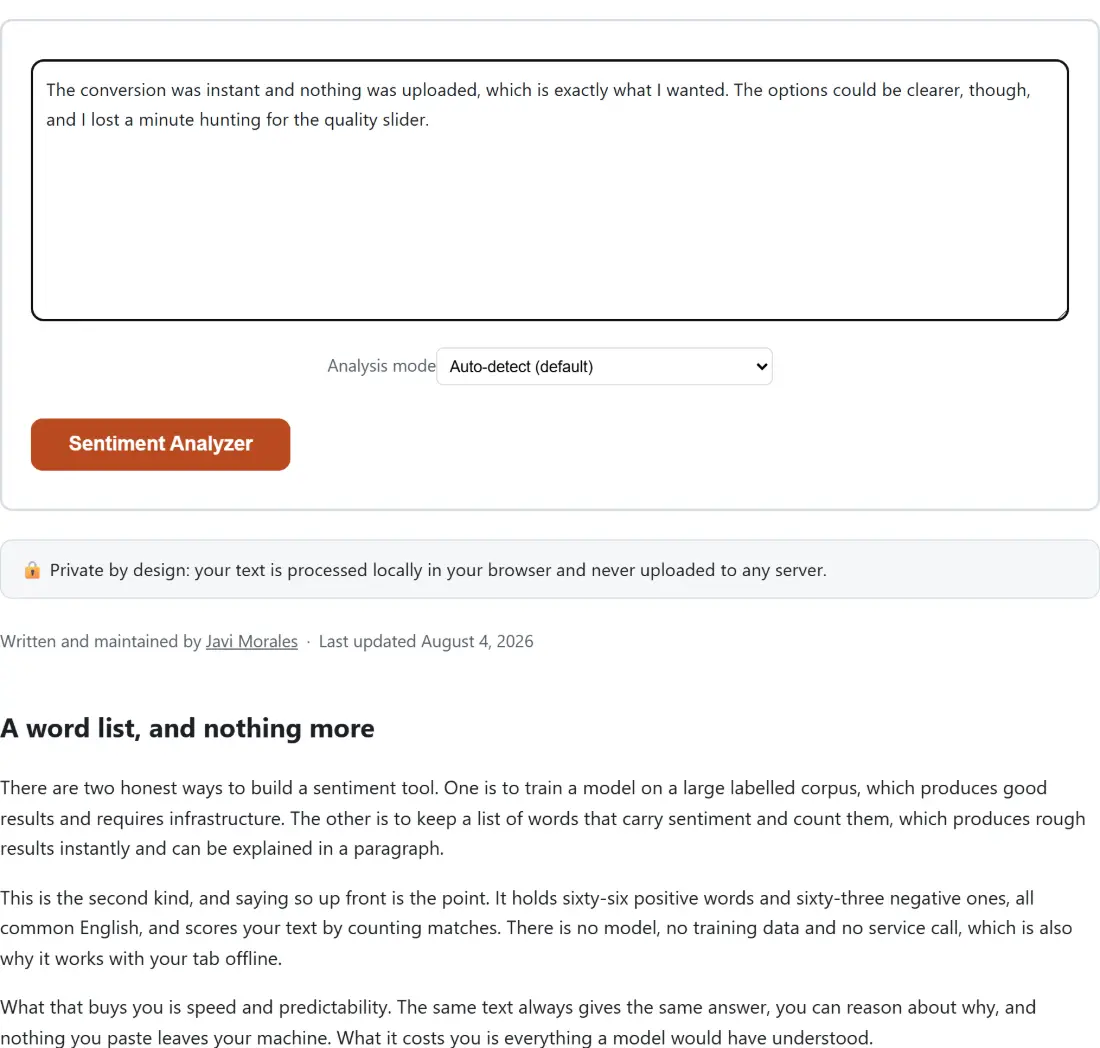
- Paste your text into the box. The action button stays disabled while it is empty.
- Leave Analysis mode on Auto-detect (default), or pick a mode explicitly.
- Click Sentiment Analyzer.
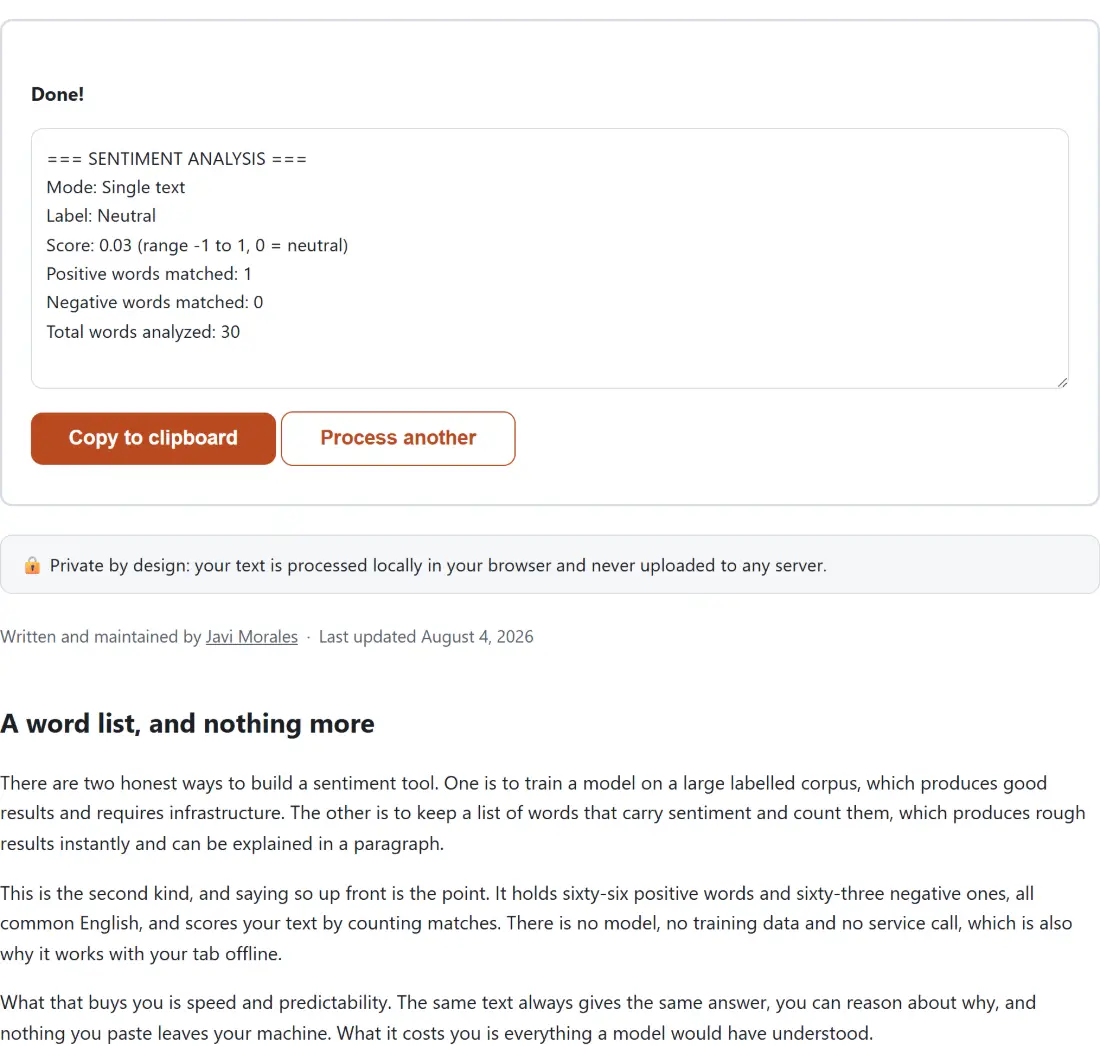
- Read the report. Single mode gives one label, one score, and the counts behind it. Batch mode gives one line per review plus a summary.
- Click Copy to clipboard to take the report.
- Process another clears both boxes.
Auto-detect uses a simple rule: more than one non-empty line means a batch of reviews, anything else is a single document. That is right most of the time and wrong for a single review pasted with line breaks in it, which is exactly what the manual override is for.
The arithmetic behind the label
Every matched word contributes one, positive or negative. The net is divided by the total number of word tokens, which gives a score roughly between minus one and one.
Normalising by length is what makes the number comparable across texts of different sizes. Without it, a long document would score higher simply by containing more words of any kind. With it, a five word sentence containing two positive words scores 0.4, while a hundred word paragraph containing the same two scores 0.02 and reads as neutral.
The neutral band is deliberately narrow, at 0.05 either side of zero. That is set so a single strong word in a short sentence clears the threshold while one stray word in a long document does not tip it. Empty input scores zero and is reported as neutral rather than producing a division error.
Negation, and the limits of a three word window
The one piece of grammar this implements is negation. Before a matched word is counted, the three tokens immediately before it are checked for a negator, and if one is present the word’s contribution is flipped.
That handles the most common case correctly. A sentence describing something as not good is scored negative rather than positive, which a naive word count would get exactly backwards.
The window is three tokens because that covers ordinary English placement without reaching so far that unrelated clauses interfere. Contractions are handled generically by matching the standard shortened form of not at the end of a token, so every one of them is caught without being listed individually.
Everything beyond that is out of scope and worth naming. A double negative flips once rather than twice. A contrast clause is not detected, so praise followed by a reversal is scored as the sum of both parts. And sarcasm is invisible, because sarcasm is invisible to word counting by definition.
Reading a batch report
Batch mode is the mode that earns its place. Paste a column of reviews, one per line, and each is scored independently.
The per-line output gives an index, a label, a score and the text itself, so you can scan for the ones that came out strongly either way. Underneath, the summary counts each label with a percentage, and reports an overall label taken from the average of the individual scores rather than from a re-scoring of the whole block. Those two can differ, and the average is the more meaningful figure when reviews vary in length.
Blank lines are dropped before any of this, so a list with spacing between entries does not generate phantom neutral results that skew the percentages.
Where to take it next
A sentiment label is a starting point for reading, not a substitute for it. For the mechanics of the same text, Word Counter gives words, characters, sentences and paragraphs, and Readability Checker reports how demanding it is to read.
If your reviews arrived as a list with duplicates or stray whitespace, Remove Duplicate Lines & Sort Text will clean it up before you paste it here. For catching the errors in a draft rather than judging its tone, Grammar Checker is the right tool, and Diff Text compares two versions. The rest is on the text tools hub.