The other half of SHA-2
SHA-2 is not one algorithm but a family, and SHA-512 is the large half of it. Same structural design as SHA-256, same lineage, same absence of any practical break, but built around 64 bit internal words instead of 32 bit ones and emitting twice as much output.
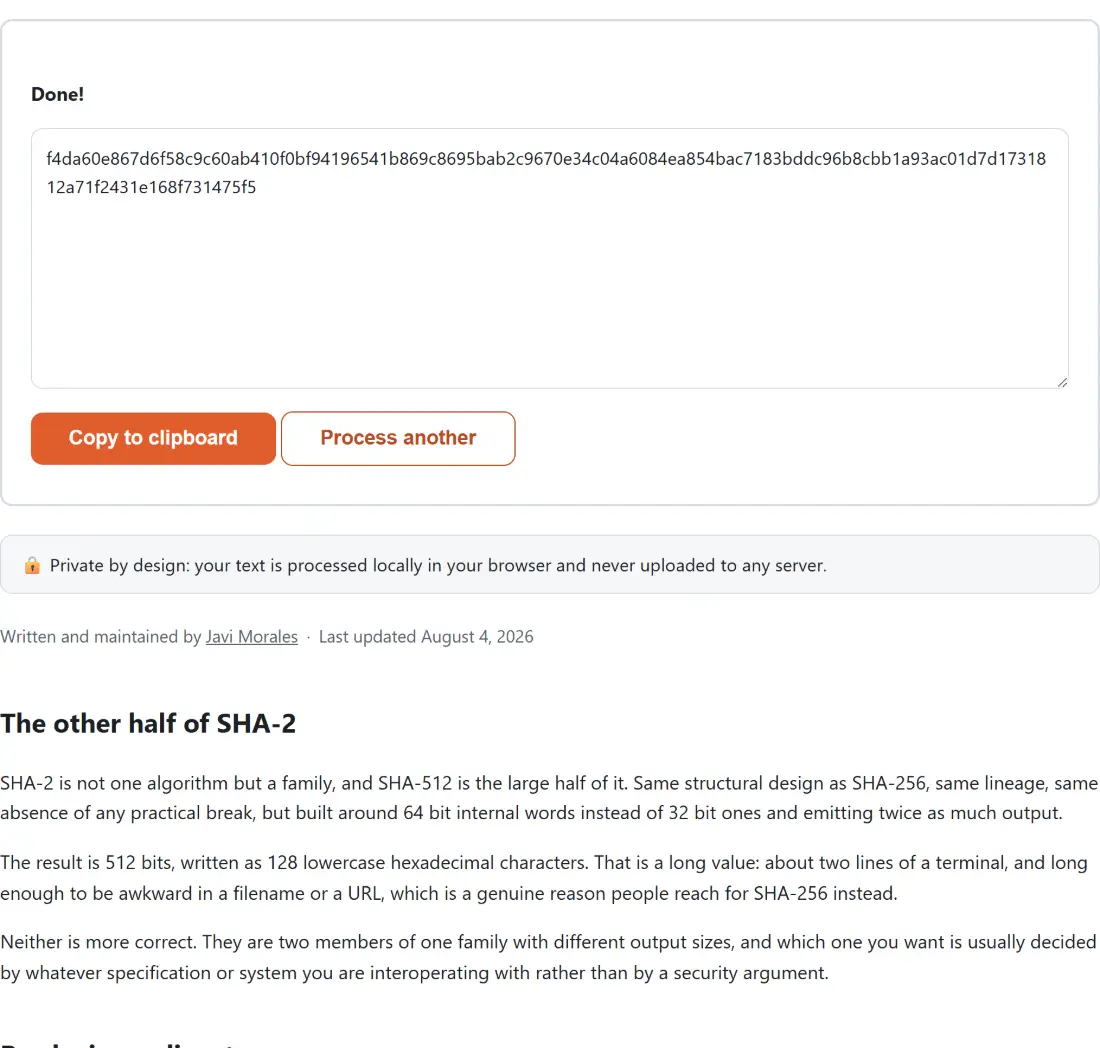
The result is 512 bits, written as 128 lowercase hexadecimal characters. That is a long value: about two lines of a terminal, and long enough to be awkward in a filename or a URL, which is a genuine reason people reach for SHA-256 instead.
Neither is more correct. They are two members of one family with different output sizes, and which one you want is usually decided by whatever specification or system you are interoperating with rather than by a security argument.
Producing a digest
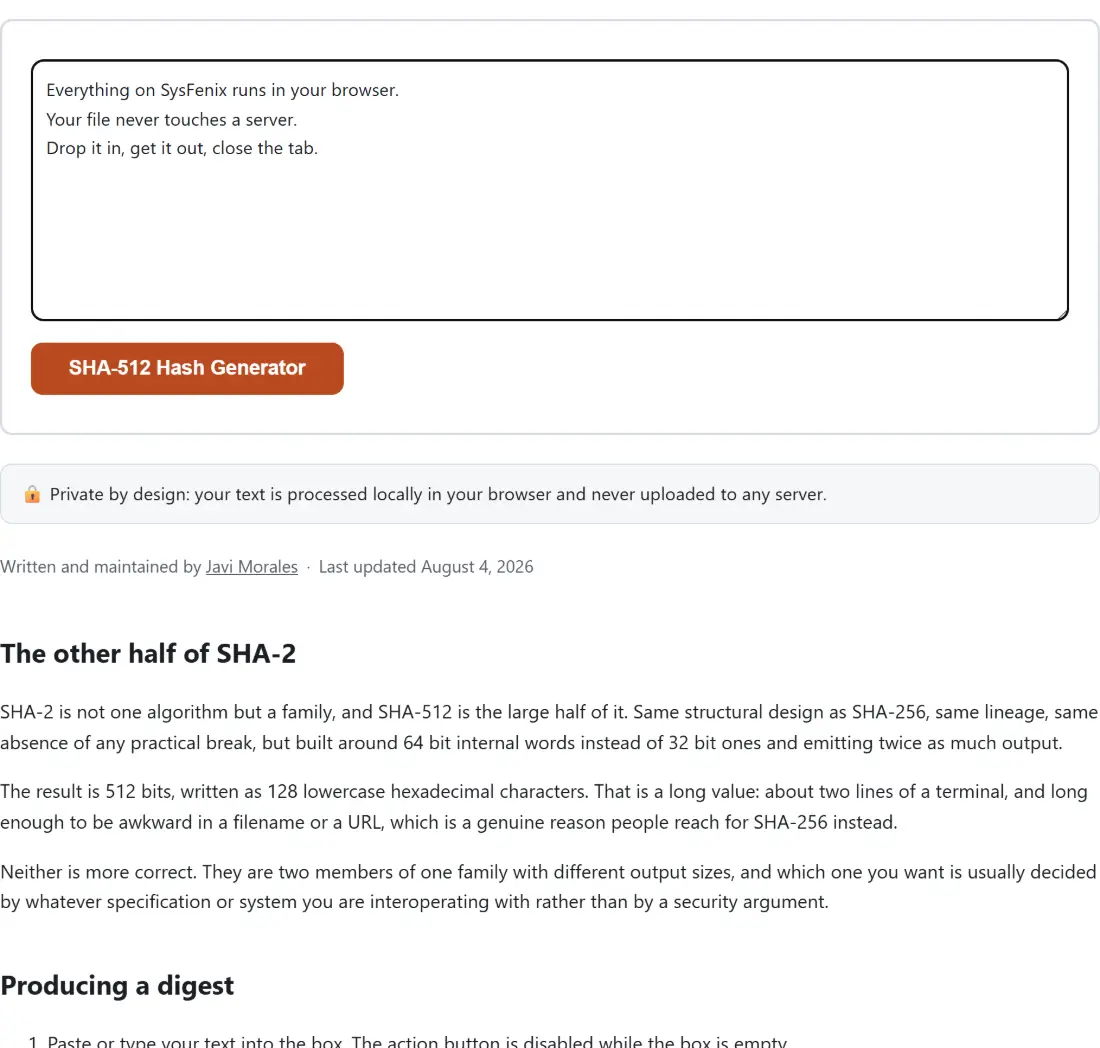
- Paste or type your text into the box. The action button is disabled while the box is empty.
- Click SHA-512 Hash Generator.
- The 128 character digest appears in the read-only box under a Done! line.
- Copy to clipboard takes it in one click, which matters more here than for shorter digests since selecting 128 characters by hand is fiddly.
- Process another resets both boxes.
The calculation runs inside your browser, through its own built-in cryptography, with no library shipped and no request sent.
The 64 bit performance inversion
There is one genuinely surprising fact about SHA-512 worth knowing: on modern hardware it is frequently faster than SHA-256, per byte, despite producing twice as much output.
The reason is word size. SHA-512’s internal operations work on 64 bit words, which map directly onto the registers and instructions of any 64 bit processor. SHA-256 works on 32 bit words, so a 64 bit machine spends part of its capacity idle. Feed both a large file on a modern desktop and SHA-512 often wins.
The picture reverses on 32 bit hardware and small embedded devices, where SHA-512’s 64 bit arithmetic has to be emulated and the cost is real. That is one reason SHA-256 remains the default in constrained environments.
For text pasted into a browser box, none of this is observable. It matters when hashing gigabytes.
Truncation, and why SHA-384 is its own thing
A reasonable question is whether you can simply take the first 96 characters of a SHA-512 digest when you need something shorter.
Truncating a SHA-2 digest is a legitimate operation and cryptographically sound, but the standard does not leave it to you. SHA-384 is defined as its own variant: it runs the SHA-512 computation with a different set of initial values and then truncates to 384 bits. The different starting point matters, because it means a SHA-384 digest is not a prefix of the SHA-512 digest of the same input.
So if a specification asks for SHA-384, you need SHA-384. Chopping the output of this page will produce a value that looks right, is the correct length, and matches nothing.
The same input, forever
A cryptographic hash is a pure function. No randomness, no salt, no timestamp, no machine-specific state. The digest of a given sequence of bytes is fixed for all time and identical everywhere.
That is what makes digests useful as identifiers and as integrity checks, and it is also why a mismatch is always explained by the input rather than the tool. In practice the explanation is one of two things: a trailing newline that came along when you copied the text, or a different text encoding on the other side. The text here is converted to UTF-8 before hashing, which is what modern tools do, so anything outside plain ASCII will only match a counterpart that made the same choice.
Related tools
For a file rather than typed text, File Checksum works on the raw bytes and is what you want for verifying a download. For the shorter member of the same family, SHA-256 Hash Generator is next door, and SHA-1 Hash Generator and MD5 Hash Generator exist for matching older systems rather than for security.
When you need a keyed digest for authenticating a request rather than a bare hash, HMAC Generator is the correct construction. And to move a digest safely through a URL or a header, URL Encode and Base64 Encode handle the transport. The rest is on the dev tools hub.