A fingerprint, not a lock
A hash takes any amount of data and produces a fixed length value that is easy to compute forwards and infeasible to run backwards. SHA-1’s is 160 bits, written as forty hexadecimal characters.
The word people reach for is fingerprint, and it is a good one. Two identical documents share a digest. Change a single character, a single byte, even the case of one letter, and the digest changes completely rather than slightly, with no visible relationship to the previous value.
What a hash is not is encryption. There is no key and no way back. If you need to recover the original text later, hashing is the wrong operation entirely.
Getting a digest
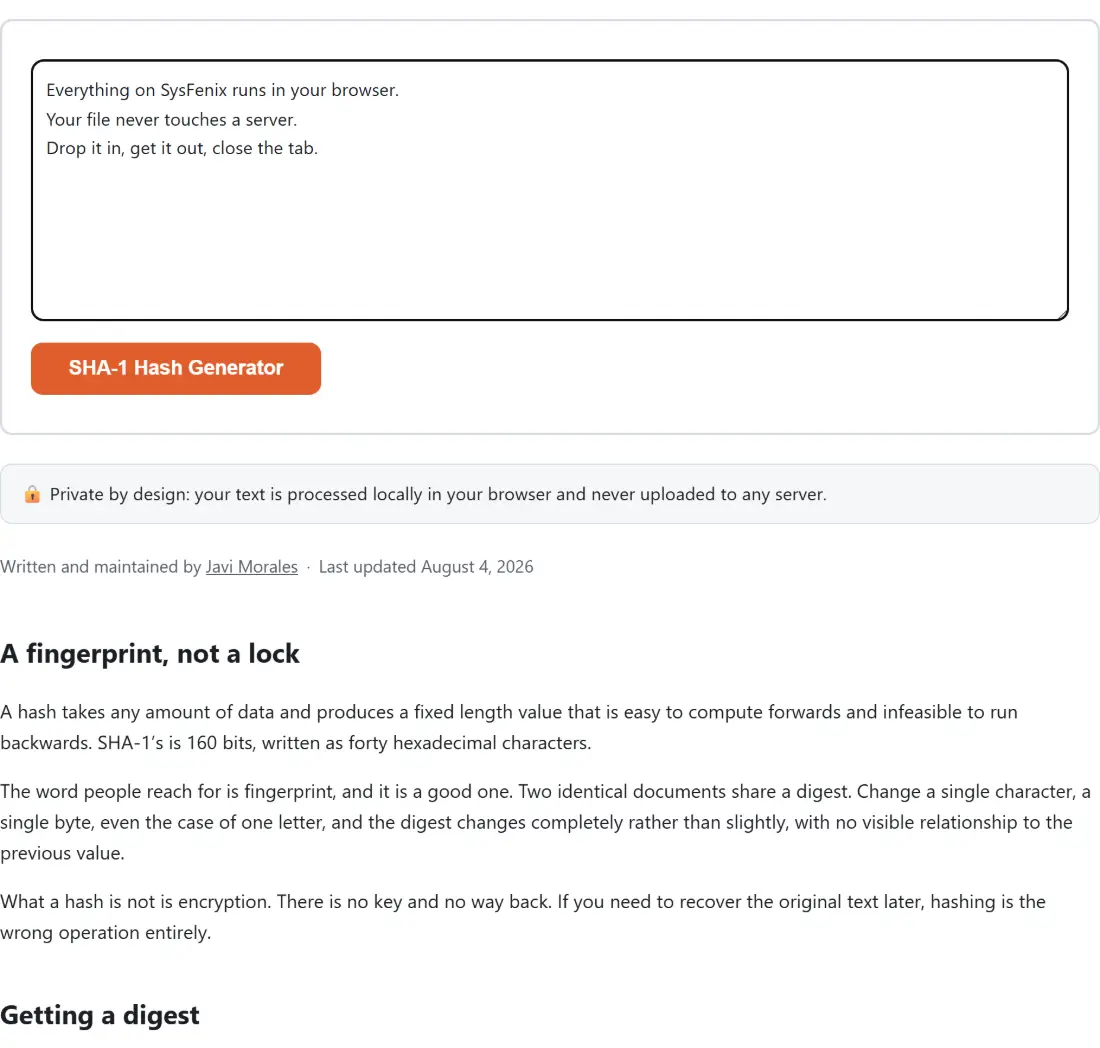
- Paste or type your text into the box. The action button is disabled while it is empty.
- Click SHA-1 Hash Generator.
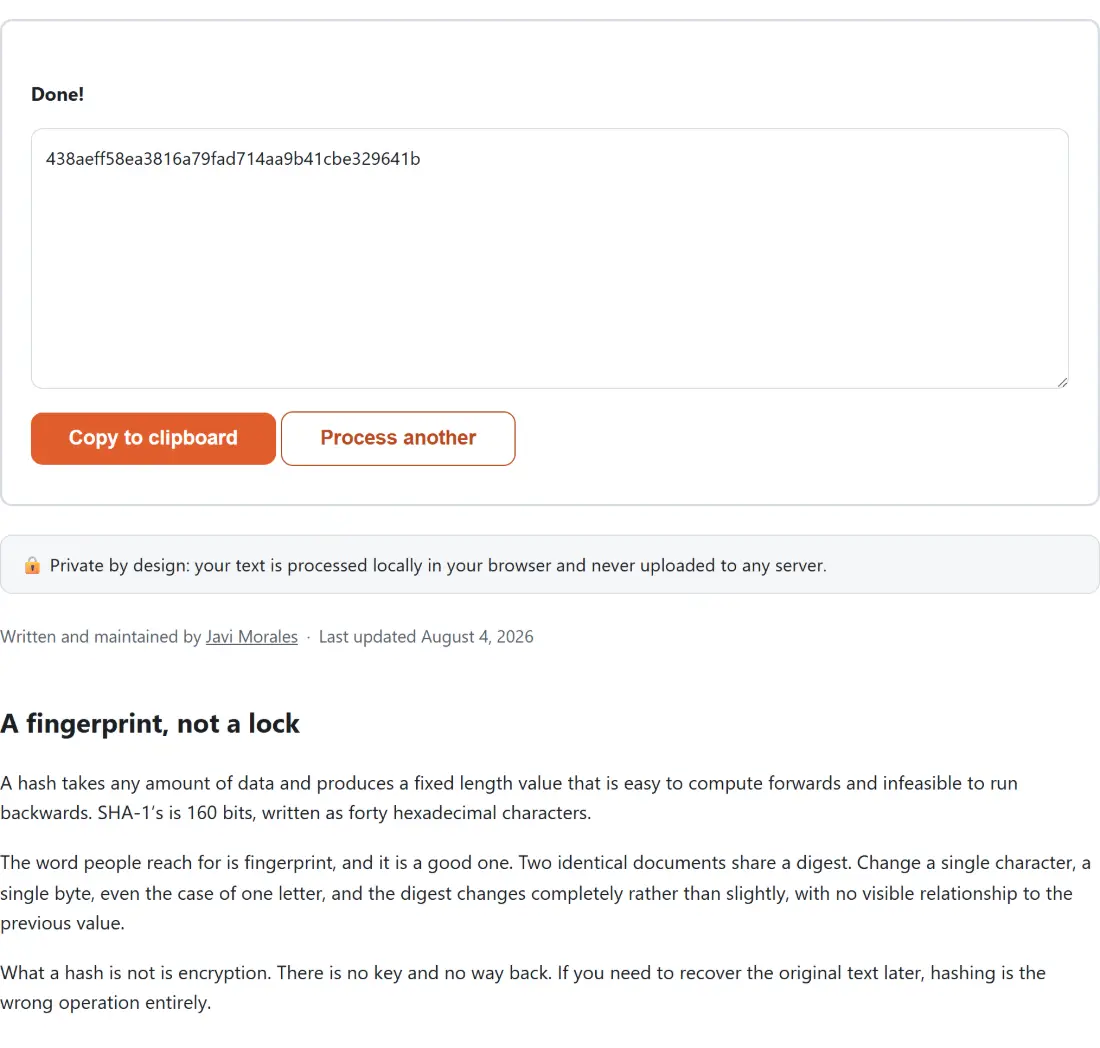
- The forty character digest appears in the read-only box under a Done! line.
- Click Copy to clipboard.
- Process another clears both boxes for the next value.
Whitespace counts. A trailing newline picked up when you copied from a terminal changes the digest, and that is the usual explanation when your value does not match somebody else’s for text that looks identical.
Why SHA-1 is no longer a security primitive
The property that makes a hash useful for proving what you have is collision resistance: it should be infeasible to find two different inputs with the same digest.
SHA-1 no longer has it. Weaknesses were identified in the mid-2000s, and in 2017 researchers published two genuinely different PDF documents with an identical SHA-1 digest, produced deliberately rather than found by luck. That result ended SHA-1’s usefulness for signatures and certificates, and the costs have only come down since.
The practical consequence is specific. Any system where a SHA-1 digest is used to say this is the document I approved can be attacked by preparing two documents in advance, getting one signed, and substituting the other. Certificate authorities stopped issuing SHA-1 certificates and browsers reject them outright.
For anything security relevant, SHA-256 Hash Generator is the drop-in answer, and SHA-512 Hash Generator if you want a longer digest from the same family.
The uses that survive
None of that makes SHA-1 useless, and the honest framing is that it failed at one job while remaining fine at others.
Where a digest is only being used to detect accidental change rather than deliberate substitution, collisions are not the threat model. A build system checking whether a file changed since the last run, a cache key, a deduplication index: an attacker who can craft colliding inputs is not part of any of those pictures.
Plenty of long lived systems also simply use SHA-1 as their identifier scheme and are not going to change. When you need to match one of those values, you need SHA-1 and no substitute will do. That is what this page is for.
Bytes, not characters
The single most common reason two tools disagree about a digest is encoding.
Hash functions consume bytes. Text is not bytes until something decides how to represent it, and different tools have historically decided differently. The text you type here is converted to UTF-8 before hashing, which is the modern default and what almost everything else uses today.
For plain ASCII it makes no difference. For an accented character, a symbol, an emoji or any non-Latin script it makes all the difference, because those become two, three or four bytes each and a tool using a legacy single byte encoding produces an entirely different digest from the same visible text.
If you are comparing against a value from another system and the two disagree on text containing anything outside plain ASCII, encoding is the first thing to check.
Related tools
For a file rather than typed text, File Checksum reads the raw bytes, which is the only correct way to fingerprint a binary. For an even older algorithm still found in download pages, MD5 Hash Generator is the equivalent page and carries a similar warning.
When the goal is authentication rather than a bare digest, HMAC Generator combines a key with the message, which is what API request signing actually needs. And if you are preparing a value for a URL or a header, URL Encode and Base64 Encode handle the transport layer. The rest is on the dev tools hub.