No print engine in a browser tab, so the page gets photographed
Every desktop and server side HTML to PDF converter leans on the same thing, a full browser print pipeline, the machinery behind the print dialog that lays text out into paper sized boxes and emits real PDF text runs. That machinery is not reachable from ordinary JavaScript. A page can ask the browser to open its own print dialog, but it cannot drive that dialog, choose an output file or read the resulting bytes.
So this tool does what every honest client side converter does. It lays your markup out at the exact width of the paper you chose, rasterizes the result into one very tall bitmap, cuts that bitmap into page sized slices and places each slice onto a PDF page. What you get looks precisely like the page rendered, styling and images and tables intact, and the text in it is part of a picture rather than text you can select, search or copy.
That trade is fine for an invoice, a report snapshot or an archived page. It is the wrong trade when the words matter as words. If your source is plain text rather than markup, txt-to-pdf draws real font runs with pdf-lib and produces selectable output instead.
The sandbox attribute that makes an unfamiliar file worth opening
Converting markup somebody sent you is a different risk from converting your own. Markup can carry executable code in three shapes at least, script elements, inline event handler attributes and javascript URLs, and the naive way to render it for a screenshot, dropping it into this page’s own document, would run all three with full access to the site.
Instead the markup is handed to an iframe through its srcdoc property, and that frame carries a sandbox attribute containing exactly one token, the same origin one. The scripting token is absent, and per the sandboxing rules a browsing context without it has its scripting flag disabled outright. This is stronger than filtering tags, because there is no interpreter to reach. The single token that is present is needed for the opposite direction, since the capture step has to read the frame’s document and computed styles synchronously, which a document forced into an opaque origin would refuse. Once the bitmap is taken the frame is removed from the page.
If you would rather sanitize than sandbox, markdown-to-html runs its output through DOMPurify and gives you markup with the dangerous constructs already stripped.
From an .html file to a paginated PDF
- Drop your
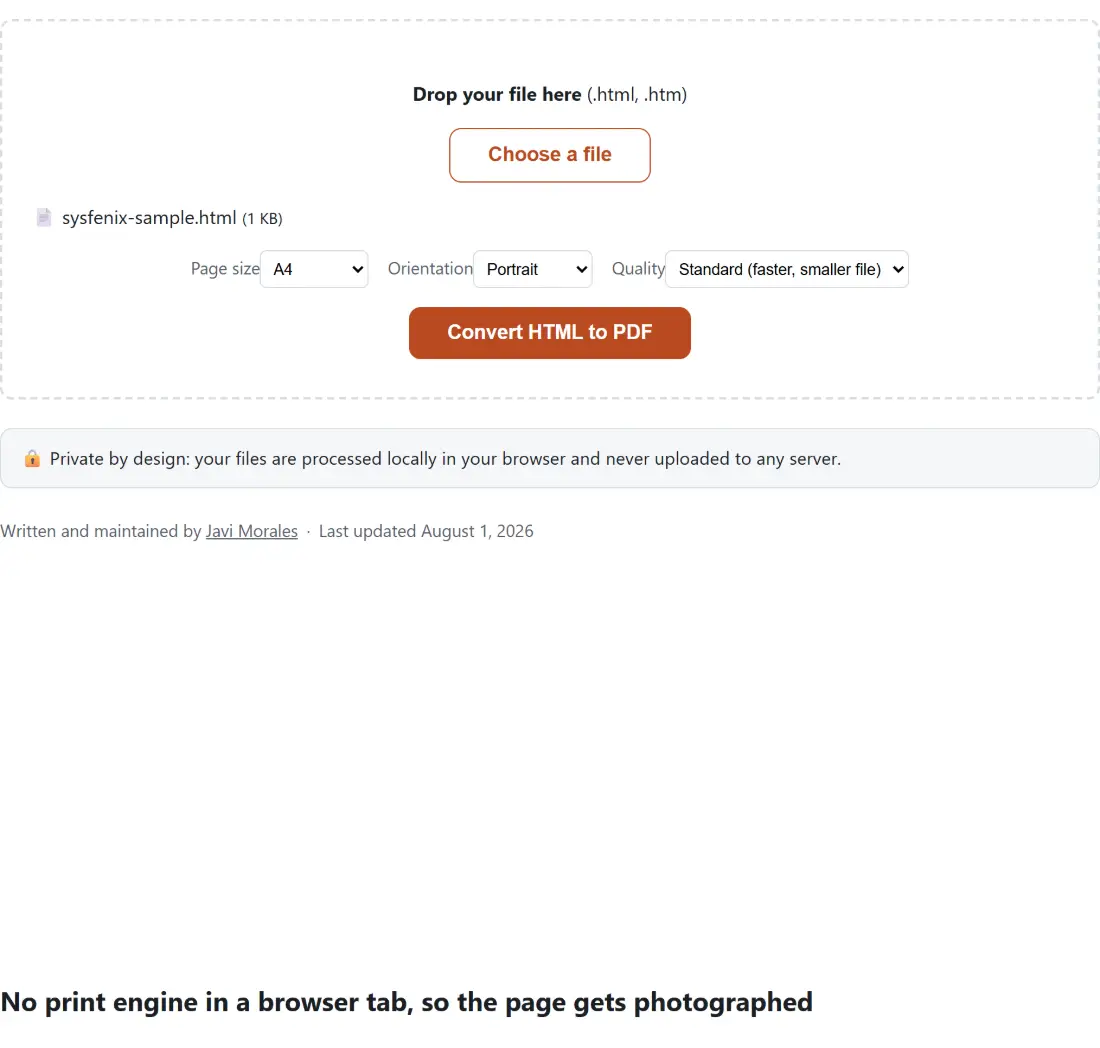
.htmlor.htmfile onto the box above, or press Choose a file. Other extensions are turned away before anything runs, so an.xhtmlor.mhtmlfile has to be renamed or re-saved first. - Pick a Page size, A4 or US Letter, and an Orientation, Portrait or Landscape. The choice fixes the width your layout is measured at, not just the paper.
- Set Quality to Standard (faster, smaller file) or High (sharper, larger file).
- Press Convert HTML to PDF. The bar moves once the layout is measured, again once the capture completes, and then in steps as each page is written.
- Download the result, which keeps your file’s base name with a
.pdfextension, soinvoice.htmlarrives asinvoice.pdf.
Assets that will not make it into the capture
The frame receives your markup as a string, with no folder behind it, so every relative reference in the file is resolved against the address of this page and fails. Absolute links to another site are a mixed bag: a stylesheet on a CDN loads and applies normally, but a picture is only drawn when that server permits a cross origin read of it, which many image hosts do not. Fonts are looser still, because the capture waits briefly for layout and lets the imaging step wait for the pictures it is about to draw, but nothing waits for a web font to finish downloading, so a face that arrives late is simply not the one that gets drawn.
The reliable shape for a file you intend to convert is self contained. Put your CSS in a style element in the head, and inline your pictures as data URIs, which image-to-base64 will produce for you along with a ready made img snippet. A table built in html-table-generator can be exported straight to a .html file from its download button and converted here without touching an editor.
Where the page breaks land, and why CSS cannot move them
Pagination happens after rendering, on the bitmap, which is why it is both dependable and blunt. The captured width divided by the paper width in points gives a pixels per point figure, the paper height multiplied by that figure gives the height of one page in captured pixels, and the tall image is cut into that many equal slices with a shorter remainder at the end. For A4 portrait at Standard that slice is a fraction under 1123 pixels tall.
The last slice is placed at its true proportional height rather than stretched to fill the sheet, so a short final page ends with white space instead of a distorted footer. Nothing inspects the content while cutting, so page break properties in your stylesheet are ignored and a table row or a heading can land across the join. Adding vertical padding above whatever keeps getting split is the only lever you have from the source.
For Markdown there is a shorter road. markdown-to-pdf wraps your text in one of three themes and hands the finished markup to this exact rendering path, so converting to markup first and then converting again is only worth it when you want to edit the intermediate file. The finished PDF can then be merged, compressed or recolored with the rest of the PDF tools.